

Development Windows
BlueJ for Windows
Learn Java with BlueJ, a free development environment for beginners that lets you create objects, call methods and inspect field values interactively.
- Operating system
- Windows 8 or later
- Architecture
- 64-bit; specific CPU architecture not stated on the publisher download page
- Download package
- MSI installer
This link selects the Windows MSI. A standalone ZIP is offered separately for USB use; the current release requires a 64-bit operating system.
Link checked · Download guidance
What is BlueJ?
BlueJ is a Java development environment designed for learning and teaching object-oriented programming. Its deliberately small interface gives beginners a place to write code and explore how objects behave without starting with a professional IDE's larger toolset.
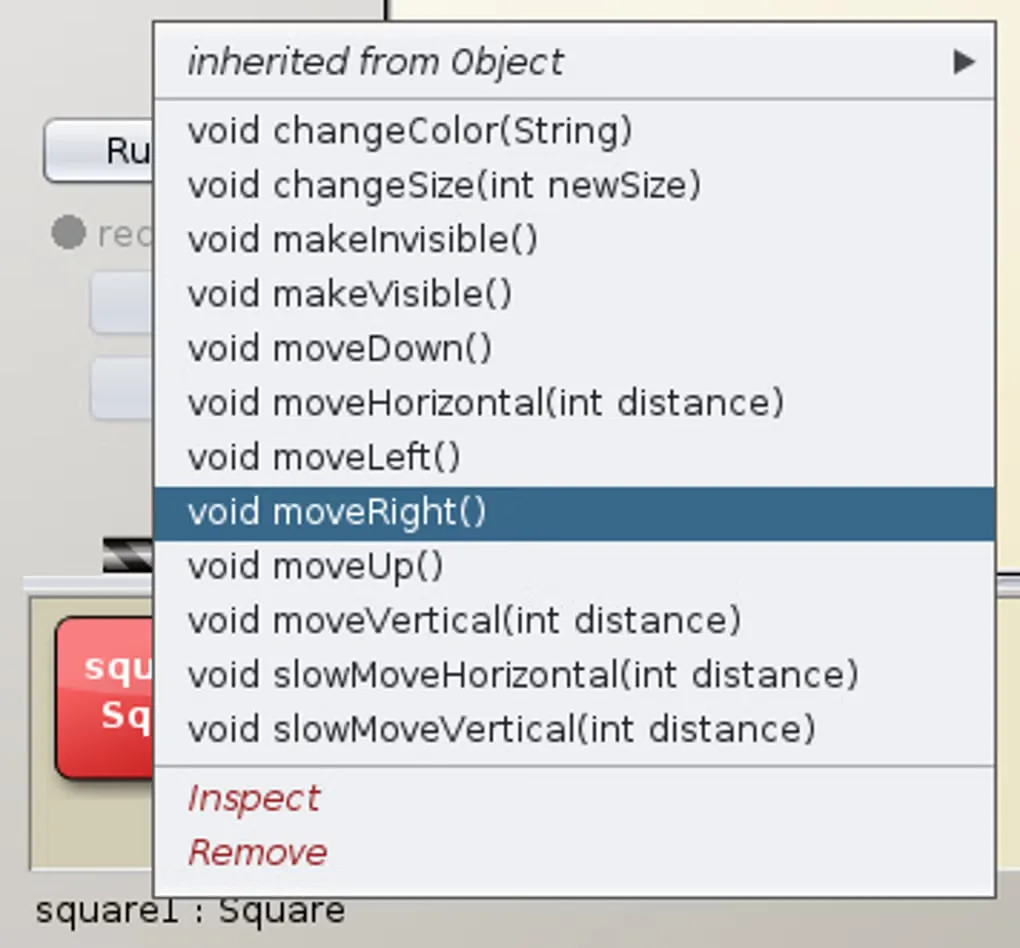
You can create objects, invoke their methods and inspect their fields while a program is running. The code pad also evaluates Java expressions directly, while the editor uses coloured backgrounds to make code scopes easier to follow. These tools suit classroom exercises and experiments with individual objects.
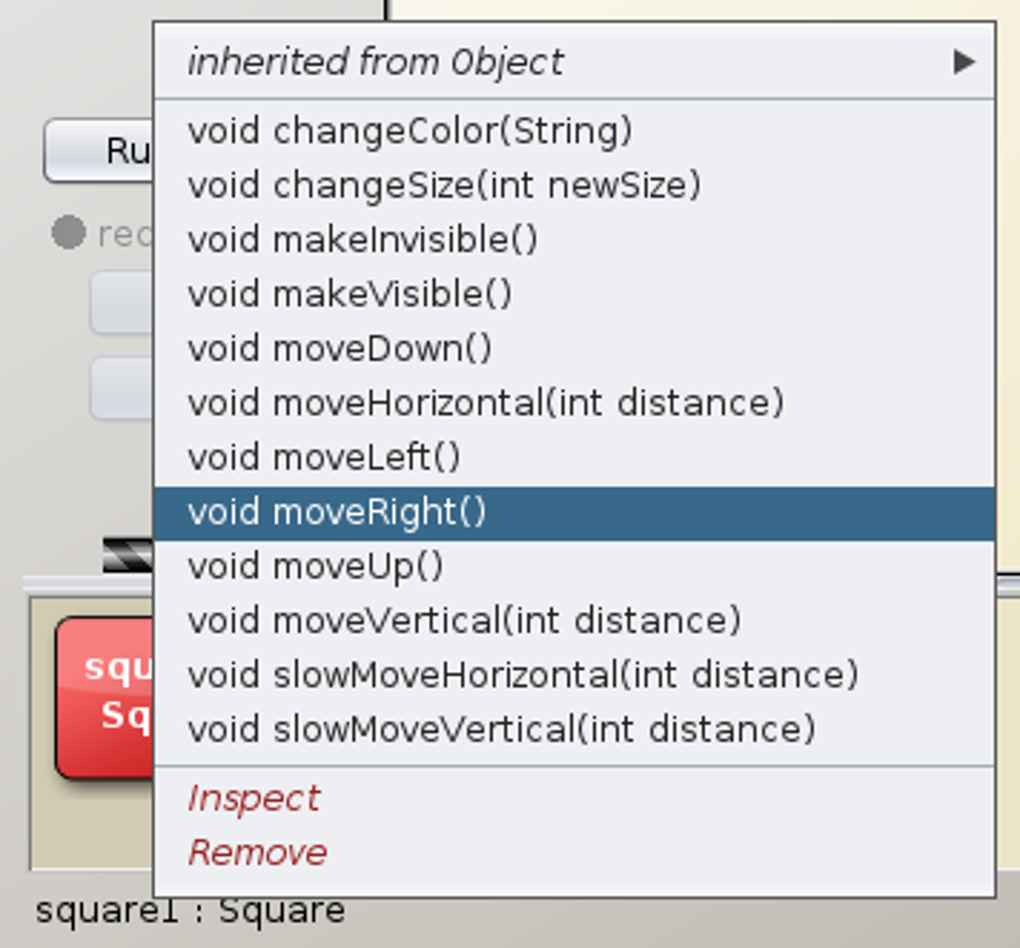
This entry links to the publisher's Windows MSI for BlueJ 6.0.1. It requires a 64-bit version of Windows 8 or later; this release does not support 32-bit Windows. The publisher also offers a standalone ZIP for USB use. The gallery image is a source-supplied illustration of BlueJ's object interaction, not a verified screenshot of version 6.0.1.
What it offers
- Create objects and invoke their methods interactively.
- Inspect object fields while a program is running.
- Evaluate Java expressions directly in the code pad.
- Follow code blocks with the editor's coloured scope highlighting.
- Use a deliberately smaller interface designed for introductory Java teaching.
Good to know
- BlueJ 6.0.1 requires 64-bit Windows 8 or later and does not support 32-bit Windows.
- The interface is deliberately simpler than professional environments such as NetBeans or Eclipse; its focus is introductory teaching.
Product images
Sources
References used for this listing. Retrieval dates do not indicate hands-on testing.
More in development
View category ↗
010 Editor 17.0
Inspect and edit binary files on Mac with 010 Editor, a paid text and hex editor with Binary Templates, file comparison and a 30-day trial.
010 Editor 17.0
Inspect and edit binary files with 010 Editor for Windows, a text and hex editor with Binary Templates, file comparison and scripting. Includes a 30-day trial.
10x Editor
Edit and navigate C++ projects on Windows with a built-in parser, workspace search and Visual Studio project support. A paid license is required after the 30-day trial.