

Utilities Windows
BlueStacks App Player for Windows
Play Android games on Windows with BlueStacks App Player, using customizable keyboard and mouse controls, multiple instances and recorded macros.
- Operating system
- Windows; publisher download page highlights Windows 11
- Architecture
- Selected Android environment: Pie 64-bit; host architecture not independently verified
- Download package
- EXE installer
Publisher lists general BlueStacks 5 minimums of 4 GB RAM, 5 GB free disk space, an Intel or AMD processor, administrator access and current graphics drivers. Individual apps may need more.
Link checked · Download guidance
What is BlueStacks App Player?
BlueStacks App Player runs Android games and apps on a Windows PC. It is aimed at players who want desktop controls instead of relying on a phone touchscreen: preset controls can be customized, and separate instances let you keep more than one game or app open. Macros record and replay repeated actions, while Eco Mode helps reduce resource use when running multiple instances.
This entry links to the publisher’s BlueStacks 5 Windows download offered under Pie 64-bit. The Android version is a choice of emulated environment, not a promise that every Android app will work. Softonic notes high resource consumption and compatibility limitations with some apps; performance depends on the PC and the game. Google Play installation requires a Google account.
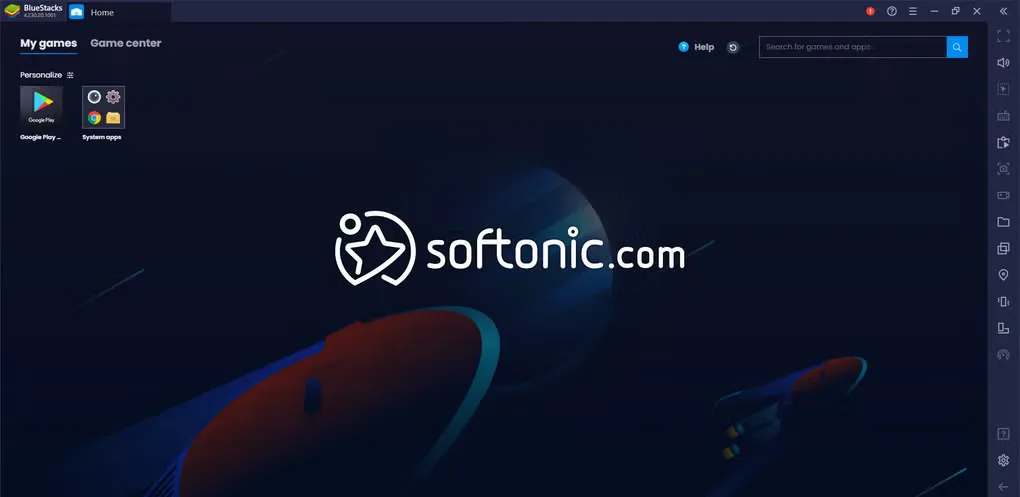
BlueStacks is free to download, with paid offerings also available. The screenshot is an older BlueStacks interface supplied in Softonic’s Windows gallery, not a capture of the current installer or a claim about its exact appearance.
What it offers
- Play Android games and use Android apps on a Windows PC.
- Use preset keyboard and mouse controls or customize them.
- Run multiple games or apps through separate instances.
- Record and replay action sequences with macros.
- Use Eco Mode to reduce resource usage when running multiple instances.
Good to know
- CPU and RAM use can be substantial; performance depends on your PC and the game.
- Some Android apps and games may not work correctly in the emulator.
- Installing games from Google Play requires signing in to a Google account.
Product images
Sources
References used for this listing. Retrieval dates do not indicate hands-on testing.
More in utilities
View category ↗
1.1.1.1 with WARP 2026.8.2115.0
Encrypt traffic from your Mac to Cloudflare’s network with WARP, or use DNS-only mode for encrypted DNS queries to the 1.1.1.1 resolver.
1.1.1.1 with WARP 2026.8.2115.0
Encrypt traffic between your Windows PC and Cloudflare, or use encrypted DNS only, with the free 1.1.1.1 with WARP app.

3uTools 9.12.005
Manage iPhone and iPad photos, music, apps and backups from Windows with 3uTools, a free utility that also includes device checks and firmware flashing tools.