
Utilities Windows
BookMaker
Arrange existing PDFs into 2-up saddle-stitched or perfect-bound book layouts with BookMaker for Windows, then export an imposed PDF for printing.
- Operating system
- Windows 7 SP1 through Windows 10 or above, as stated by the publisher
- Architecture
- 64-bit Windows package; CPU architecture not specified
- Download package
- ZIP archive
Separate 32-bit and 64-bit editions are listed. Requires 1280 × 800 resolution and an external PDF viewer. No independent compatibility test.
Link checked · Download guidance
What is BookMaker?
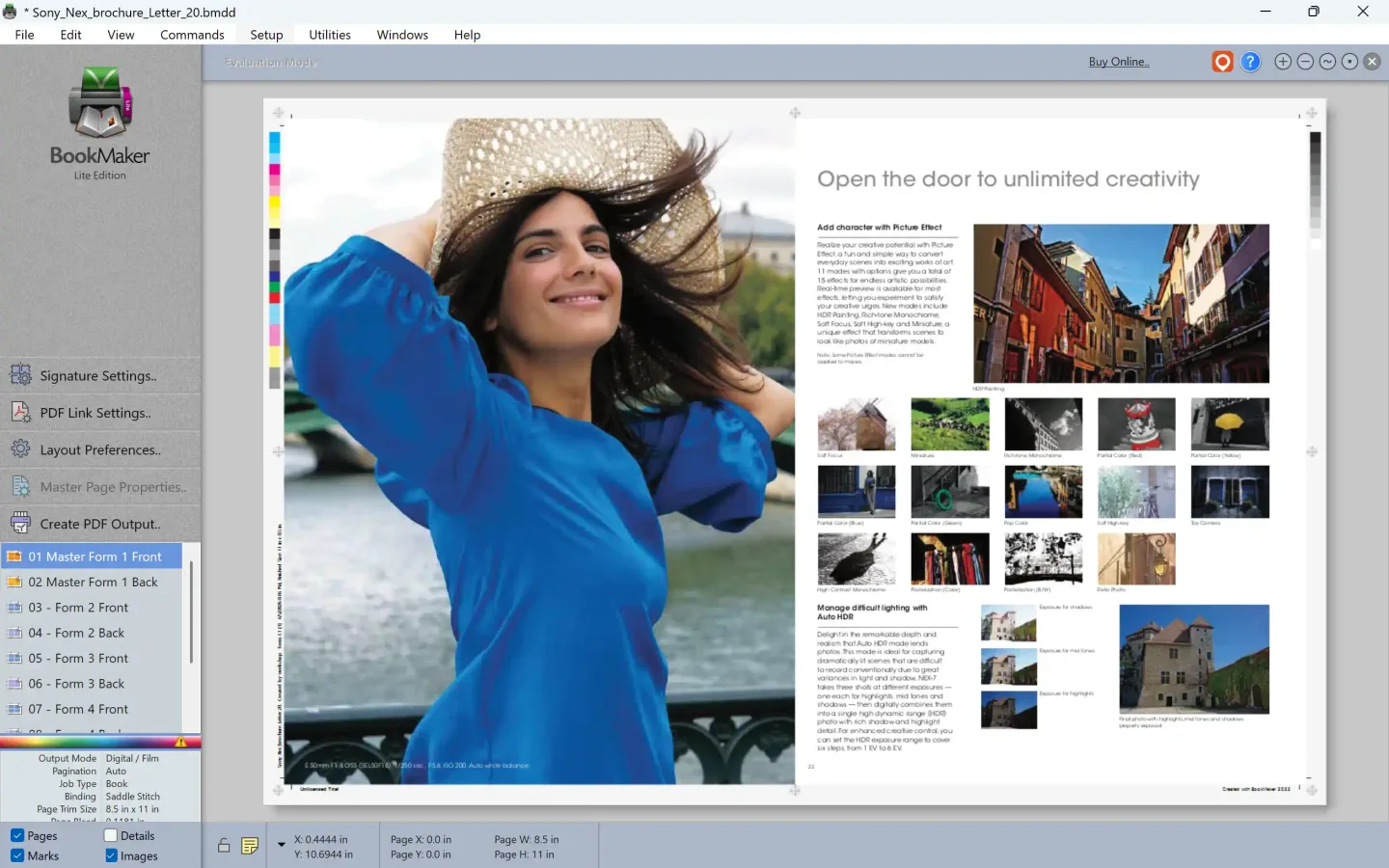
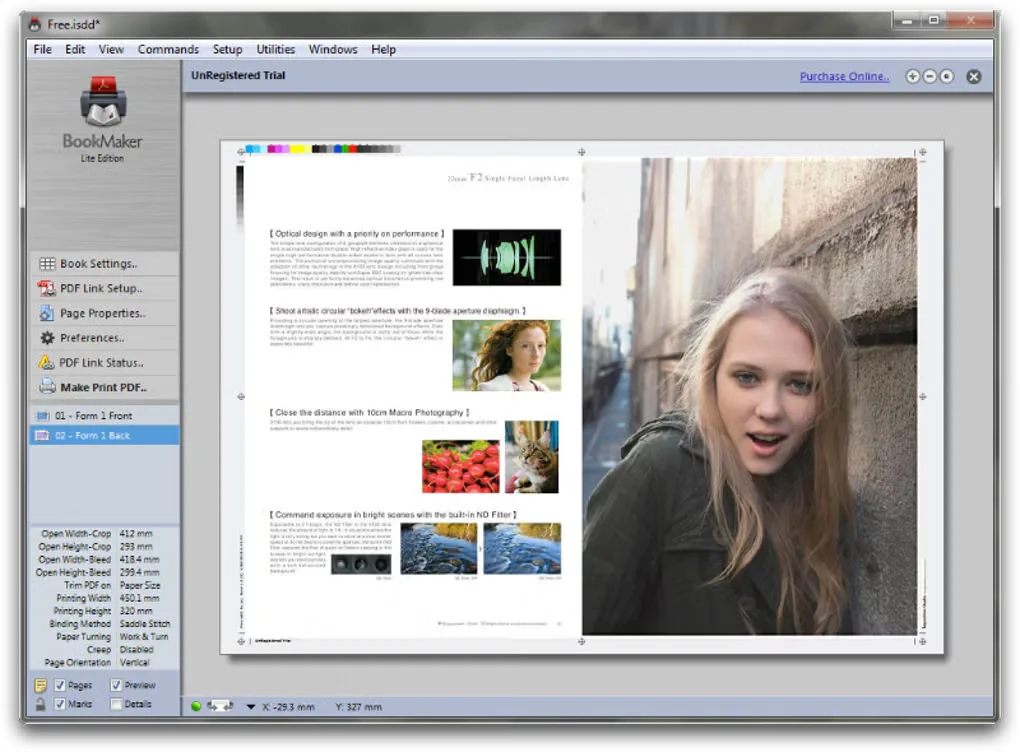
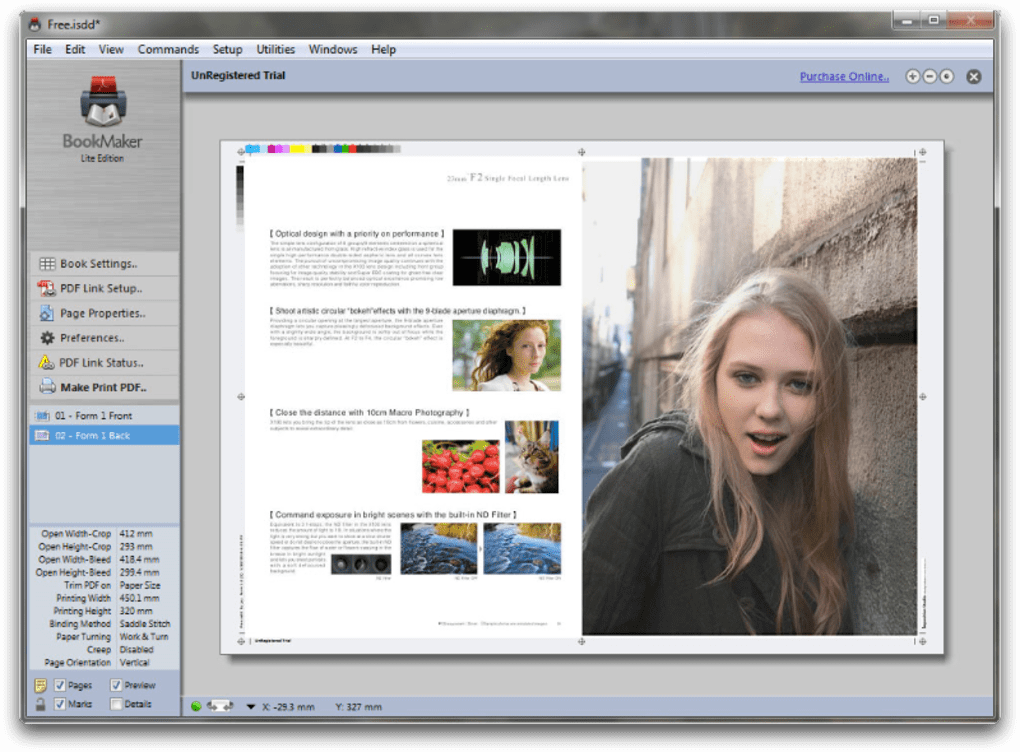
BookMaker is a dedicated PDF imposition application for preparing booklets and books from existing PDF pages. Drop a PDF into its window to create a book layout automatically, or add more documents through PDF Links. It is intended for arranging pages for printing, rather than writing the book itself.
Before exporting, adjust crop marks, color bars and slug lines to suit the print job. The output is an imposed PDF: open that file in a separate PDF viewer to view or print it. BookMaker focuses on 2-up layouts, so do not treat it as a general-purpose, arbitrary-layout imposition system.
This entry links to the publisher’s Windows 64-bit ZIP package listed under version 2.0.3. A trial version is listed by Softonic, while the publisher sells single-user and three-user licenses. The publisher requires a 1280 × 800 display and describes Windows support as Windows 7 SP1 through Windows 10 or above; operation on a particular newer Windows build has not been independently tested here.
What it offers
- Create 2-up saddle-stitched or perfect-bound book layouts from PDF files.
- Build a layout by dragging in a PDF; combine additional PDFs through PDF Links.
- Adjust crop marks, color bars and slug lines before output.
- Export an imposed PDF for viewing and printing in a separate PDF application.
Good to know
- Dedicated to 2-up PDF imposition, not book writing or unrestricted multi-up layout design.
- Requires an external PDF viewer to view and print output, plus a display resolution of at least 1280 × 800.
- A trial is available; the licensed version is paid. Trial duration and restrictions are not established by the sources used here.
Product images
Sources
References used for this listing. Retrieval dates do not indicate hands-on testing.
More in utilities
View category ↗
1.1.1.1 with WARP 2026.8.2115.0
Encrypt traffic from your Mac to Cloudflare’s network with WARP, or use DNS-only mode for encrypted DNS queries to the 1.1.1.1 resolver.
1.1.1.1 with WARP 2026.8.2115.0
Encrypt traffic between your Windows PC and Cloudflare, or use encrypted DNS only, with the free 1.1.1.1 with WARP app.


3uTools 9.12.005
Manage iPhone and iPad photos, music, apps and backups from Windows with 3uTools, a free utility that also includes device checks and firmware flashing tools.