
Utilities macOS
Calibre for macOS
Organize, convert and read e-books on your Mac with Calibre, a free, open-source library manager with metadata editing and device-transfer tools.
Version 9.17.0 · Direct publisher file
Link checked · Download guidance
What is Calibre?
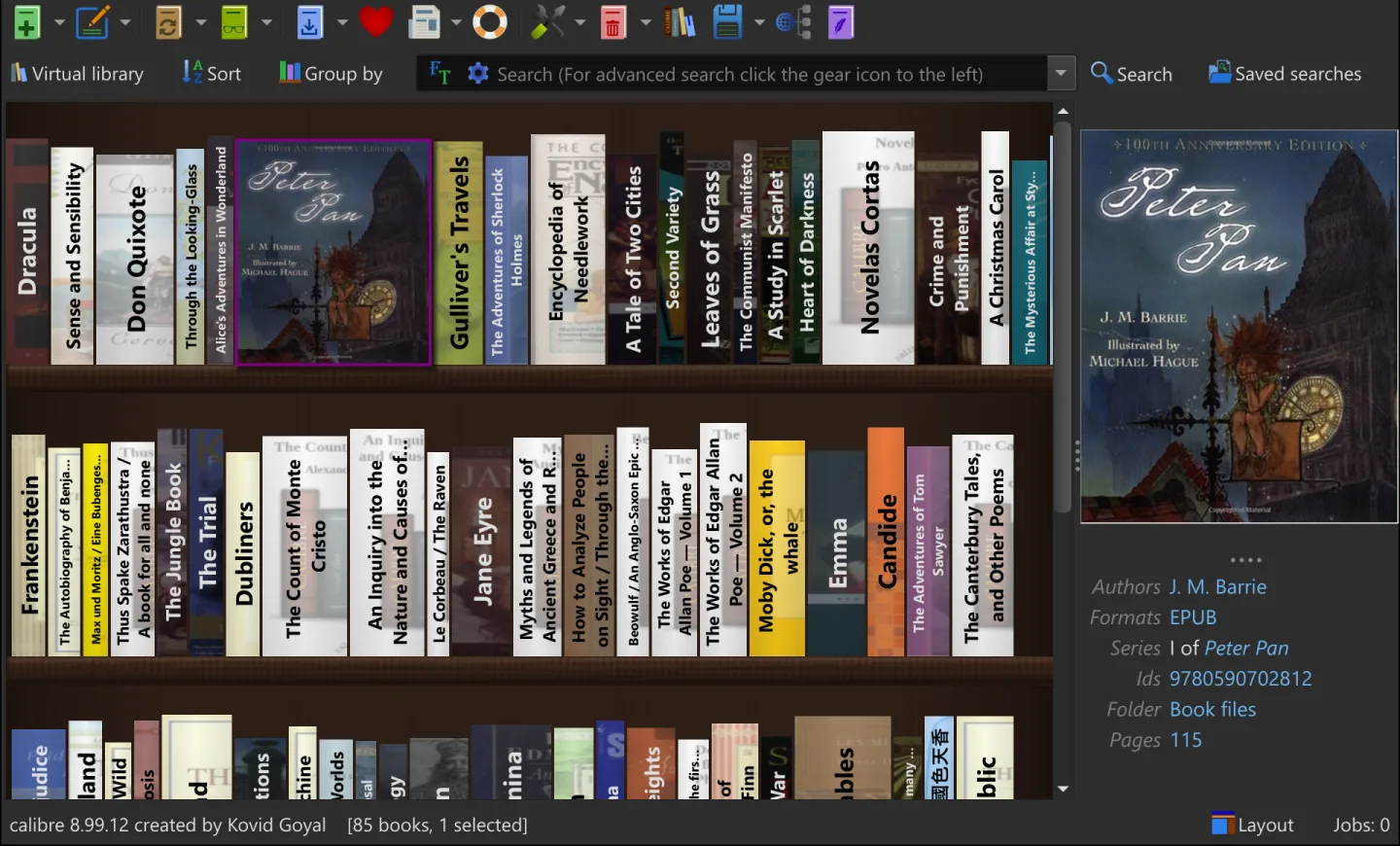
Calibre brings your e-book collection into one searchable library. Add books from your Mac, edit titles, authors, tags and covers, and convert supported formats such as EPUB, MOBI and AZW3 for your reading workflow. Its built-in viewer offers bookmarks and highlighting, while the Content server lets you browse your library from another device through a web browser. The Bookshelf view provides a visual way to browse books and group them by author or series.
The linked macOS download is version 9.17.0 in a DMG package. The publisher requires macOS 14 Sonoma or later and says to move the application out of the disk image before running it. Older macOS releases need an older Calibre version; this download is not intended for those systems.
Calibre does not convert DRM-protected e-books. Its conversion tools are useful for supported, unprotected files, not as a way to make every purchased book work on every reader. Importing books creates library copies and leaves your original files untouched. The screenshot is the publisher's cross-platform Bookshelf preview, not a capture of this Mac release.
What it offers
- Organize e-books with searchable metadata, tags, authors and cover information.
- Convert supported unprotected e-books between formats including EPUB, MOBI and AZW3.
- Read with the built-in e-book viewer, including bookmarks and highlighting.
- Transfer books to supported reading devices or access the library through the Content server.
- Browse a Bookshelf view and group books by author or series.
Good to know
- Calibre will not convert DRM-protected e-books.
- This macOS download requires macOS 14 Sonoma or later; older systems require an older release.
- The application cannot run from inside the DMG; move it to a folder on the Mac first.
Product images
Sources
References used for this listing. Retrieval dates do not indicate hands-on testing.
- Calibre for Mac - Download ↗Retrieved
- calibre - About ↗Retrieved
- calibre - Download for macOS ↗Retrieved
- The Graphical User Interface — calibre 9.17.0 documentation ↗Retrieved
- Frequently Asked Questions — calibre 9.17.0 documentation ↗Retrieved
- calibre - What's new ↗Retrieved
- calibre - New in calibre 9.0 ↗Retrieved
More in utilities
View category ↗
1.1.1.1 with WARP 2026.8.2115.0
Encrypt traffic from your Mac to Cloudflare’s network with WARP, or use DNS-only mode for encrypted DNS queries to the 1.1.1.1 resolver.
1.1.1.1 with WARP 2026.8.2115.0
Encrypt traffic between your Windows PC and Cloudflare, or use encrypted DNS only, with the free 1.1.1.1 with WARP app.

3uTools 9.12.005
Manage iPhone and iPad photos, music, apps and backups from Windows with 3uTools, a free utility that also includes device checks and firmware flashing tools.