
Development Windows
Camunda Modeler
Design BPMN process diagrams, DMN decision tables and forms locally with Camunda Modeler for Windows. This download is the standalone Windows x64 ZIP, not the Camunda runtime.
- Operating system
- Windows; Softonic lists Windows 11
- Architecture
- x64
- Download package
- ZIP archive
Extract the archive and start the Camunda Modeler executable. Exact minimum Windows version/build not verified. Runtime distributed separately.
Link checked · Download guidance
What is Camunda Modeler?
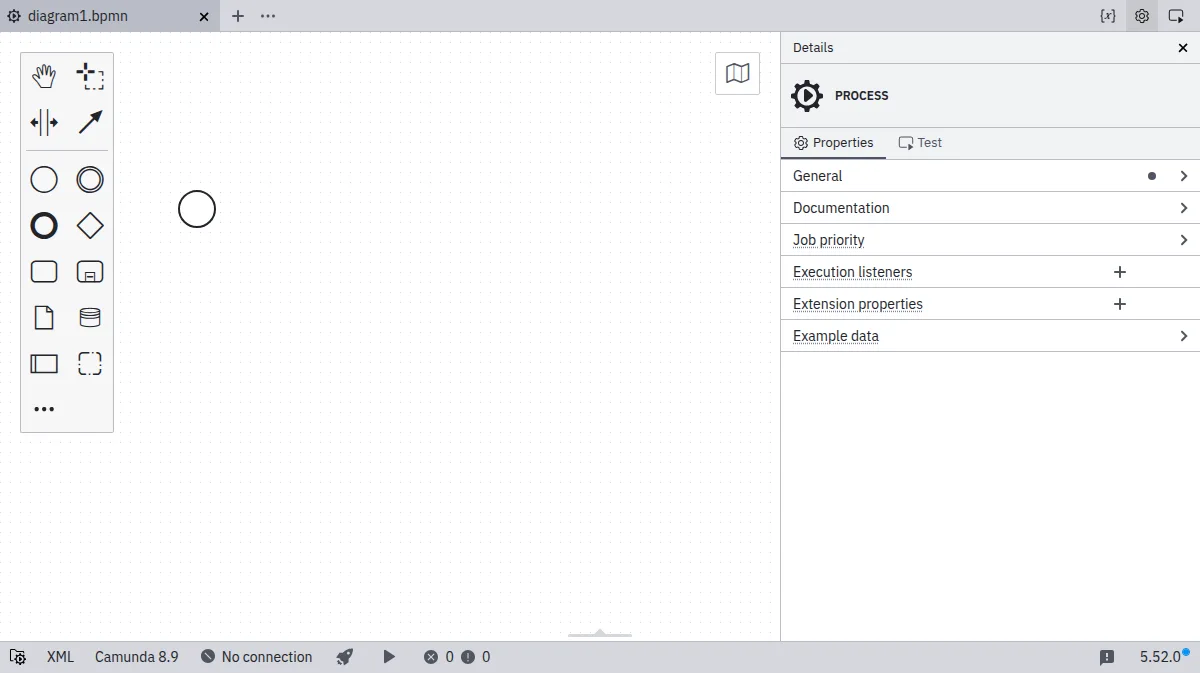
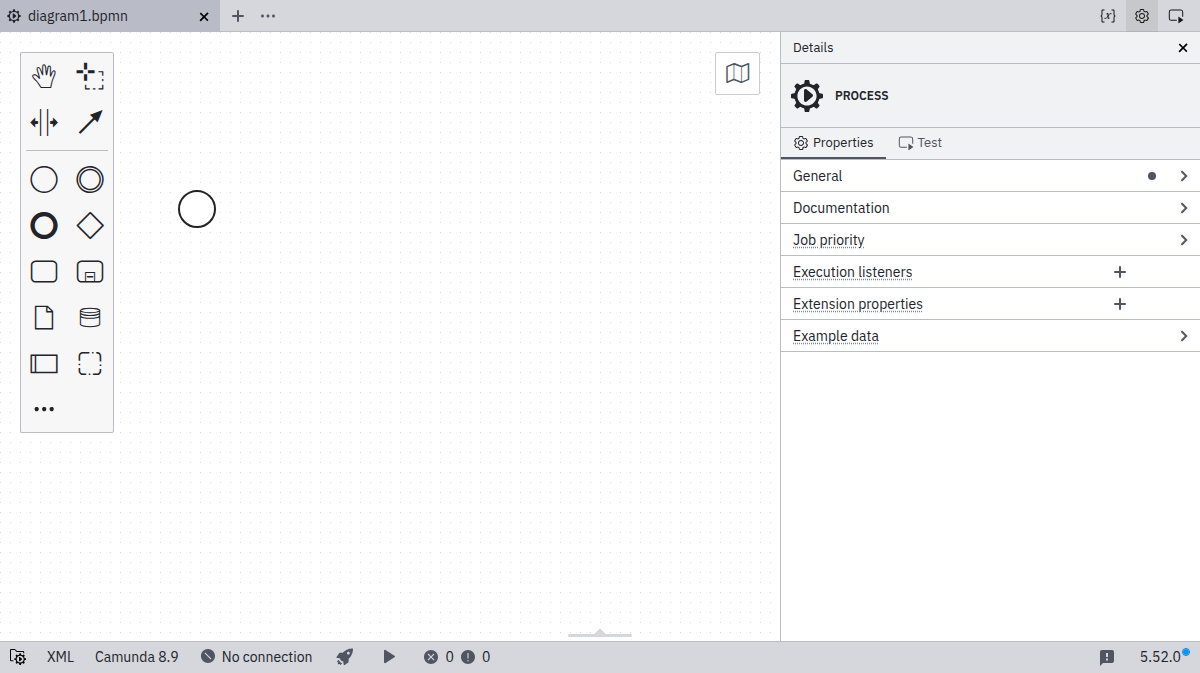
Camunda Modeler, also called Desktop Modeler, is a local editor for developers implementing process applications with Camunda 7 or 8. Use BPMN to describe a process, DMN to define decisions and forms to collect input. Its files live on your local file system, so the modeler can sit alongside your IDE rather than replace it.
The editor provides configurable diagram linting and supports extensions. It can also deploy diagrams and start processes once connected to Camunda. Editing a diagram is not the same as executing it: deployment, starting process instances and task testing require a configured Camunda connection. The standalone Modeler ZIP does not include the separate Camunda 8 runtime.
The selected package is version 5.52.0 for Windows x64. The publisher instructs Windows users to unpack the archive and start the Camunda Modeler executable. Registering file associations is an optional additional step. Softonic lists Windows 11, but an exact minimum Windows version or build for this package was not established from the inspected publisher pages.
What it offers
- Create BPMN process diagrams, DMN decisions and forms in a desktop editor.
- Work on local files alongside an IDE for Camunda 7 and 8 implementation.
- Validate diagrams with configurable lint rules.
- Customize the editor through extensions and plugins.
- Deploy diagrams and start processes after configuring a Camunda connection.
Good to know
- The standalone editor does not bundle the Camunda runtime; deployment, process execution and task testing require a Camunda connection.
- The selected archive is Windows x64. Exact minimum Windows version and build requirements were not established from the inspected publisher pages.
Product images
Sources
References used for this listing. Retrieval dates do not indicate hands-on testing.
- Camunda Modeler - Download ↗Retrieved
- Camunda Downloads — Desktop Modeler ↗Retrieved
- Camunda Download Center — Modeler 5.52.0 ↗Retrieved
- Desktop Modeler | Camunda 8 Docs ↗Retrieved
- Install Desktop Modeler | Camunda 8 Docs ↗Retrieved
- Connect to Camunda 8 | Camunda 8 Docs ↗Retrieved
- camunda/camunda-modeler — official repository and README ↗Retrieved
- Camunda Modeler — MIT license ↗Retrieved
More in development
View category ↗
010 Editor 17.0
Inspect and edit binary files on Mac with 010 Editor, a paid text and hex editor with Binary Templates, file comparison and a 30-day trial.
010 Editor 17.0
Inspect and edit binary files with 010 Editor for Windows, a text and hex editor with Binary Templates, file comparison and scripting. Includes a 30-day trial.
10x Editor
Edit and navigate C++ projects on Windows with a built-in parser, workspace search and Visual Studio project support. A paid license is required after the 30-day trial.