
Utilities Windows
Capture2Text for Windows
Copy text from a selected screen area to the clipboard with Capture2Text, a free Windows OCR tool with customizable shortcuts and multiple recognition languages.
- Operating system
- Windows 7, 8/8.1 and 10 (publisher-listed)
- Architecture
- 64-bit
- Download package
- ZIP archive; no installation required
Separate 32-bit ZIP available. Extract before launching Capture2Text.exe. Windows 11 is not listed in publisher requirements.
Link checked · Download guidance
What is Capture2Text?
Capture2Text turns text visible on your screen into text you can copy and edit. Start a capture with a keyboard shortcut, draw a box around the words, and finish the selection to send the OCR result to the clipboard. An optional popup lets you view the captured text. This is useful when words appear inside an image rather than as selectable text.
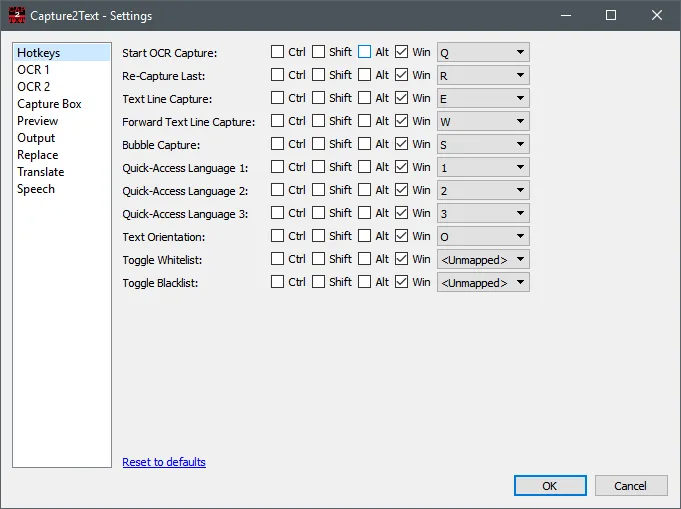
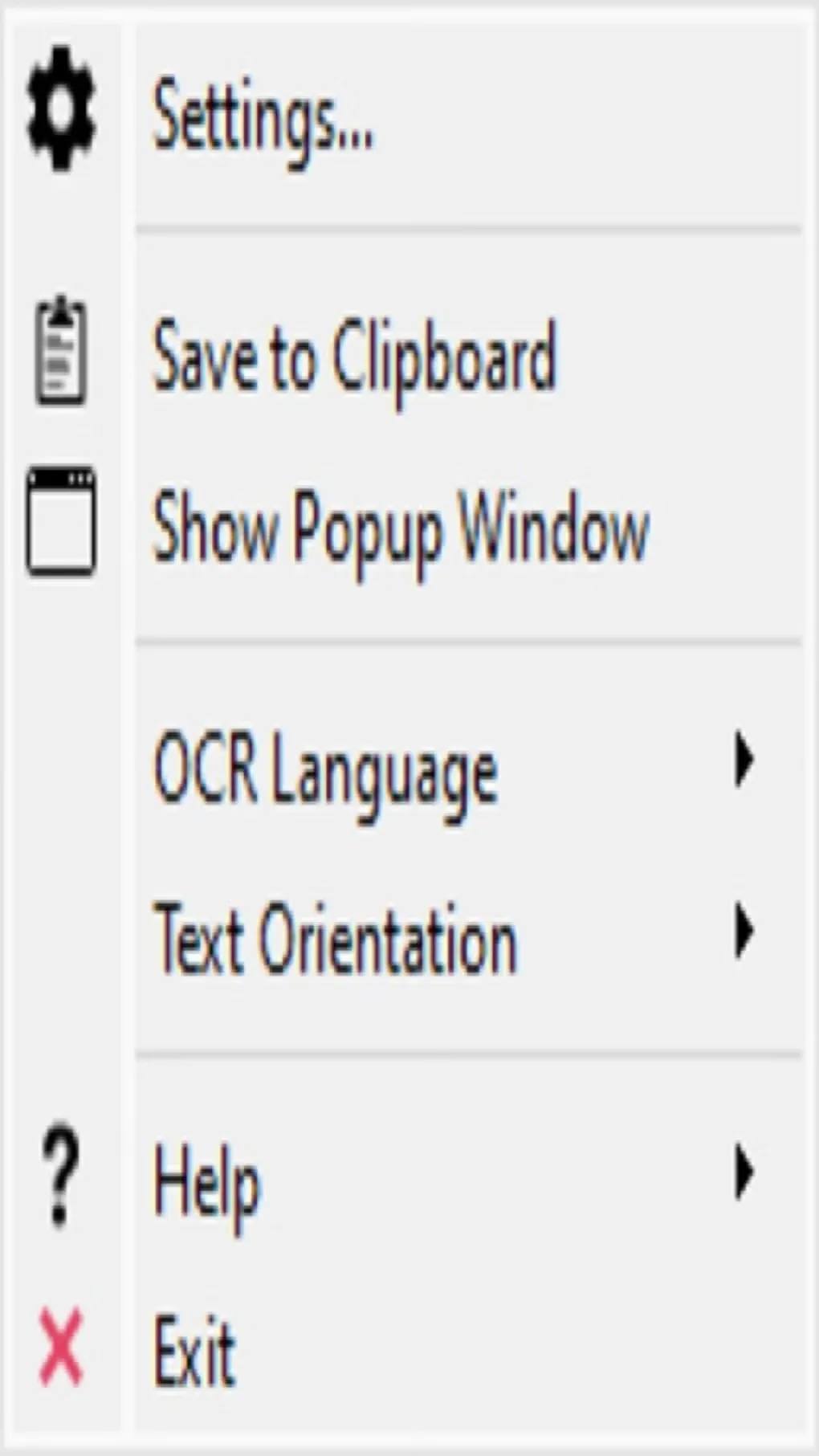
The application runs from an extracted ZIP without installation. Its tray menu and settings provide language selection, configurable hotkeys, text orientation and output controls. English, French, German, Japanese, Korean, Russian and Spanish are included; additional recognition languages require separate dictionaries. Text-line and bubble capture modes provide alternatives to drawing a rectangular selection.
Select the OCR language manually before capturing. Complex fonts or poor-quality images can produce recognition errors, so check the extracted text before using it. The publisher also documents optional translation, which needs Internet access and does not support every OCR language; no live translation-service test is claimed here. The selected download is the 64-bit Windows ZIP. Publisher requirements list Windows 7, 8/8.1 and 10, not Windows 11.
What it offers
- Capture a selected screen region with a configurable keyboard shortcut and copy recognized text to the clipboard.
- View captured text in an optional popup window.
- Use seven bundled OCR languages and add other languages with separate dictionaries.
- Capture a nearby text line, a forward text line or text inside an enclosed comic bubble.
- Adjust hotkeys, text orientation, preview and output settings from the tray interface.
Good to know
- The OCR language must be selected manually; additional languages require separate dictionary files.
- Complex fonts and poor image quality can cause recognition errors that need manual correction.
- Optional translation requires Internet access, and some OCR languages are unsupported.
- Publisher requirements list Windows 7, 8/8.1 and 10; Windows 11 compatibility is not established by that source.
Product images
Sources
References used for this listing. Retrieval dates do not indicate hands-on testing.
More in utilities
View category ↗
1.1.1.1 with WARP 2026.8.2115.0
Encrypt traffic from your Mac to Cloudflare’s network with WARP, or use DNS-only mode for encrypted DNS queries to the 1.1.1.1 resolver.
1.1.1.1 with WARP 2026.8.2115.0
Encrypt traffic between your Windows PC and Cloudflare, or use encrypted DNS only, with the free 1.1.1.1 with WARP app.


3uTools 9.12.005
Manage iPhone and iPad photos, music, apps and backups from Windows with 3uTools, a free utility that also includes device checks and firmware flashing tools.