

Utilities Windows
Cherry Studio for Windows
Chat with cloud or local AI models, compare responses and build knowledge bases in Cherry Studio, an open-source desktop AI workspace for Windows.
- Operating system
- Windows; minimum supported Windows version not established in the cited sources
- Architecture
- x64
- Download package
- EXE installer
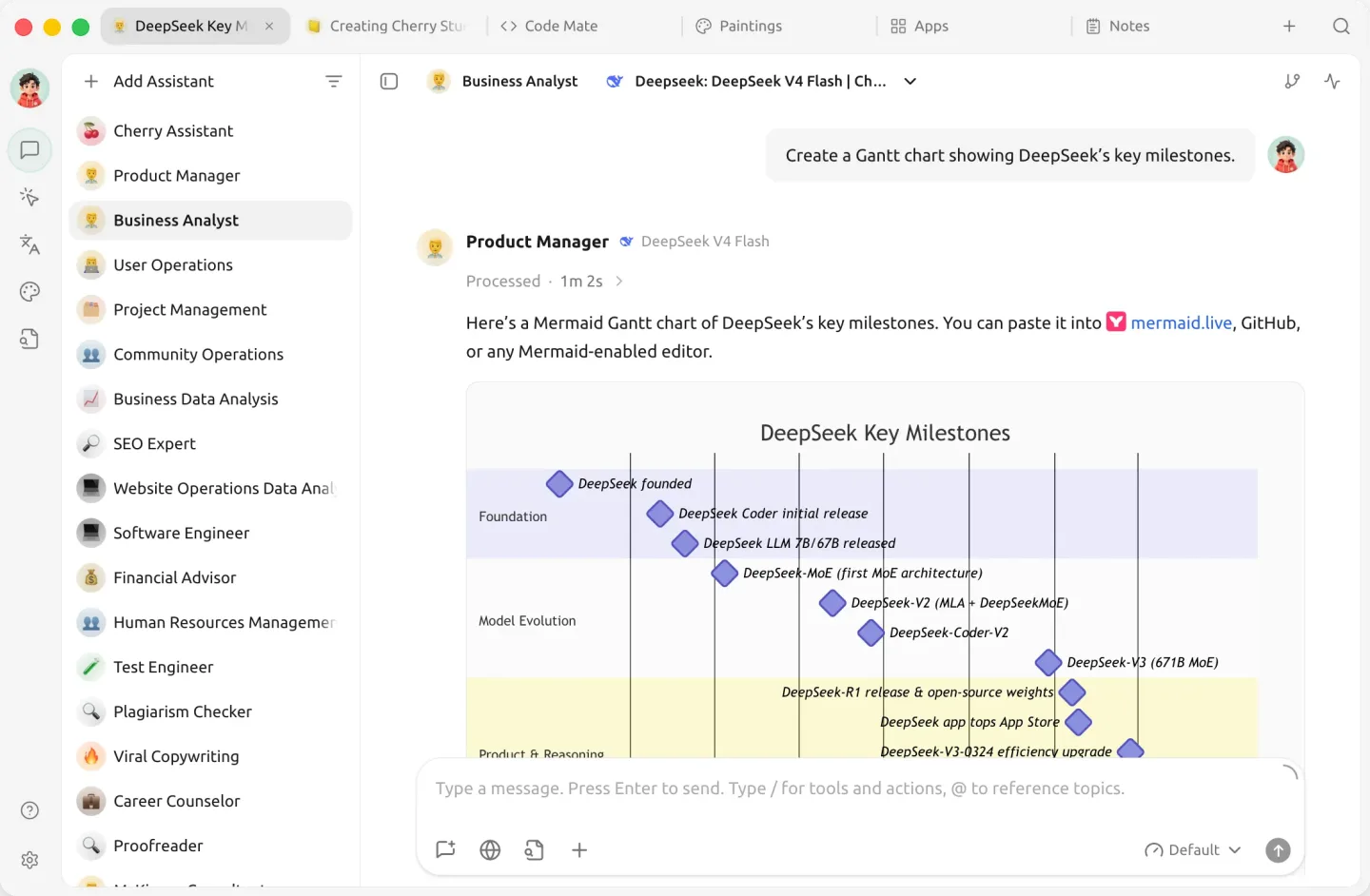
Selected package is Windows x64. The publisher also lists separate Windows ARM64 installers and portable packages. Screenshot shows the publisher's macOS desktop interface.
Link checked · Download guidance
What is Cherry Studio?
Cherry Studio brings model conversations, assistants and document-based knowledge bases into one desktop workspace. Connect a cloud provider such as OpenAI, Anthropic or Gemini, or use local models through Ollama or LM Studio. You can customize assistants, compare model responses in a conversation and read replies containing Markdown, code, formulas or Mermaid charts.
For work that goes beyond a chat, the application supports agents with their own instructions, workspaces and tool permissions. Knowledge bases can use files, folders and web pages as reference material. Markdown notes, image creation with supported models, and local or WebDAV backups round out the workspace.
The application is a client, not a promise of access to every model. Available models and tools depend on the provider, operating system and configuration; some features need API credentials, downloaded models, extra dependencies or system permissions. The linked download is the Windows x64 EXE installer for version 2.1.8; ARM64 and portable packages are separate. The publisher screenshot illustrates the shared desktop interface on macOS, not a Windows installation.
What it offers
- Connect cloud model providers or local models served through Ollama and LM Studio.
- Customize assistants and compare responses from multiple models in one conversation.
- Build knowledge bases from files, folders and web pages for conversations and agents.
- Create agents with individual instructions, workspaces, models and tool permissions.
- Read rich responses with Markdown, code highlighting, formulas and Mermaid charts.
Good to know
- Model and tool availability depends on the provider, operating system and configuration; some features require API credentials, downloaded models, extra dependencies or system permissions.
- The linked installer targets Windows x64, not Windows ARM64; choose the matching separate package for ARM64 devices.
Product images
Sources
References used for this listing. Retrieval dates do not indicate hands-on testing.
More in utilities
View category ↗
1.1.1.1 with WARP 2026.8.2115.0
Encrypt traffic from your Mac to Cloudflare’s network with WARP, or use DNS-only mode for encrypted DNS queries to the 1.1.1.1 resolver.
1.1.1.1 with WARP 2026.8.2115.0
Encrypt traffic between your Windows PC and Cloudflare, or use encrypted DNS only, with the free 1.1.1.1 with WARP app.


3uTools 9.12.005
Manage iPhone and iPad photos, music, apps and backups from Windows with 3uTools, a free utility that also includes device checks and firmware flashing tools.