

Utilities Windows
CherryTree for Windows
Organize notes in a hierarchy with rich text, syntax-highlighted code, tables and attachments. CherryTree stores notebooks in XML or SQLite files, or across folders.
- Operating system
- Windows; Softonic lists Windows 11
- Architecture
- 64-bit (publisher win64 package)
- Download package
- EXE installer
Publisher labels the selected Windows installer 1.7.2.1 under stable release 1.7.2. A separate portable 7z archive is available. Minimum Windows version was not established from the publisher page.
Link checked · Download guidance
What is CherryTree?
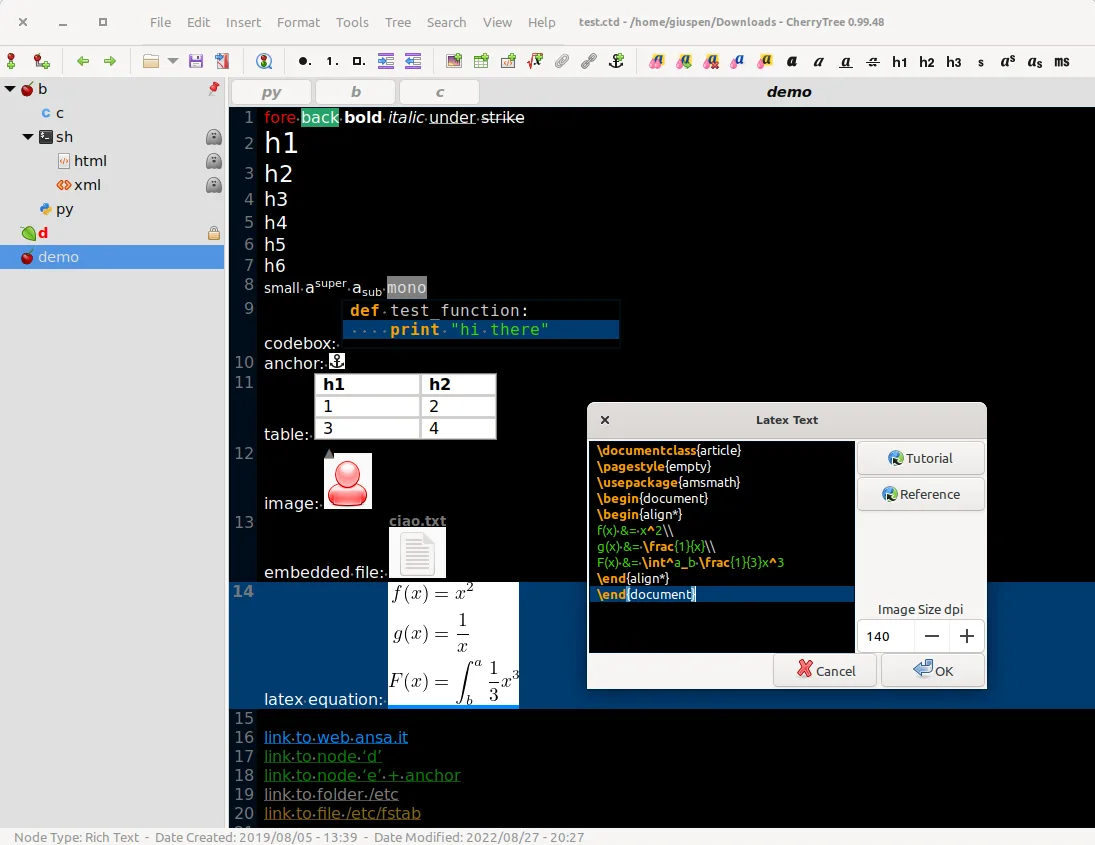
CherryTree is a hierarchical note-taking application for keeping related material in a tree of nodes. A notebook can combine formatted text, images, tables, attached files and syntax-highlighted codeboxes. Links between nodes and anchors help connect reference notes, while search can cover a selected node, its descendants or the whole tree.
Storage choices include a single XML or SQLite file and a multi-file directory structure. Export a selection, one branch or the entire tree to HTML or plain text, or print and save it as PDF. This entry links to the publisher's 64-bit Windows EXE installer; a portable archive is offered separately on the publisher page.
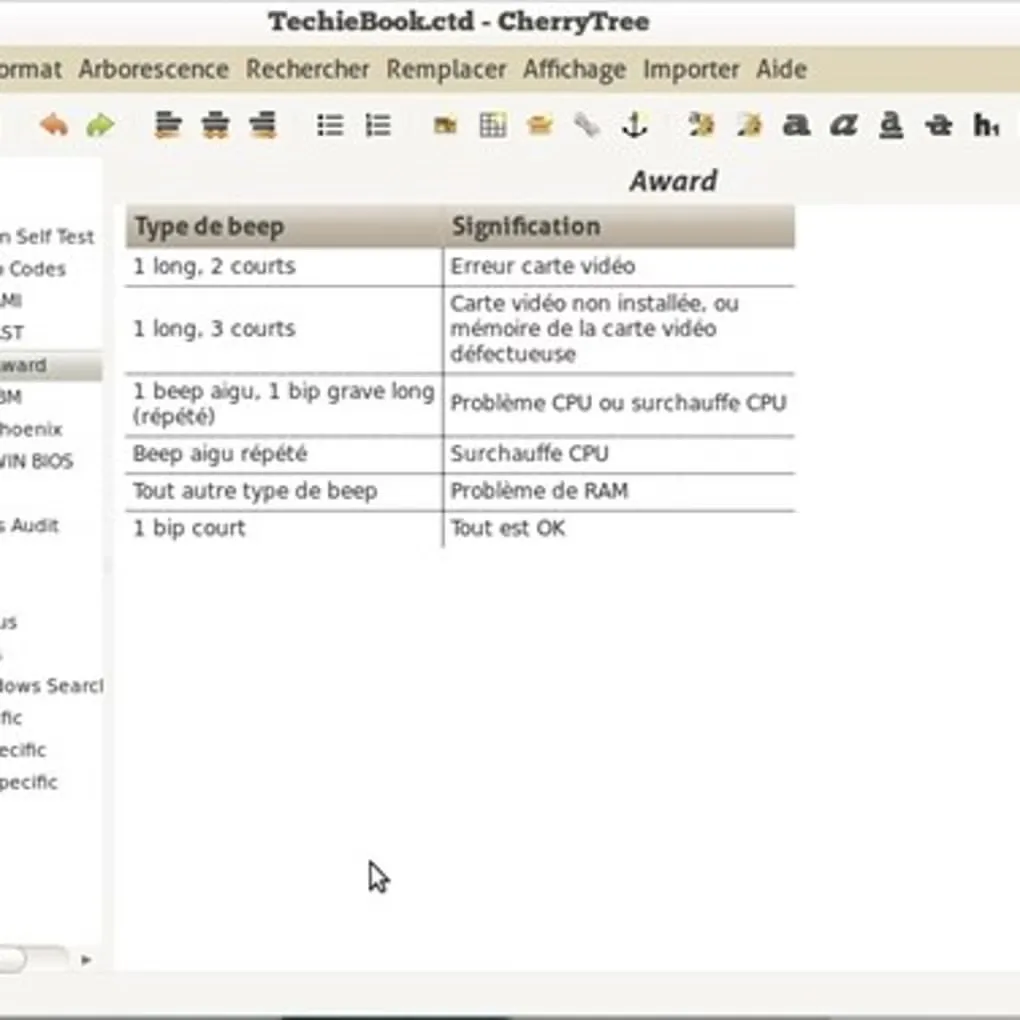
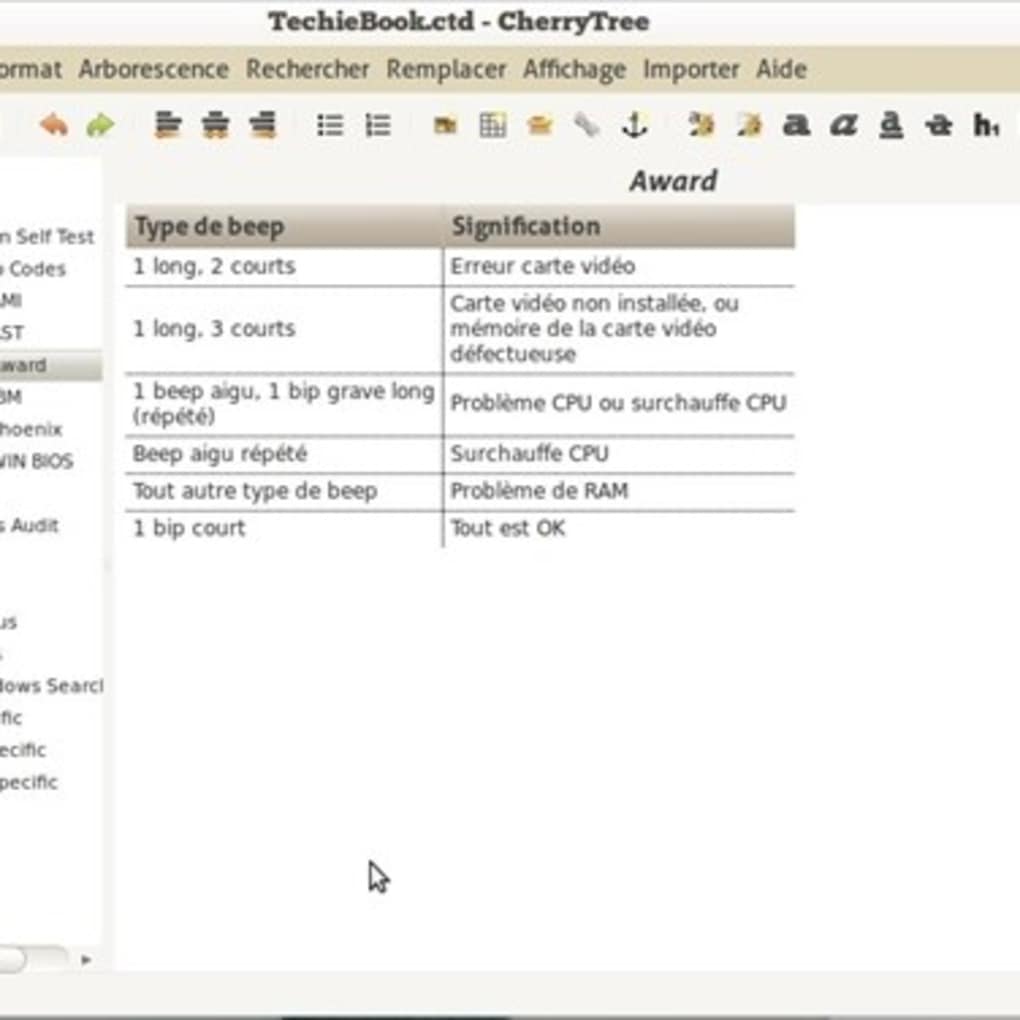
Password protection has an important boundary: it is available only for single-file storage. While a protected notebook is open, CherryTree extracts an unprotected copy into a temporary filesystem folder and removes it when the application closes. The screenshots are historical interface examples, including an older Linux publisher screenshot, not captures of the linked Windows build.
What it offers
- Arrange notes in a drag-and-drop tree and link to other nodes or anchors.
- Combine rich text, images, plain-text tables, embedded files and syntax-highlighted codeboxes.
- Store notebooks as XML or SQLite single files, or as multiple files and directories.
- Search within a node, a branch or all nodes; replace text across the selected scope.
- Export selected notes or whole branches to HTML and plain text, or print and save as PDF.
Good to know
- Password protection is limited to single-file storage, not the multi-file directory format.
- Opening a password-protected document extracts an unprotected temporary copy; the publisher says it is removed when CherryTree closes.
Product images
Sources
References used for this listing. Retrieval dates do not indicate hands-on testing.
More in utilities
View category ↗
1.1.1.1 with WARP 2026.8.2115.0
Encrypt traffic from your Mac to Cloudflare’s network with WARP, or use DNS-only mode for encrypted DNS queries to the 1.1.1.1 resolver.
1.1.1.1 with WARP 2026.8.2115.0
Encrypt traffic between your Windows PC and Cloudflare, or use encrypted DNS only, with the free 1.1.1.1 with WARP app.


3uTools 9.12.005
Manage iPhone and iPad photos, music, apps and backups from Windows with 3uTools, a free utility that also includes device checks and firmware flashing tools.