

Utilities Windows
ChromeHistoryView for Windows
View, filter and export Chrome browsing history on Windows with ChromeHistoryView, a free standalone utility from Nir Sofer.
What is ChromeHistoryView?
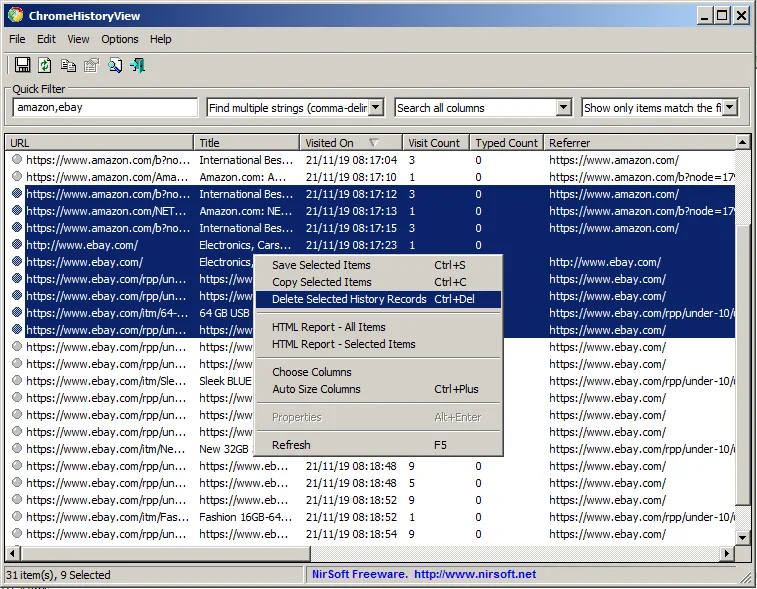
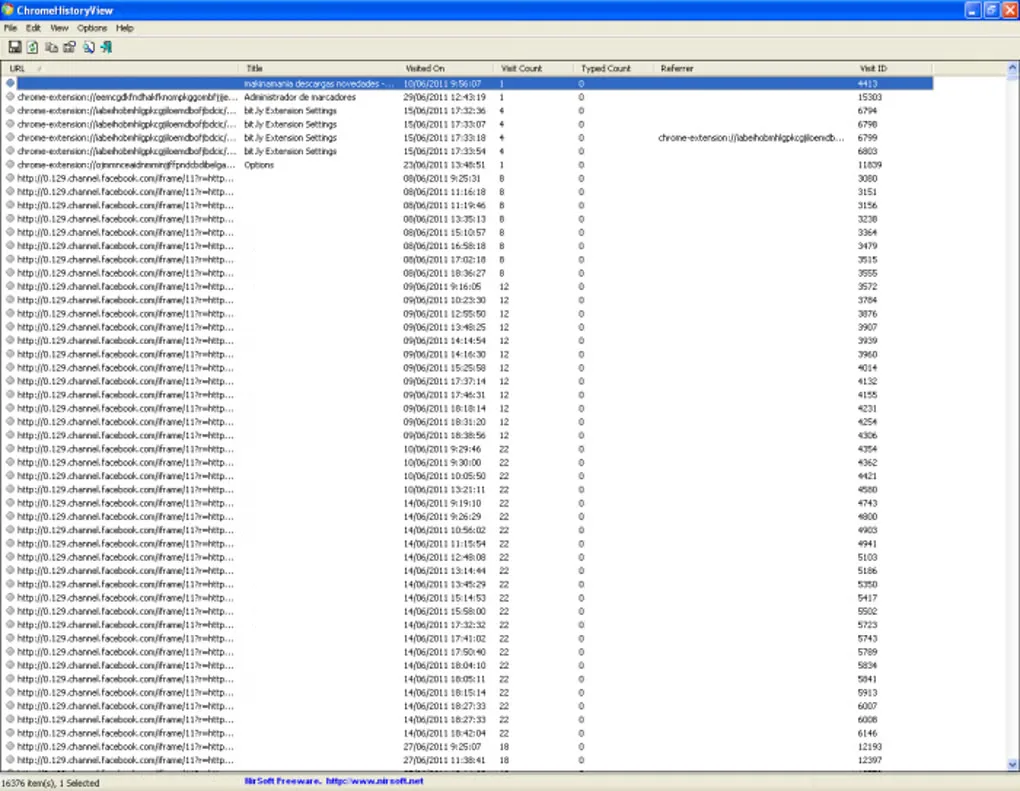
ChromeHistoryView reads the local history database of Google Chrome and displays visited pages in a sortable table. URLs, page titles, visit times, visit counts and referrers help you find a previously visited page or export selected records for a spreadsheet. Quick Filter narrows the list, while Advanced Options lets you choose another profile or history file.
The publisher also documents reading history from Chromium-based browsers including Microsoft Edge, Opera and Vivaldi. Selected records can be saved as CSV, HTML, XML or text, copied to the clipboard, or exported with command-line options. This is a standalone Windows utility rather than a browser extension: the publisher says no installation process or additional DLL files are required. The linked download is the publisher's ZIP package.
The publisher lists version 1.53 and Windows 11, 10, 8, 7 and Vista. Deleting selected records is supported, but a browser lock on the history file can prevent deletion. Softonic currently labels its older listing "Possible issues"; that label is not a malware verdict, and the download link check here is not a security scan or a test of the program.
What it offers
- Inspect URLs, page titles, visit dates and times, visit counts, typed counts and referrers.
- Narrow history records with Quick Filter or a chosen time range.
- Export selected records to CSV, HTML, XML or text, or copy them to a spreadsheet through the clipboard.
- Choose another profile or history file, including supported Chromium-based browsers such as Edge, Opera and Vivaldi.
- Use command-line export options or delete selected history records from the interface.
Good to know
- Deleting records can fail while the browser locks the history file; the publisher documents a message for this condition.
- Softonic labels its listing "Possible issues". No independent security scan or software execution was performed for this entry.
Product images
Sources
References used for this listing. Retrieval dates do not indicate hands-on testing.
More in utilities
View category ↗
1.1.1.1 with WARP 2026.8.2115.0
Encrypt traffic from your Mac to Cloudflare’s network with WARP, or use DNS-only mode for encrypted DNS queries to the 1.1.1.1 resolver.
1.1.1.1 with WARP 2026.8.2115.0
Encrypt traffic between your Windows PC and Cloudflare, or use encrypted DNS only, with the free 1.1.1.1 with WARP app.

3uTools 9.12.005
Manage iPhone and iPad photos, music, apps and backups from Windows with 3uTools, a free utility that also includes device checks and firmware flashing tools.