

Development macOS
CLion for macOS
Edit, navigate and debug C and C++ projects on macOS with JetBrains CLion. Free for non-commercial use; this download is the Apple Silicon disk image.
- Operating system
- macOS 15 and 26, as listed in the publisher installation guide
- Architecture
- Apple Silicon (ARM64 / aarch64)
- Download package
- DMG disk image
Separate Intel disk image available. Publisher lists 8 GB RAM, 10 GB disk space and a 4-core CPU; a macOS C/C++ toolchain is also required.
Link checked · Download guidance
What is CLion?
CLion brings C and C++ editing, code analysis, project navigation and debugging into one IDE. It suits developers who want to work with an existing toolchain and build system rather than move between a separate editor and debugger. CMake and Makefile projects, unit testing and remote development are part of the supported workflow.
On a Mac, the IDE is only part of the setup: JetBrains requires a toolchain for building C and C++ applications. An existing Xcode installation supplies the tools CLion can detect; Xcode Command Line Tools are sufficient if you do not need the full Xcode application. This entry links to the Apple Silicon DMG, not the separate Intel package.
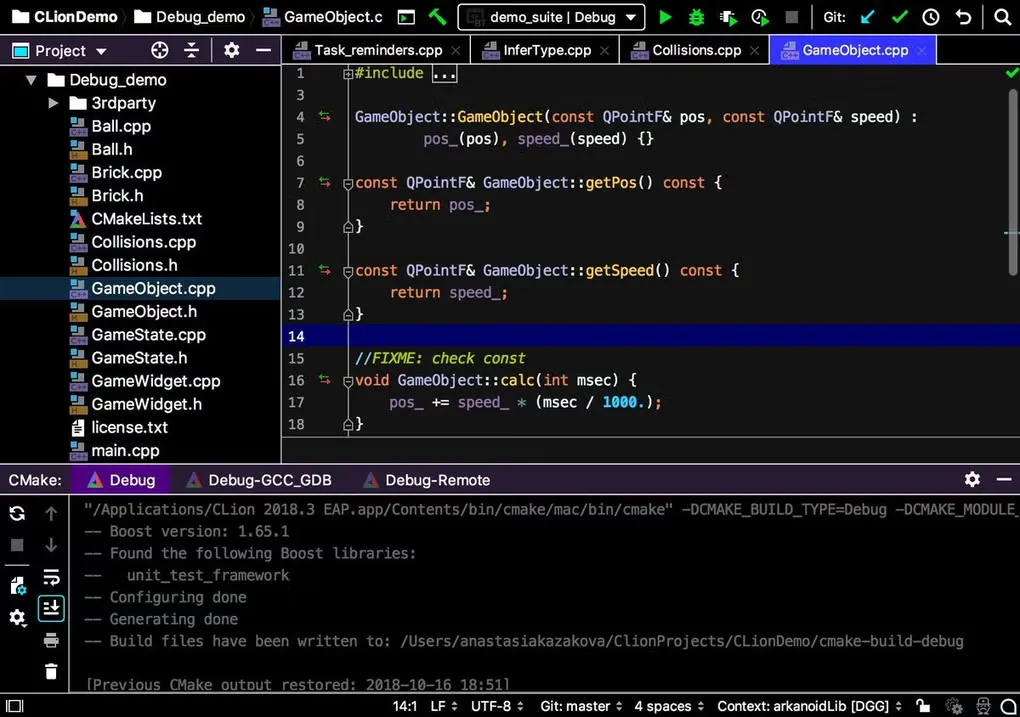
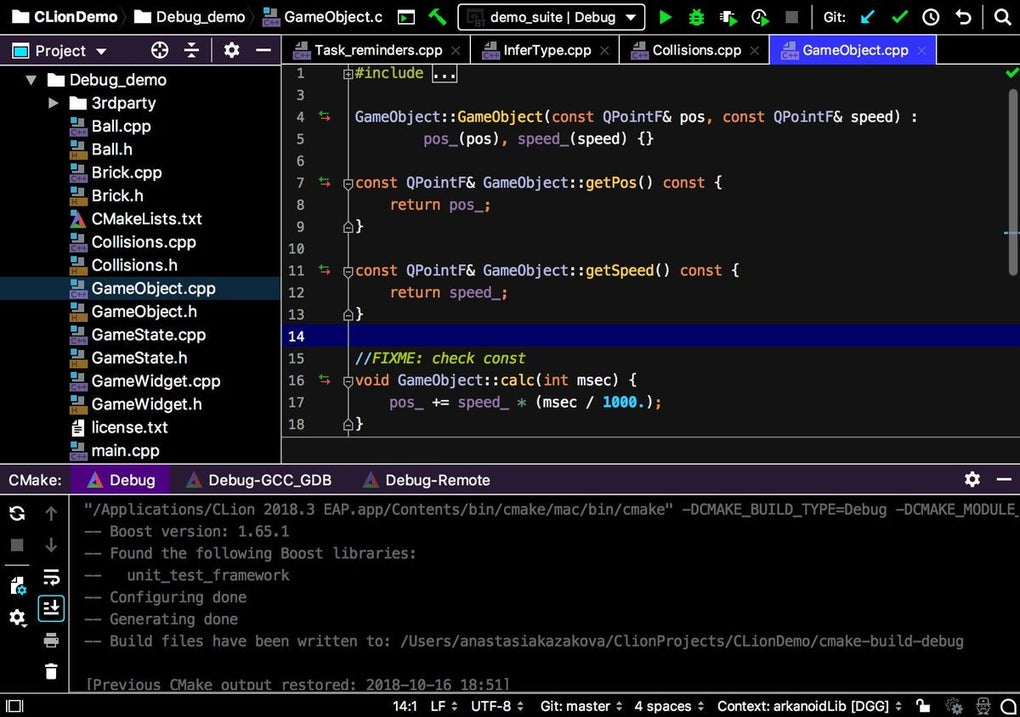
JetBrains offers CLion free for non-commercial use and sells subscriptions for commercial work. Check the applicable license before using it for paid development. The gallery image illustrates an older macOS CLion interface, not the appearance of the linked 2026.2.4 release.
What it offers
- Navigate C and C++ code with usage and dependency resolution.
- Use code analysis to find problems while editing.
- Work with CMake and Makefile projects.
- Debug applications and run unit tests within the IDE.
- Use remote-development workflows for projects on another machine.
Good to know
- Building C and C++ applications on macOS requires a configured toolchain; install Xcode or its Command Line Tools if needed.
- The free license is for non-commercial use; commercial work requires appropriate licensing.
- This download targets Apple Silicon; Intel Macs need the separate Intel disk image.
Product images
Sources
References used for this listing. Retrieval dates do not indicate hands-on testing.
- CLion for Mac - Download ↗Retrieved
- CLion: The IDE for professional C and C++ development ↗Retrieved
- Download CLion: A Smart Cross-Platform IDE for C and C++ ↗Retrieved
- Install CLion — JetBrains documentation ↗Retrieved
- Buy CLion: Pricing and Licensing, Discounts - JetBrains Toolbox Subscription ↗Retrieved
More in development
View category ↗
010 Editor 17.0
Inspect and edit binary files on Mac with 010 Editor, a paid text and hex editor with Binary Templates, file comparison and a 30-day trial.
010 Editor 17.0
Inspect and edit binary files with 010 Editor for Windows, a text and hex editor with Binary Templates, file comparison and scripting. Includes a 30-day trial.
10x Editor
Edit and navigate C++ projects on Windows with a built-in parser, workspace search and Visual Studio project support. A paid license is required after the 30-day trial.