

Development Windows
CLion for Windows
Write, navigate and debug C and C++ projects with JetBrains CLion for Windows, with CMake integration and a bundled MinGW toolchain.
- Operating system
- Windows 10 and 11
- Architecture
- x64
- Download package
- EXE installer
Separate ARM64 installer available. MinGW and JetBrains Runtime are bundled; custom toolchains may require separate setup.
Link checked · Download guidance
What is CLion?
CLion brings C and C++ editing, code navigation, refactoring and debugging into one IDE. It is useful when a project needs more than a text editor: you can inspect code as you type, follow symbols across headers and sources, configure CMake projects and investigate runtime state with breakpoints and watches. Integrated support for GoogleTest, Catch2, Boost.Test and Doctest keeps test results alongside the code.
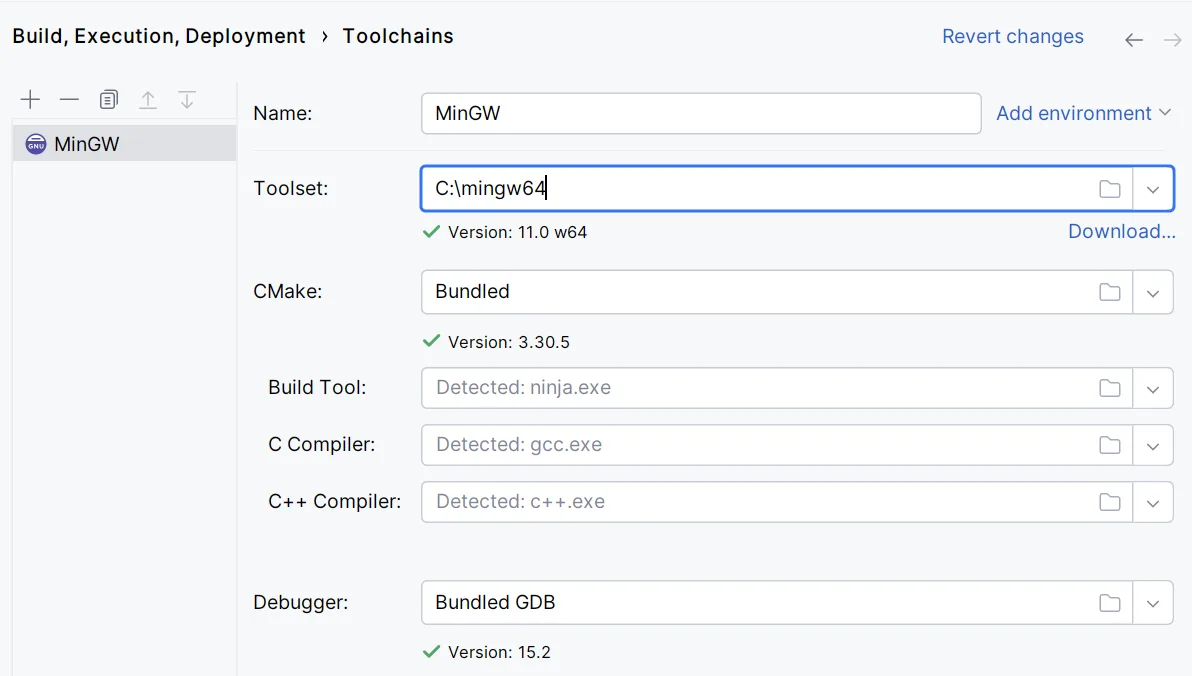
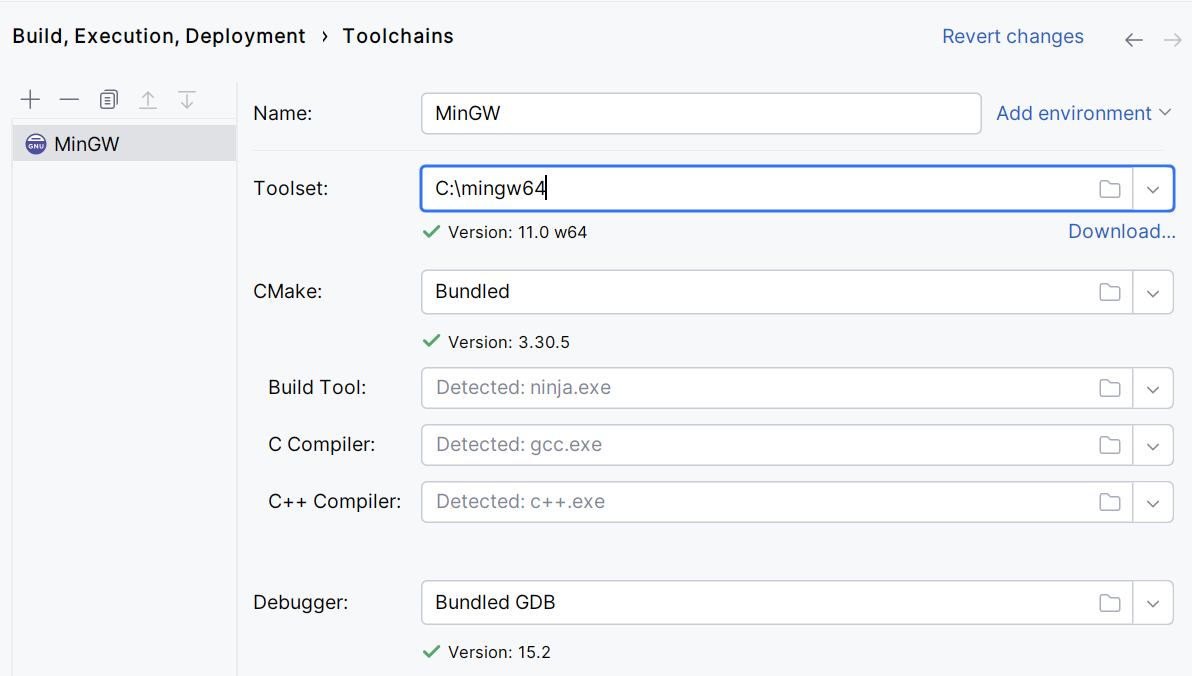
On Windows, CLion includes a MinGW toolchain. Developers who need MSVC, Cygwin or WSL can configure those alternatives instead; Cygwin is not a mandatory prerequisite. This entry links to the Windows x64 EXE installer, with a separate ARM64 package available from JetBrains.
The free license is for non-commercial development, such as learning and hobby projects. Commercial development requires the appropriate paid license after the 30-day trial. The publisher lists Windows 10 or 11, a four-core processor, 8 GB total RAM and 10 GB disk space, so check the requirements before choosing it for a smaller machine.
What it offers
- C and C++ code completion, on-the-fly inspections and suggested fixes.
- Navigate definitions and usages, and apply project-wide rename, extract and change-signature refactorings.
- Configure CMake projects, with support for other project formats including Makefiles and compilation databases.
- Debug with breakpoints, watches and variable inspection.
- Run GoogleTest, Catch2, Boost.Test and Doctest tests inside the IDE.
- Use bundled MinGW on Windows or configure MSVC, Cygwin or WSL toolchains.
Good to know
- The free license covers non-commercial use; commercial development requires a paid license after the 30-day trial.
- Publisher requirements include a four-core CPU, 8 GB total RAM (3 GB available for IDE processes) and 10 GB disk space.
Product images
Sources
References used for this listing. Retrieval dates do not indicate hands-on testing.
- CLion - Download (Windows; normal browser observation) ↗Retrieved
- CLion: The IDE for professional C and C++ development ↗Retrieved
- CLion Features ↗Retrieved
- Download CLion: A Smart Cross-Platform IDE for C and C++ ↗Retrieved
- Thank you for downloading CLion! ↗Retrieved
- Buy CLion: Pricing and Licensing, Discounts - JetBrains Toolbox Subscription ↗Retrieved
- Install CLion | CLion Documentation ↗Retrieved
- Tutorial: Configure CLion on Windows ↗Retrieved
More in development
View category ↗
010 Editor 17.0
Inspect and edit binary files on Mac with 010 Editor, a paid text and hex editor with Binary Templates, file comparison and a 30-day trial.
010 Editor 17.0
Inspect and edit binary files with 010 Editor for Windows, a text and hex editor with Binary Templates, file comparison and scripting. Includes a 30-day trial.
10x Editor
Edit and navigate C++ projects on Windows with a built-in parser, workspace search and Visual Studio project support. A paid license is required after the 30-day trial.