

Development Windows
CMake for Windows
Configure C and C++ projects and generate Visual Studio or Ninja build files with CMake, an open-source build-system generator for Windows.
- Operating system
- Windows
- Architecture
- x64 (x86-64)
- Download package
- MSI installer
This link is the x64 binary installer. The publisher lists separate i386 and ARM64 packages and ZIP binaries; a suitable compiler and build tool are still required for C/C++ projects.
Link checked · Download guidance
What is CMake?
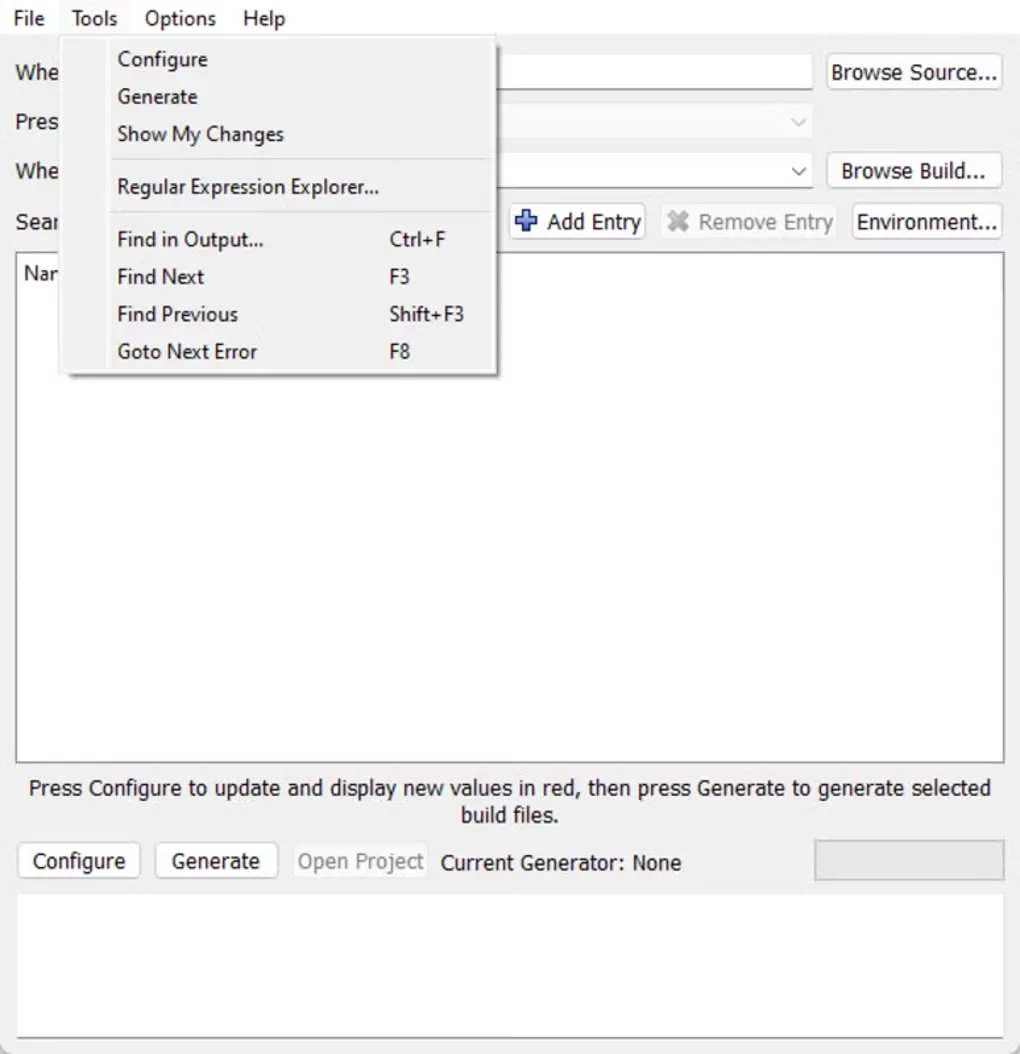
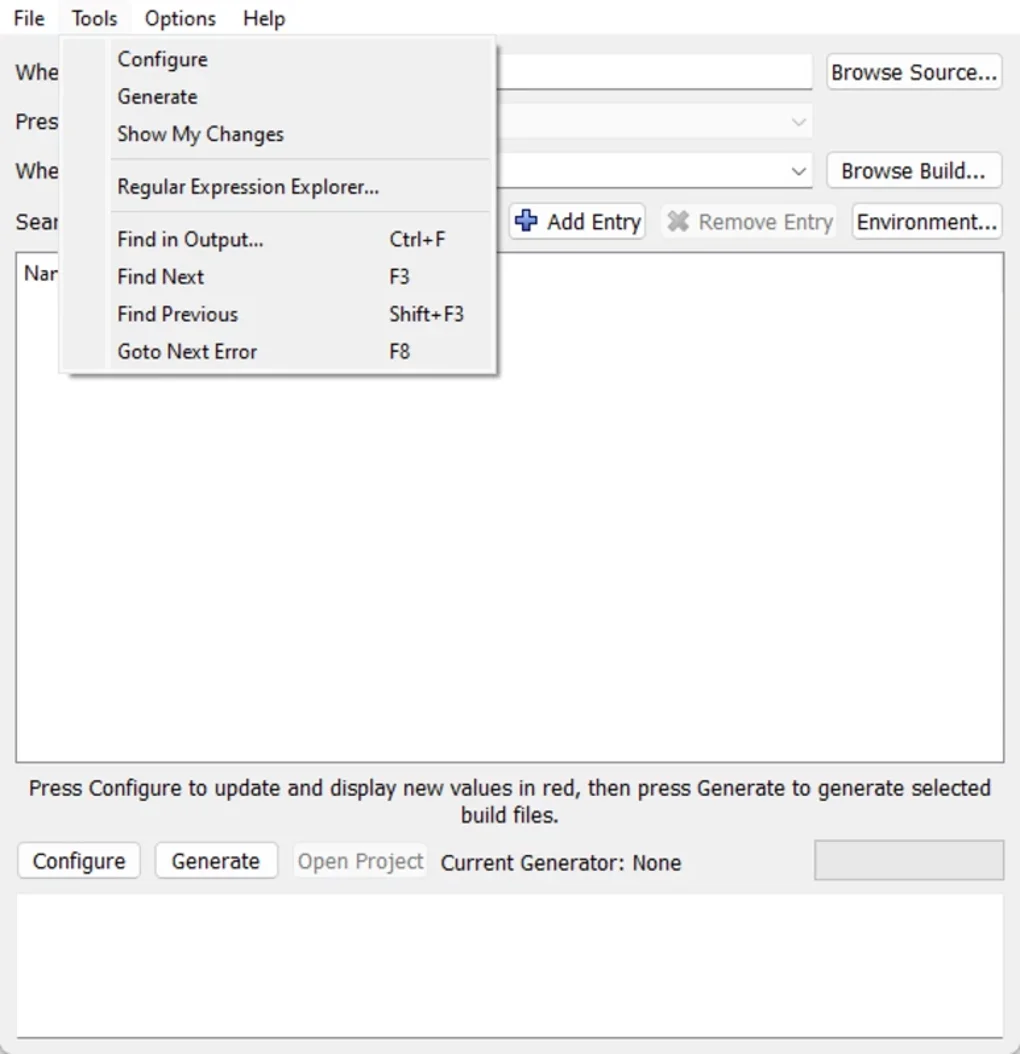
CMake turns a project's build configuration into files for a native build system, such as Visual Studio or Ninja. Use it to configure downloaded source code or maintain a project's build across platforms. The command-line tool and CMake GUI let you choose a generator, set build options and keep generated files in a separate build directory.
CMake is not a C or C++ compiler. Building those projects still requires an appropriate compiler, build tool and any project dependencies; installing CMake alone does not supply a complete development toolchain. The linked download is the CMake 4.4.5 Windows x64 MSI installer, not the source-code ZIP or an ARM64 package.
What it offers
- Generate native build files for Visual Studio, Ninja and other supported build systems.
- Configure projects through the command line or CMake GUI.
- Keep build output outside the source tree and maintain multiple build trees for one project.
- Use the included CTest and CPack tools to run project-defined tests and create distribution packages.
Good to know
- CMake does not replace a compiler or native build tool. C and C++ projects require a suitable external toolchain and their own dependencies.
- A generated build tree is specific to its machine; generate a new build tree rather than distribute it as a reusable project configuration.
Product images
Sources
References used for this listing. Retrieval dates do not indicate hands-on testing.
- Download CMake — official package table ↗Retrieved
- CMake 4.4.5 reference documentation — introduction ↗Retrieved
- CMake User Interaction Guide — build trees and prerequisites ↗Retrieved
- CMake generators — native build systems ↗Retrieved
- CMake features — build trees, CTest and CPack ↗Retrieved
- CMake 4.4.5 license ↗Retrieved
- Kitware CMake repository — identity and license ↗Retrieved
- About CMake — product identity and official logo ↗Retrieved
- CMake - Download — Windows screenshot gallery ↗Retrieved
More in development
View category ↗
010 Editor 17.0
Inspect and edit binary files on Mac with 010 Editor, a paid text and hex editor with Binary Templates, file comparison and a 30-day trial.
010 Editor 17.0
Inspect and edit binary files with 010 Editor for Windows, a text and hex editor with Binary Templates, file comparison and scripting. Includes a 30-day trial.
10x Editor
Edit and navigate C++ projects on Windows with a built-in parser, workspace search and Visual Studio project support. A paid license is required after the 30-day trial.