
Utilities Windows
CommView for WiFi
Capture and inspect wireless packets, access points and channel activity on Windows with CommView for WiFi. A compatible Wi-Fi adapter and its supplied monitoring driver are required.
- Operating system
- Windows 10, 11; Windows Server 2019, 2022, 2025
- Architecture
- Intel and ARM, as listed by the publisher
- Download package
- ZIP archive
Live capture needs a compatible wireless adapter and the supplied monitoring driver. Confirm hardware support before installation.
Link checked · Download guidance
What is CommView for WiFi?
CommView for WiFi is TamoSoft’s packet analyzer for wireless 802.11 a/b/g/n/ac/ax/be networks. It brings access points, stations, signal levels, channel statistics and decoded packets into one monitoring workspace. Use it to investigate WLAN traffic and connection problems, inspect protocol details, or save captures for offline analysis. This is the wireless product, distinct from the standard CommView edition for wired-network analysis.
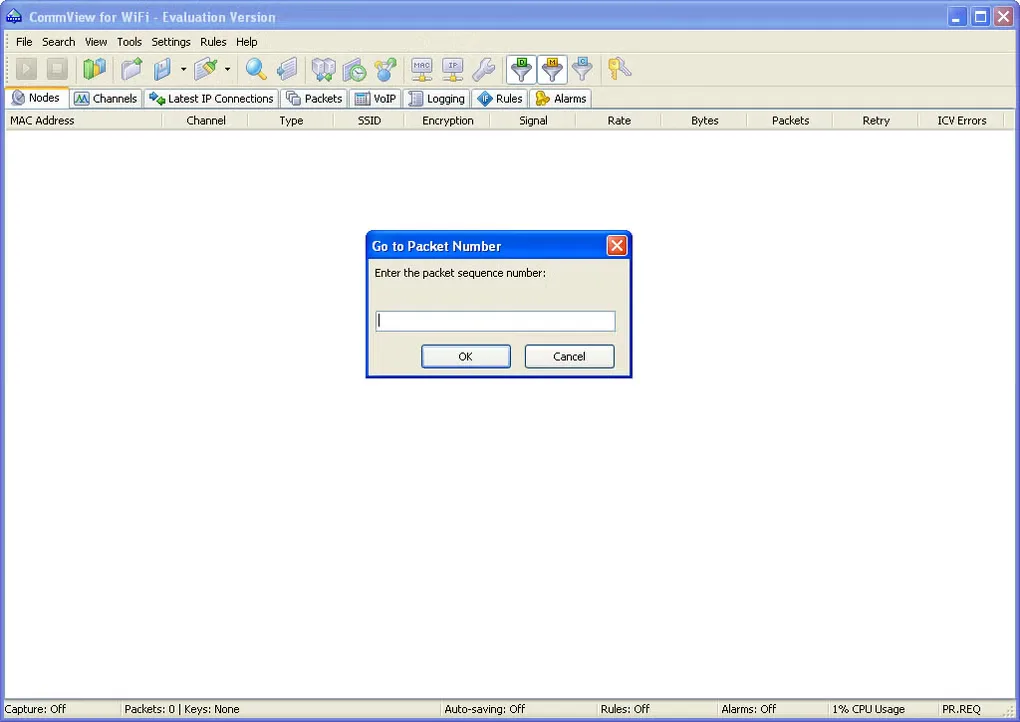
The publisher lists Windows 10 and 11, plus Windows Server 2019, 2022 and 2025. Check the supported-adapter list before choosing it: live wireless monitoring needs compatible hardware and the special driver included with the product. Supported encrypted traffic can be decoded using user-supplied WEP or WPA/WPA2-PSK keys; that is not a promise to recover unknown passwords. The linked ZIP archive is the publisher’s evaluation distribution, and the download catalog describes a 30-day trial. The gallery image shows a historical evaluation interface, not proof of the current build’s appearance.
What it offers
- Inspect access points, stations, signal strength, per-node and per-channel statistics, and captured packets.
- Decode more than 100 supported protocols and inspect packet layers and headers.
- Log traffic, review saved captures offline, and import or export pcap and pcapng files.
- Use several compatible USB adapters to capture multiple channels simultaneously.
Good to know
- Live wireless capture requires a supported Wi-Fi adapter and the monitoring driver supplied with the application.
- The publisher offers a 30-day evaluation; this is not a free, unrestricted edition.
- Decryption of supported encrypted traffic requires user-provided keys; do not expect recovery of unknown network passwords.
Product images
Sources
References used for this listing. Retrieval dates do not indicate hands-on testing.
More in utilities
View category ↗
1.1.1.1 with WARP 2026.8.2115.0
Encrypt traffic from your Mac to Cloudflare’s network with WARP, or use DNS-only mode for encrypted DNS queries to the 1.1.1.1 resolver.
1.1.1.1 with WARP 2026.8.2115.0
Encrypt traffic between your Windows PC and Cloudflare, or use encrypted DNS only, with the free 1.1.1.1 with WARP app.

3uTools 9.12.005
Manage iPhone and iPad photos, music, apps and backups from Windows with 3uTools, a free utility that also includes device checks and firmware flashing tools.