
Utilities Windows
Contig
Analyze fragmentation and defragment selected files with Contig, a free Windows command-line utility from Microsoft Sysinternals.
- Operating system
- Windows 8.1 and higher; Windows Server 2012 and higher; Nano Server 2016 and higher
- Architecture
- Not specified on the publisher product page
- Download package
- ZIP archive
Publisher requirements take precedence over Softonic’s Windows Vista listing. Archive contents and executable architectures were not inspected.
Link checked · Download guidance
What is Contig?
Contig targets individual files rather than requiring a whole-disk defragmentation pass. It scans available disk space and the fragments of the selected file, then attempts to move the file into fewer fragments when suitable free space exists. It suits a specific file or set of files that repeatedly becomes fragmented.
The command-line interface can analyze file fragmentation without defragmenting, recurse through subdirectories and report free-space fragmentation. It can also create a new contiguous file and work with the NTFS metadata files listed in the publisher documentation.
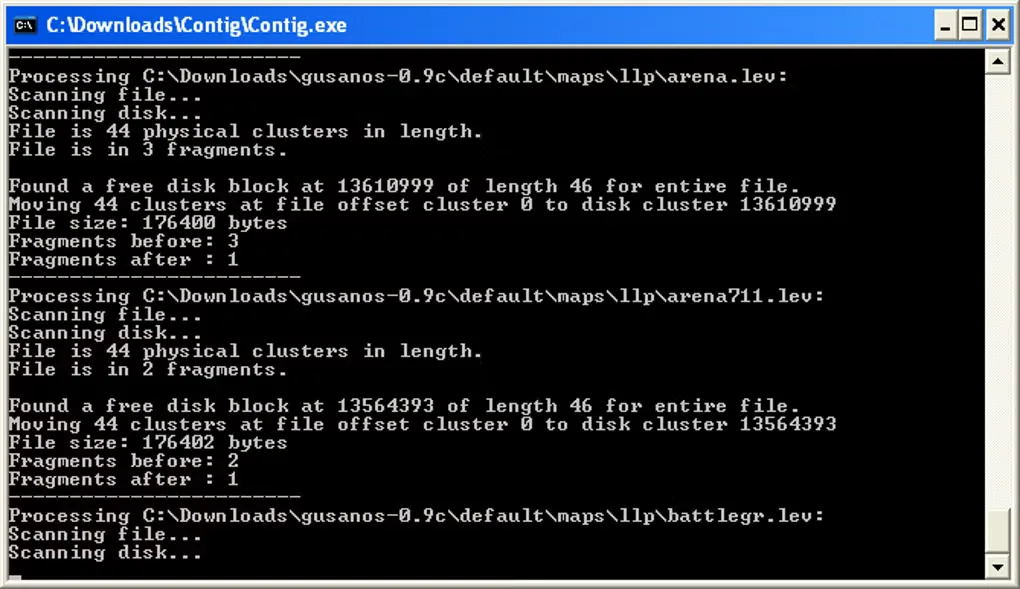
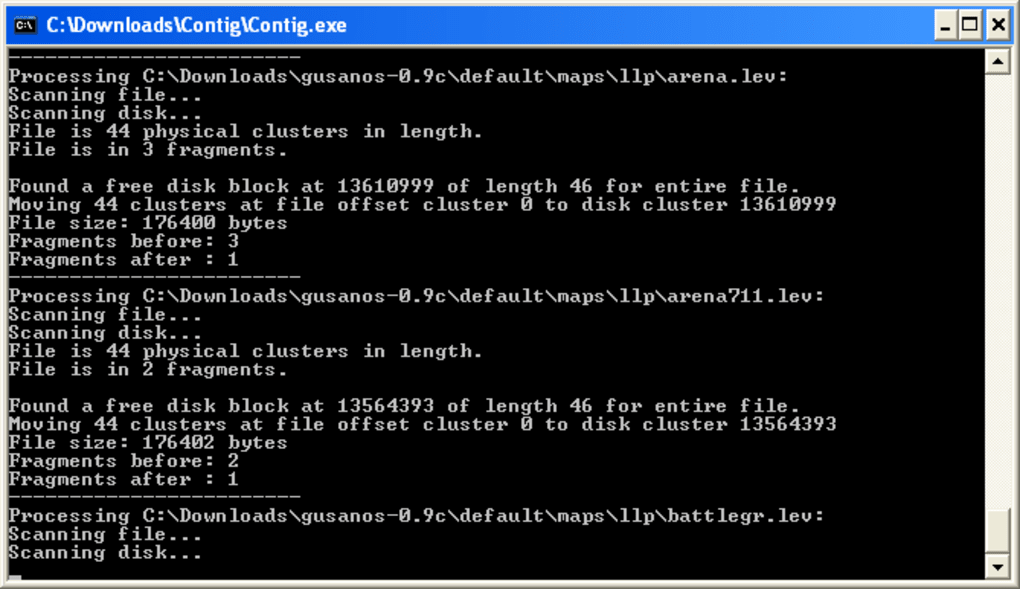
Results depend on the file layout and available free areas: Contig does not promise that every file can be optimized. The quick file-creation option that sets valid data length requires administrator rights. The screenshot shows an older Windows console appearance; it illustrates the workflow, not a verified current-version run.
What it offers
- Analyze a selected file’s fragmentation with the -a option.
- Defragment specified files and recurse through subdirectories with -s.
- Analyze free-space fragmentation with -f.
- Create a new contiguous file using -n and a specified file length.
- Analyze and defragment supported NTFS metadata files, including $Mft and $LogFile.
Good to know
- Optimization depends on available free areas and the file’s existing fragment layout.
- The -l quick file-creation option requires administrator rights.
- Operation uses command-line syntax rather than a graphical file-selection workflow.
Product images
Sources
References used for this listing. Retrieval dates do not indicate hands-on testing.
More in utilities
View category ↗
1.1.1.1 with WARP 2026.8.2115.0
Encrypt traffic from your Mac to Cloudflare’s network with WARP, or use DNS-only mode for encrypted DNS queries to the 1.1.1.1 resolver.
1.1.1.1 with WARP 2026.8.2115.0
Encrypt traffic between your Windows PC and Cloudflare, or use encrypted DNS only, with the free 1.1.1.1 with WARP app.

3uTools 9.12.005
Manage iPhone and iPad photos, music, apps and backups from Windows with 3uTools, a free utility that also includes device checks and firmware flashing tools.