

Utilities Windows
CopyQ for Windows
Save and search clipboard history with CopyQ, a free Windows clipboard manager with tabs, item editing, tags and scripting.
Version 17.0.0 · Direct publisher file
Link checked · Download guidance
What is CopyQ?
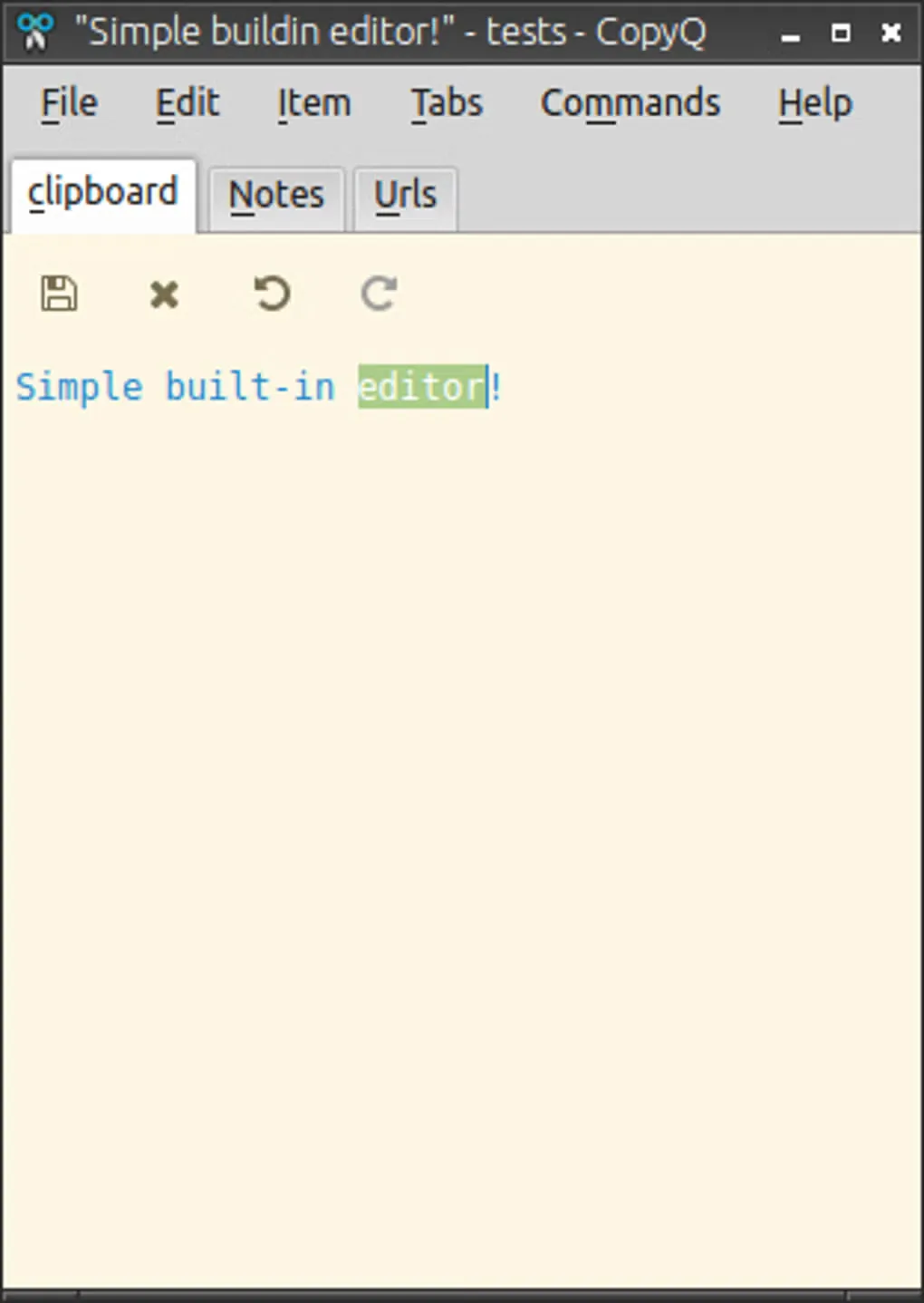
CopyQ keeps copied text, HTML, images and other clipboard formats in a history you can search and organize. It is useful when you need to reuse several snippets rather than repeatedly copy the same material. Separate tabs, notes and tags help organize saved items, while the built-in editor lets you change an entry before using it again.
You can return items to the clipboard or paste them into the previously active window from the main window, tray menu or keyboard shortcuts. Custom commands and a command-line scripting interface provide more control over repetitive clipboard tasks. The publisher offers both a Windows installer and a separate portable ZIP; the download here is the 17.0.0 EXE installer.
Clipboard history needs care with sensitive information: the publisher documents that saved tab data is unencrypted unless encryption is enabled. Automatic storage can be disabled or filtered by window title. CopyQ also ignores content marked as secret by supported applications by default, so some clipboard changes will deliberately not appear in the history.
What it offers
- Keep text, HTML, images and custom clipboard formats in saved tabs.
- Browse and filter history; edit, sort and rearrange saved items.
- Add notes and tags to organize reusable clipboard entries.
- Paste using the main window, tray menu or customizable keyboard shortcuts.
- Create custom commands and automate clipboard tasks through scripting and the command-line interface.
Good to know
- Saved tab data is unencrypted unless encryption is enabled; review automatic storage settings before retaining sensitive material.
- Clipboard content marked as secret by supported applications is ignored by default and may not appear in history.
Product images
Sources
References used for this listing. Retrieval dates do not indicate hands-on testing.
- CopyQ - Download — Windows listing and screenshot gallery ↗Retrieved
- CopyQ 17.0.0 — publisher README ↗Retrieved
- CopyQ publisher release API — 17.0.0 ↗Retrieved
- CopyQ 17.0.0 — publisher security documentation ↗Retrieved
- CopyQ — publisher repository and license metadata ↗Retrieved
- CopyQ 17.0.0 — GNU General Public License ↗Retrieved
More in utilities
View category ↗
1.1.1.1 with WARP 2026.8.2115.0
Encrypt traffic from your Mac to Cloudflare’s network with WARP, or use DNS-only mode for encrypted DNS queries to the 1.1.1.1 resolver.
1.1.1.1 with WARP 2026.8.2115.0
Encrypt traffic between your Windows PC and Cloudflare, or use encrypted DNS only, with the free 1.1.1.1 with WARP app.

3uTools 9.12.005
Manage iPhone and iPad photos, music, apps and backups from Windows with 3uTools, a free utility that also includes device checks and firmware flashing tools.