

Development Windows
Core FTP LE for Windows
Transfer website files between your Windows PC and a server with Core FTP LE, a free FTP client with SFTP and FTPS support.
- Operating system
- Windows
- Architecture
- x64
- Download package
- EXE installer
Selected download: Core FTP LE 2.2, 64-bit. Separate 32-bit, MSI, Pro and 2.3 developer-build downloads are listed by the publisher.
Link checked · Download guidance
What is Core FTP LE?
Core FTP LE is a Windows file-transfer client for uploading website files and retrieving files from remote servers. It supports FTP, SFTP over SSH, and SSL/TLS-based transfers including FTPS. Drag-and-drop transfers, a transfer queue and resume support help with moving files between local folders and a remote site. Remote file searching, file viewing and editing, and command-line transfers cover tasks beyond a basic upload.
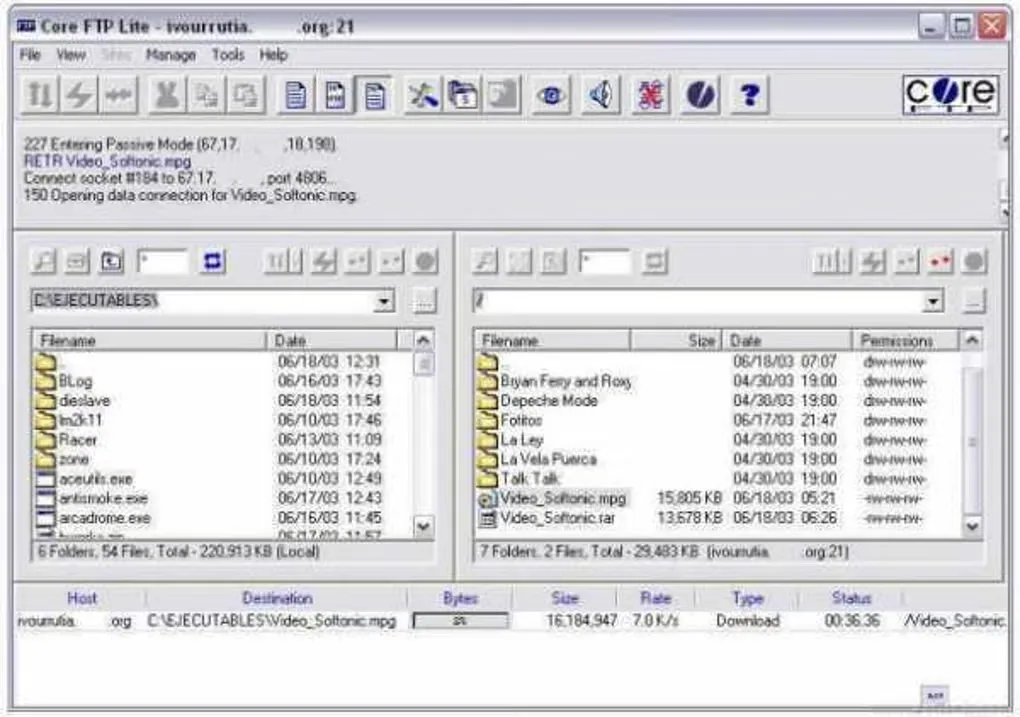
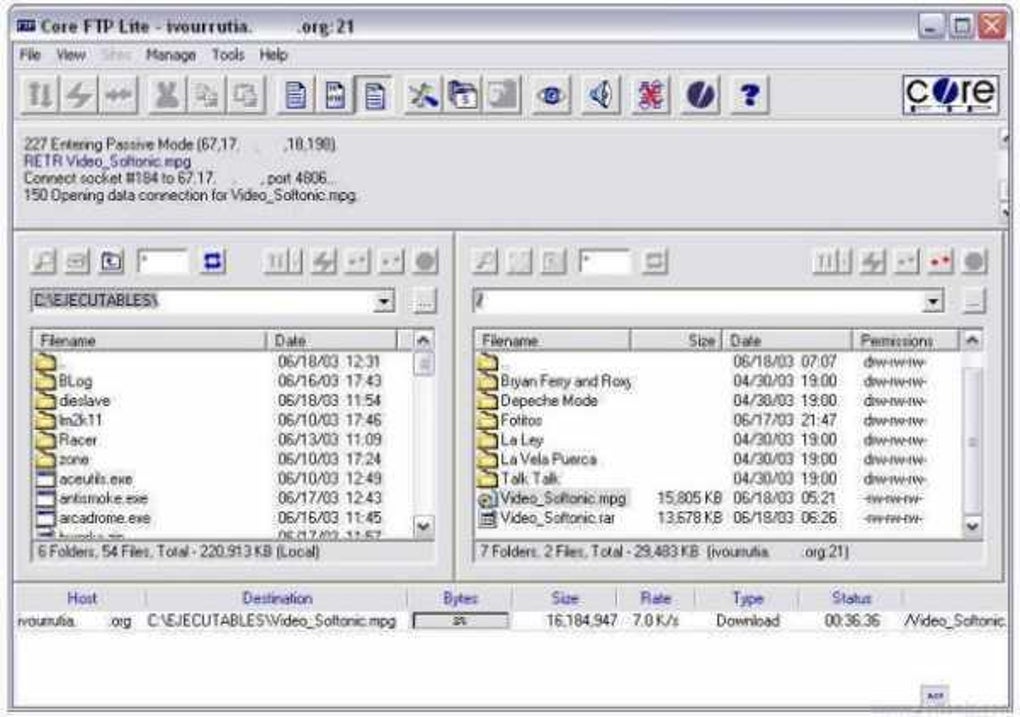
Choose LE for the free client rather than the separate Pro edition. The publisher reserves scheduled transfers, ZIP compression and additional automation tools for paid editions. This entry links to the publisher's 64-bit LE 2.2 EXE installer, not the separately listed 2.3 developer build. The gallery image shows a historical Core FTP Lite interface; it is not a screenshot of the selected installer running.
What it offers
- Connect using FTP, SFTP (SSH), or SSL/TLS-based protocols including FTPS.
- Move files with drag and drop, a transfer queue, and start, stop and resume controls.
- Search remote files and view or edit files while maintaining a website.
- Use command-line transfers, file filters and transfer bandwidth controls.
Good to know
- Scheduled transfers and ZIP compression are paid-edition features, not features of the free LE download.
- The selected 64-bit installer requires x64 Windows; the publisher offers a separate 32-bit installer.
Product images
Sources
References used for this listing. Retrieval dates do not indicate hands-on testing.
More in development
View category ↗
010 Editor 17.0
Inspect and edit binary files on Mac with 010 Editor, a paid text and hex editor with Binary Templates, file comparison and a 30-day trial.
010 Editor 17.0
Inspect and edit binary files with 010 Editor for Windows, a text and hex editor with Binary Templates, file comparison and scripting. Includes a 30-day trial.
10x Editor
Edit and navigate C++ projects on Windows with a built-in parser, workspace search and Visual Studio project support. A paid license is required after the 30-day trial.