

Development Windows
Crimson Editor for Windows
Edit source files with syntax highlighting, project workspaces, regular-expression search and column editing in Crimson Editor, a free Windows code editor.
- Operating system
- Windows 10 and 11
- Architecture
- x64
- Download package
- EXE installer
Publisher package cedt-394-setup.exe includes Korean and English editions and bundles the Visual C++ x64 runtime.
Link checked · Download guidance
What is Crimson Editor?
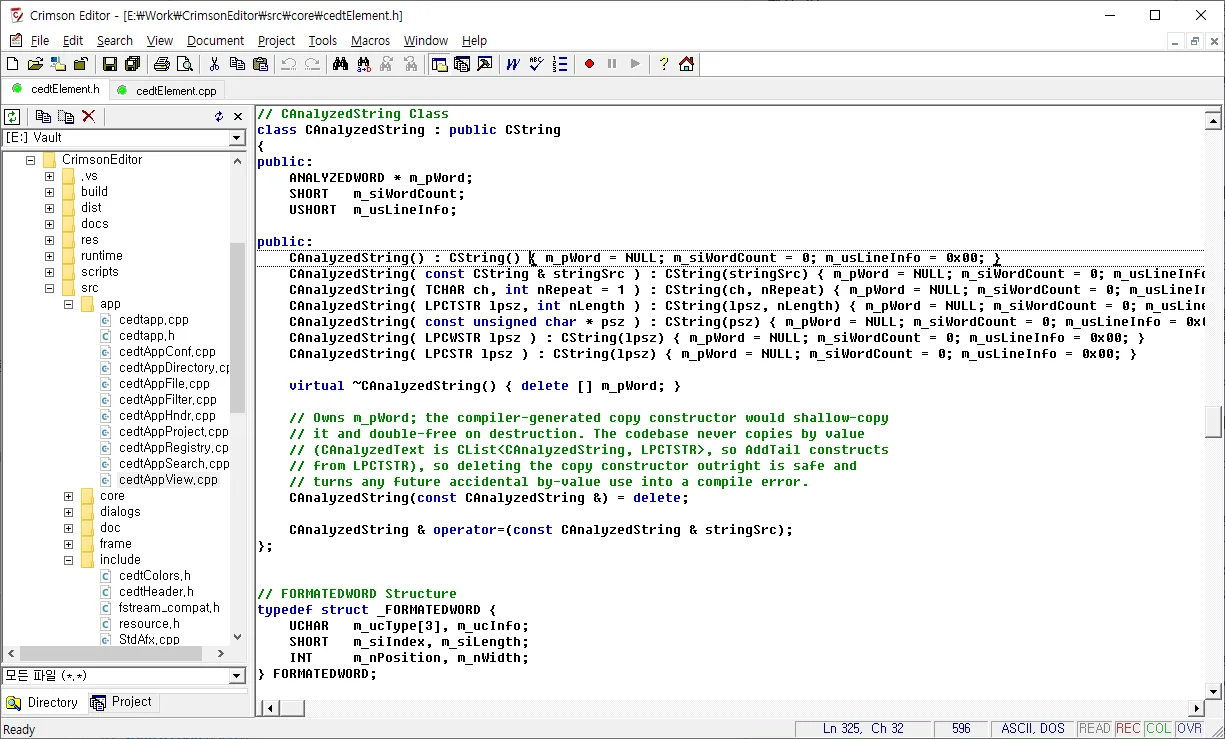
Crimson Editor is a source-code editor for working with individual files or a project of related documents. File tabs and a directory tree help you move between files, while syntax highlighting, regular-expression search and Find in Files support everyday code editing. Column mode handles rectangular selections, and recorded keystroke macros can repeat editing tasks.
The modernized 3.94 release uses Unicode and is offered as an x64 installer for Windows 10 and 11. It includes Korean and English editions. User Tools can launch external programs, and the integrated FTP client can open and save remote files. Compiler integration uses those external tools rather than turning the editor itself into a compiler.
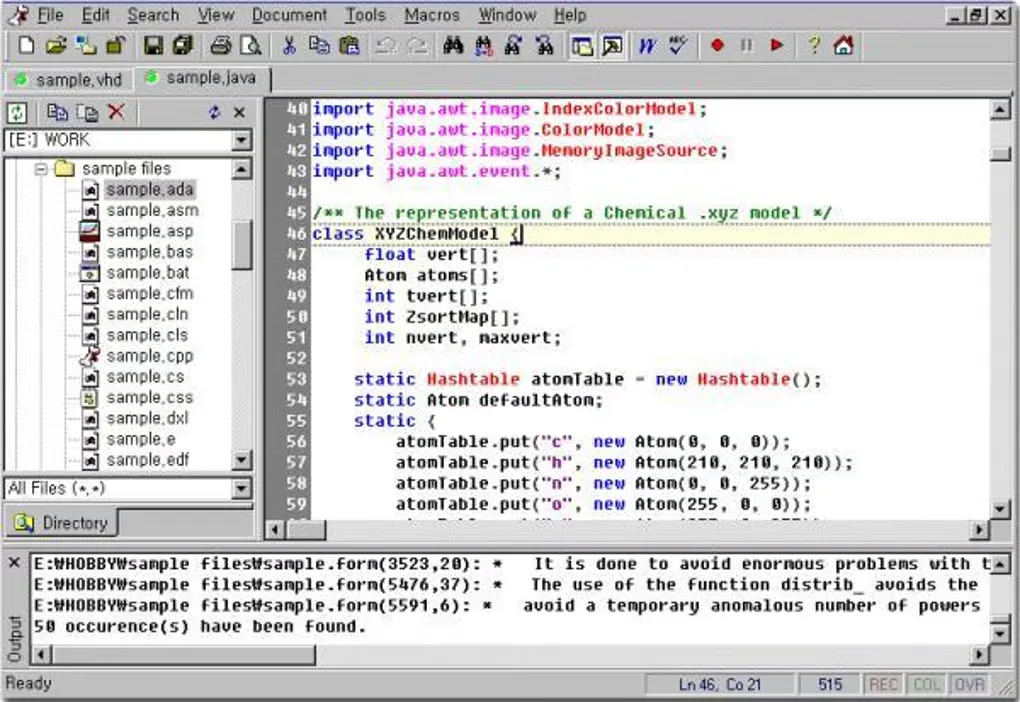
Older listings describe Crimson Editor 3.72 and older Windows systems. This entry links to the publisher's 3.94 installer, not that legacy package. The publisher screenshot shows the modernized interface; the second image is an older interface retained by Softonic and is labeled accordingly.
What it offers
- Edit multiple documents with file tabs, split views and a directory tree.
- Use configurable syntax highlighting and Unicode text support.
- Search with regular expressions and Find in Files across a folder tree.
- Work with rectangular selections in column mode and replay recorded keystroke macros.
- Group files into project workspaces, edit remote files through FTP and launch external User Tools.
Good to know
- The selected 3.94 installer targets x64 Windows 10 and 11; older Windows listings refer to different legacy releases.
- Compiler integration uses external programs configured as User Tools.
Product images
Sources
References used for this listing. Retrieval dates do not indicate hands-on testing.
- Crimson Editor — Windows source-code editor ↗Retrieved
- Features — Crimson Editor ↗Retrieved
- License — Crimson Editor ↗Retrieved
- Download — Crimson Editor ↗Retrieved
- History — Crimson Editor ↗Retrieved
- Crimson Editor - Download — historical Windows listing ↗Retrieved
More in development
View category ↗

010 Editor 17.0
Inspect and edit binary files on Mac with 010 Editor, a paid text and hex editor with Binary Templates, file comparison and a 30-day trial.
010 Editor 17.0
Inspect and edit binary files with 010 Editor for Windows, a text and hex editor with Binary Templates, file comparison and scripting. Includes a 30-day trial.
10x Editor
Edit and navigate C++ projects on Windows with a built-in parser, workspace search and Visual Studio project support. A paid license is required after the 30-day trial.