
Utilities macOS
CrossOver
Run compatible Windows applications and games on your Mac without installing Windows. CrossOver is paid software with a fully functional 14-day trial.
- Operating system
- macOS; supported OS versions depend on the CrossOver release
- Architecture
- Intel and Apple Silicon Macs
- Download package
- ZIP archive
Publisher lists 1 GB of free space plus space for Windows applications. Check its macOS compatibility table and application database before purchase. Not for iPad or iPhone.
Link checked · Download guidance
What is CrossOver?
CrossOver brings compatible Windows software to macOS by translating Windows commands rather than running a full Windows operating system in a virtual machine. It is intended for Mac users who need particular Windows productivity tools, utilities or games without maintaining a separate Windows installation. CodeWeavers provides a compatibility database to help you check the applications you want to use before buying.
Compatibility is the deciding factor: some Windows applications have reduced functionality or do not run at all. Use the 14-day trial to evaluate your own software rather than treating CrossOver as a replacement for every Windows PC. The trial starts on first launch; when it expires, CrossOver stops working until licensed, while the Windows programs installed during the trial remain in place.
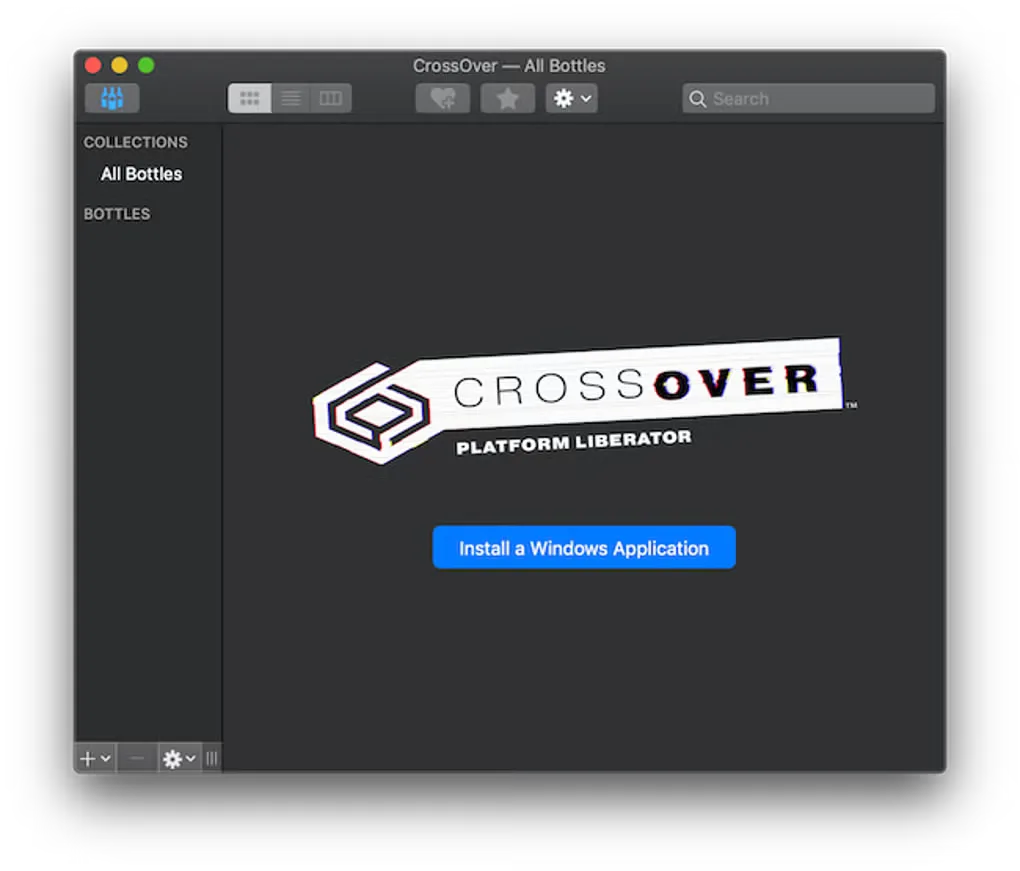
The linked publisher download is the CrossOver Mac 26.3.0 trial ZIP archive. CodeWeavers documents extracting the ZIP and moving CrossOver to the Applications folder. The screenshot shows a historical CrossOver Mac All Bottles window with its Windows-application installation control; it does not establish the appearance of version 26.3.0.
What it offers
- Run compatible Windows productivity applications, utilities and games on macOS.
- Translate Windows commands without installing a separate Windows operating system or virtual machine.
- Install Windows applications through CrossOver's application interface.
- Evaluate application compatibility with a fully functional 14-day trial.
Good to know
- Not every Windows application is compatible; some have reduced functionality or do not run at all.
- The trial expires 14 days after first launch. Continued use requires a paid CrossOver license.
- macOS support depends on the CrossOver release; CodeWeavers does not support beta or unreleased macOS versions.
Product images
Sources
References used for this listing. Retrieval dates do not indicate hands-on testing.
- Run Microsoft Windows software on Mac and Linux | CodeWeavers ↗Retrieved
- Free Trial Download, Run Windows Apps with CrossOver | CodeWeavers ↗Retrieved
- CrossOver Mac trial download — publisher landing page ↗Retrieved
- Installing CrossOver Mac - CodeWeavers ↗Retrieved
- CrossOver Mac (Mac) - Download — observed product page and gallery ↗Retrieved
More in utilities
View category ↗
1.1.1.1 with WARP 2026.8.2115.0
Encrypt traffic from your Mac to Cloudflare’s network with WARP, or use DNS-only mode for encrypted DNS queries to the 1.1.1.1 resolver.
1.1.1.1 with WARP 2026.8.2115.0
Encrypt traffic between your Windows PC and Cloudflare, or use encrypted DNS only, with the free 1.1.1.1 with WARP app.

3uTools 9.12.005
Manage iPhone and iPad photos, music, apps and backups from Windows with 3uTools, a free utility that also includes device checks and firmware flashing tools.