

Utilities macOS
Cryptomator for macOS
Encrypt files and filenames in cloud-synced vaults with Cryptomator for Mac, a free, open-source desktop app. This download is the Apple Silicon DMG.
- Operating system
- macOS 11 or later
- Architecture
- Apple Silicon (ARM64)
- Download package
- DMG disk image
Intel DMG is available separately. Publisher recommends FUSE-T for Apple Silicon.
Link checked · Download guidance
What is Cryptomator?
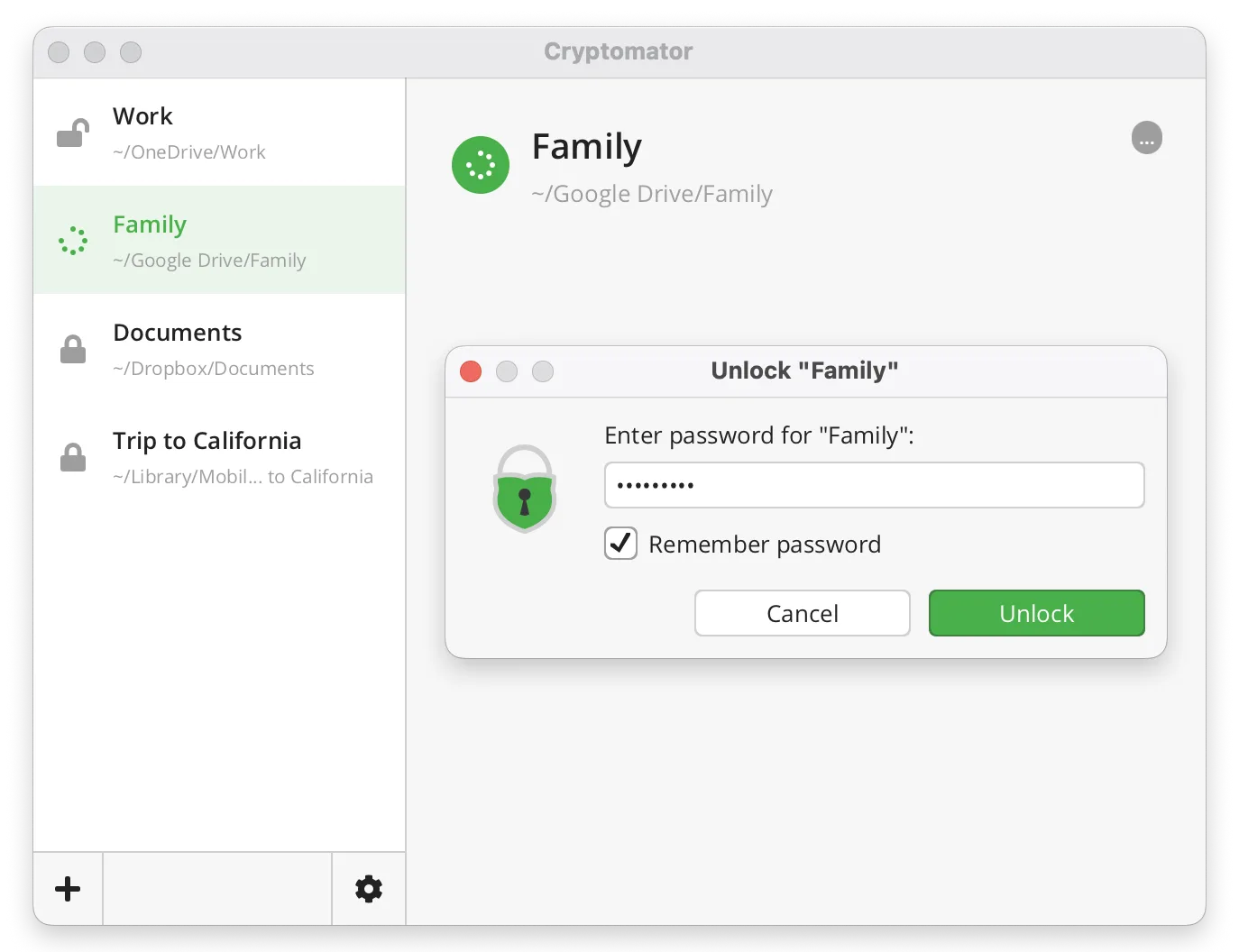
Cryptomator adds client-side encryption to files you keep in cloud storage. Create a password-protected vault inside a synced folder, unlock it as a virtual drive and work with files through that drive. Files saved there are encrypted automatically, including their filenames, before the cloud service stores the encrypted data. It suits people who want to keep using a cloud folder while controlling access through their own vault password.
The macOS desktop app's functional and encryption features are free. Dark mode requires a supporter certificate; that certificate does not unlock the separately licensed mobile apps. This entry links to version 1.19.4 for Apple Silicon Macs running macOS 11 or later. Intel Macs need the separate Intel package supplied by the publisher.
What it offers
- Create password-protected vaults in folders used with cloud storage.
- Encrypt file contents and filenames with AES and a 256-bit key length.
- Unlock a vault as a virtual drive and automatically encrypt files saved through it.
- Use the desktop app's functional and encryption features without purchasing a supporter certificate.
Good to know
- The linked DMG is for Apple Silicon; Intel Macs require a separate package.
- Dark mode requires a supporter certificate, which does not unlock mobile apps.
Product images
Sources
References used for this listing. Retrieval dates do not indicate hands-on testing.
More in utilities
View category ↗
1.1.1.1 with WARP 2026.8.2115.0
Encrypt traffic from your Mac to Cloudflare’s network with WARP, or use DNS-only mode for encrypted DNS queries to the 1.1.1.1 resolver.
1.1.1.1 with WARP 2026.8.2115.0
Encrypt traffic between your Windows PC and Cloudflare, or use encrypted DNS only, with the free 1.1.1.1 with WARP app.

3uTools 9.12.005
Manage iPhone and iPad photos, music, apps and backups from Windows with 3uTools, a free utility that also includes device checks and firmware flashing tools.