

Development Windows
CSViewer for Windows
Explore CSV, TSV, Parquet and QVD files with CSViewer, a free 64-bit Windows data viewer with filters, column profiles, charts and subset export.
- Operating system
- Windows (64-bit)
- Architecture
- 64-bit; publisher does not specify the processor instruction set
- Download package
- ZIP archive containing setup
The publisher lists Windows only and does not specify a minimum Windows version on the product page. No installer was downloaded or run.
Link checked · Download guidance
What is CSViewer?
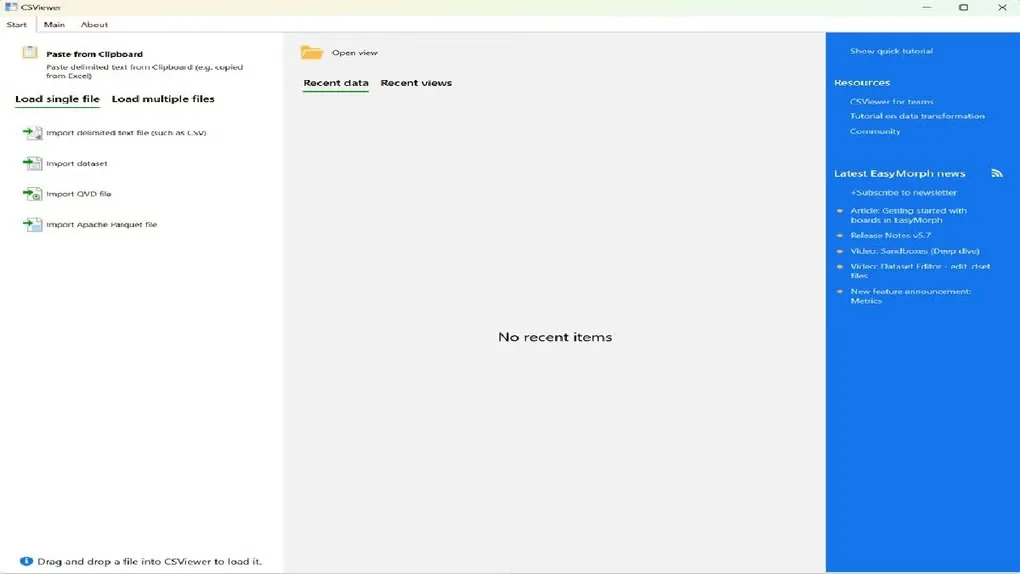
CSViewer opens delimited text and supported binary data files for exploratory analysis. Use it to inspect a CSV extract, compare values across columns or isolate rows before sharing a smaller dataset. It supports CSV, TSV and PSV alongside QVD, Parquet and its native DSET format, and can load collections of uniform CSV files together.
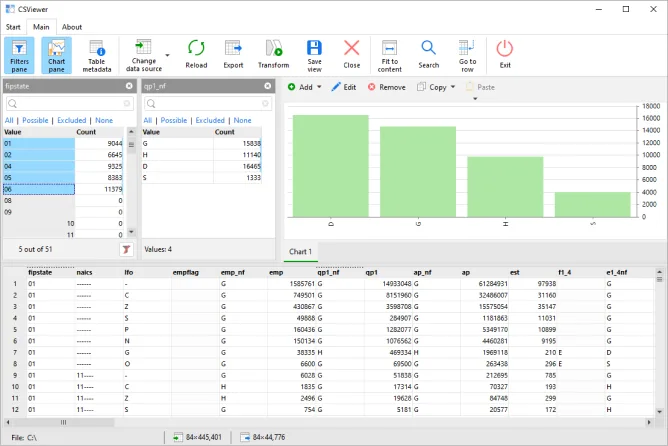
Filtering is linked to the analysis views: aggregates and charts update when the selection changes, while column profiles show null counts, unique values and minimum or maximum values. Built-in charts and cross-tables help examine patterns without first moving the data into another application.
Filtered rows can be exported to another file, including conversion between supported formats. Saving a .csview view preserves an analysis setup for reuse; native .dset exports can retain filters and charts with the data. For transformation work, the publisher offers a handoff to its separate EasyMorph application.
The publisher permits free use in commercial organizations, but the software is governed by a proprietary EULA. CSViewer is available only for 64-bit Windows; there is no Mac version. The linked package is the publisher's zipped setup, not a browser-based viewer.
What it offers
- Open CSV, TSV, PSV, QVD, Parquet and DSET files, including collections of uniform CSV files.
- Filter values while updating aggregates, charts and excluded-value indicators.
- Profile columns with null counts, unique values and minimum or maximum values.
- Examine data through built-in charts and cross-tables, then export filtered subsets.
- Save .csview analysis setups or retain filters and charts in native .dset exports.
Good to know
- Available only for 64-bit Windows; the publisher does not offer a Mac version.
- The documented transformation handoff uses the separate EasyMorph application.
Product images
Sources
References used for this listing. Retrieval dates do not indicate hands-on testing.
- Download free fast CSV file viewer ↗Retrieved
- CSViewer - Download ↗Retrieved
- END-USER LICENSE AGREEMENT FOR CSViewer ↗Retrieved
More in development
View category ↗
010 Editor 17.0
Inspect and edit binary files on Mac with 010 Editor, a paid text and hex editor with Binary Templates, file comparison and a 30-day trial.
010 Editor 17.0
Inspect and edit binary files with 010 Editor for Windows, a text and hex editor with Binary Templates, file comparison and scripting. Includes a 30-day trial.
10x Editor
Edit and navigate C++ projects on Windows with a built-in parser, workspace search and Visual Studio project support. A paid license is required after the 30-day trial.