

Development Windows
CudaText for Windows
Edit code and text on Windows with CudaText, a free, open-source editor with syntax highlighting, multiple carets, split views and Python add-ons.
- Operating system
- Windows
- Architecture
- x64 (amd64)
- Download package
- ZIP archive
Selected package: cudatext-windows-amd64-1.238.0.0.zip. The publisher lists separate Windows architectures; the Windows package includes the Python engine.
Link checked · Download guidance
What is CudaText?
CudaText is a text and code editor for working on source files, configuration files and other plain-text documents. Syntax highlighting, code folding and a lexer-dependent code tree help you navigate code, while multiple carets and selections let you edit repeated text in several places. Tabs and split views keep related files visible together.
The editor includes regular-expression find and replace, a fuzzy-matching command palette and JSON configuration files. Its Python add-on system extends the editing environment with tools such as LSP support, project management, linters and formatters. Those capabilities are listed by the publisher as plugins, not all as built-in editor features; the Windows package includes the Python engine.
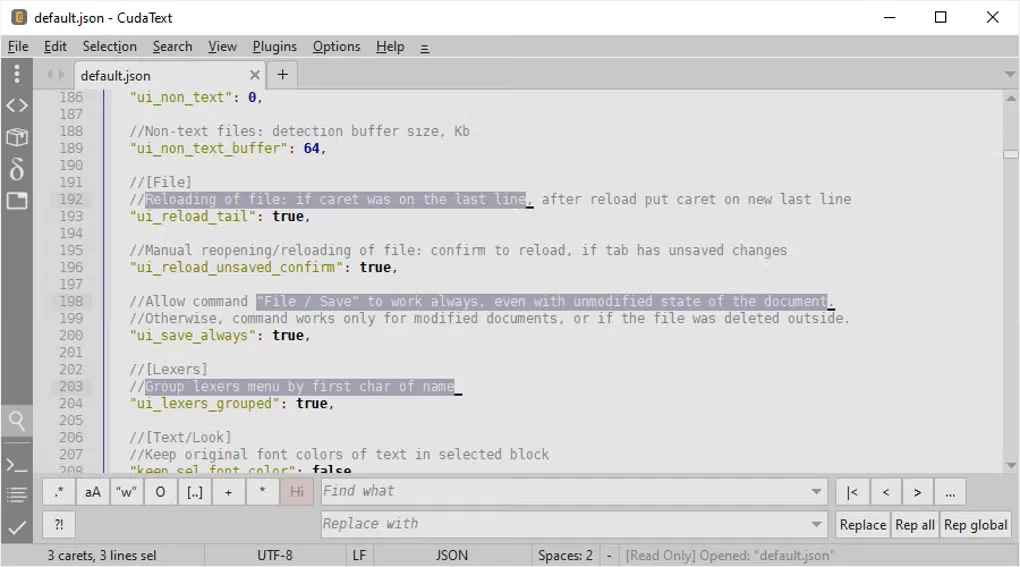
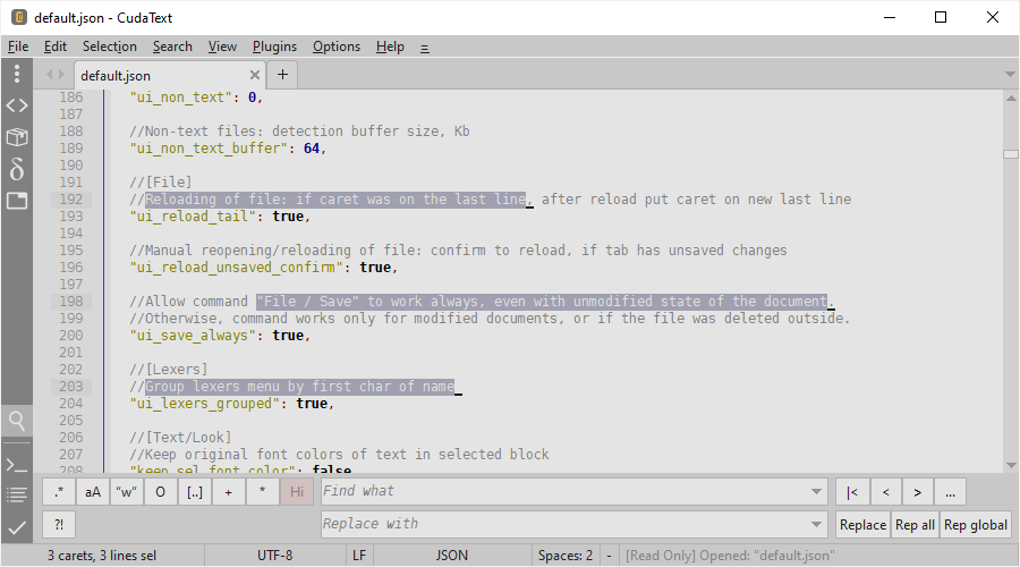
This entry links to the Windows amd64 ZIP archive for version 1.238.0.0, not an EXE installer or an ARM build. The screenshot shows the Windows interface editing default.json with multiple selections and the find-and-replace panel; it illustrates the application rather than proving the appearance of this release.
What it offers
- Syntax highlighting, code folding and a code tree when the selected lexer supports it.
- Multiple carets and selections for editing text in several locations.
- Tabbed files and split views with multiple groups of tabs.
- Regular-expression find and replace, a fuzzy-matching command palette and JSON configuration.
- Python add-ons for tools such as LSP support, project management, linters and formatters.
Good to know
- LSP support, project management, linters and formatters are plugin-based capabilities rather than all being built into the editor.
- The code tree depends on support from the selected lexer.
Product images
Sources
References used for this listing. Retrieval dates do not indicate hands-on testing.
- CudaText - Download — Windows product page and gallery ↗Retrieved
- CudaText — publisher features ↗Retrieved
- CudaText — publisher downloads and platform notes ↗Retrieved
- CudaText — publisher-linked SourceForge release 1.238.0.0 ↗Retrieved
- Alexey-T/CudaText — original project repository ↗Retrieved
- CudaText — Mozilla Public License Version 2.0 ↗Retrieved
More in development
View category ↗
010 Editor 17.0
Inspect and edit binary files on Mac with 010 Editor, a paid text and hex editor with Binary Templates, file comparison and a 30-day trial.
010 Editor 17.0
Inspect and edit binary files with 010 Editor for Windows, a text and hex editor with Binary Templates, file comparison and scripting. Includes a 30-day trial.
10x Editor
Edit and navigate C++ projects on Windows with a built-in parser, workspace search and Visual Studio project support. A paid license is required after the 30-day trial.