

Utilities macOS
Cyberduck for macOS
Browse servers and cloud storage on your Mac with Cyberduck. Transfer files over FTP, SFTP or WebDAV, manage cloud accounts and edit remote files in an external editor.
- Operating system
- macOS 10.13 or later
- Architecture
- Intel (64-bit) or Apple M1, as listed by the publisher
- Download package
- ZIP archive
Publisher package: Cyberduck-9.5.4.45528.zip. Compatibility is publisher-stated; installation was not tested.
Link checked · Download guidance
What is Cyberduck?
Cyberduck is a server and cloud-storage file browser for macOS. Use it to upload website files, retrieve documents from a server or organize files in supported cloud accounts. Alongside FTP, FTP over TLS, SFTP and WebDAV, it supports services including Amazon S3, Google Drive, Dropbox and OneDrive. Bookmarks keep frequently used connections accessible.
Transfers support resuming interrupted uploads and downloads, and directory synchronization offers a preview of affected files before changes are made. External-editor integration lets you open remote files in your preferred editing application. These tools suit file-management work rather than replacing an editor.
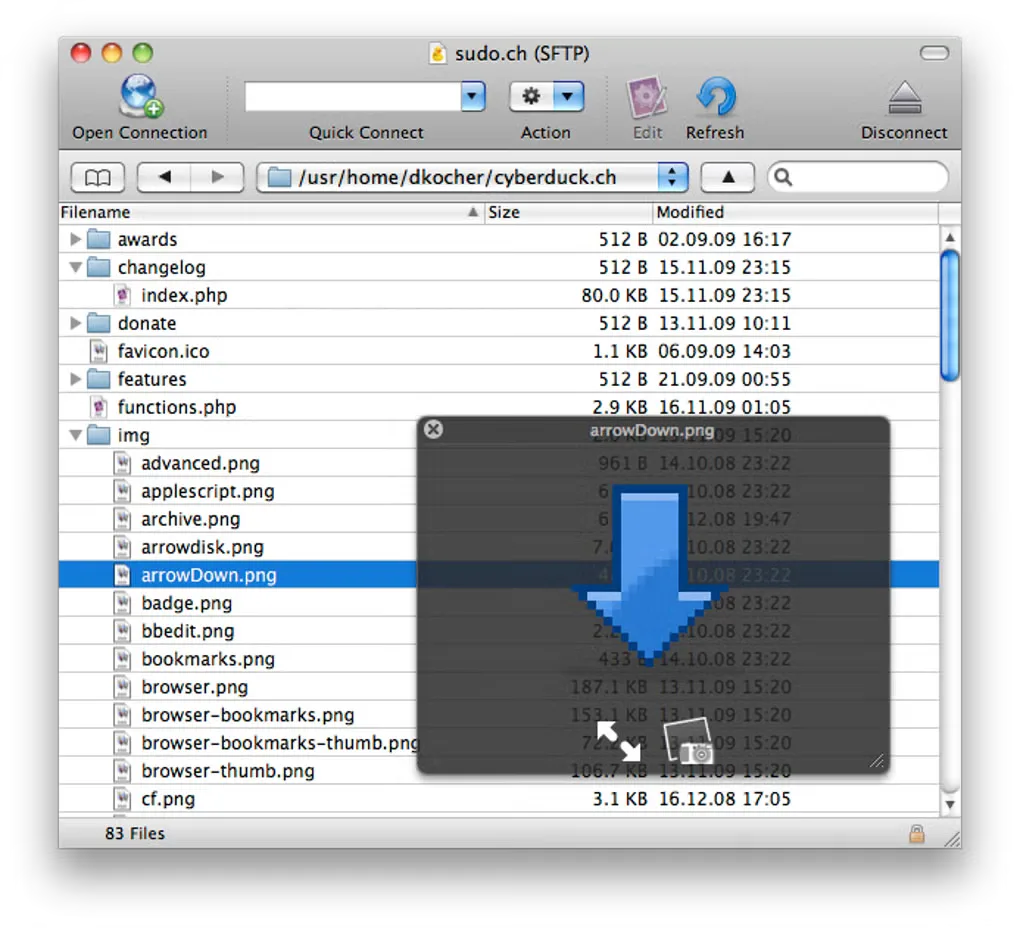
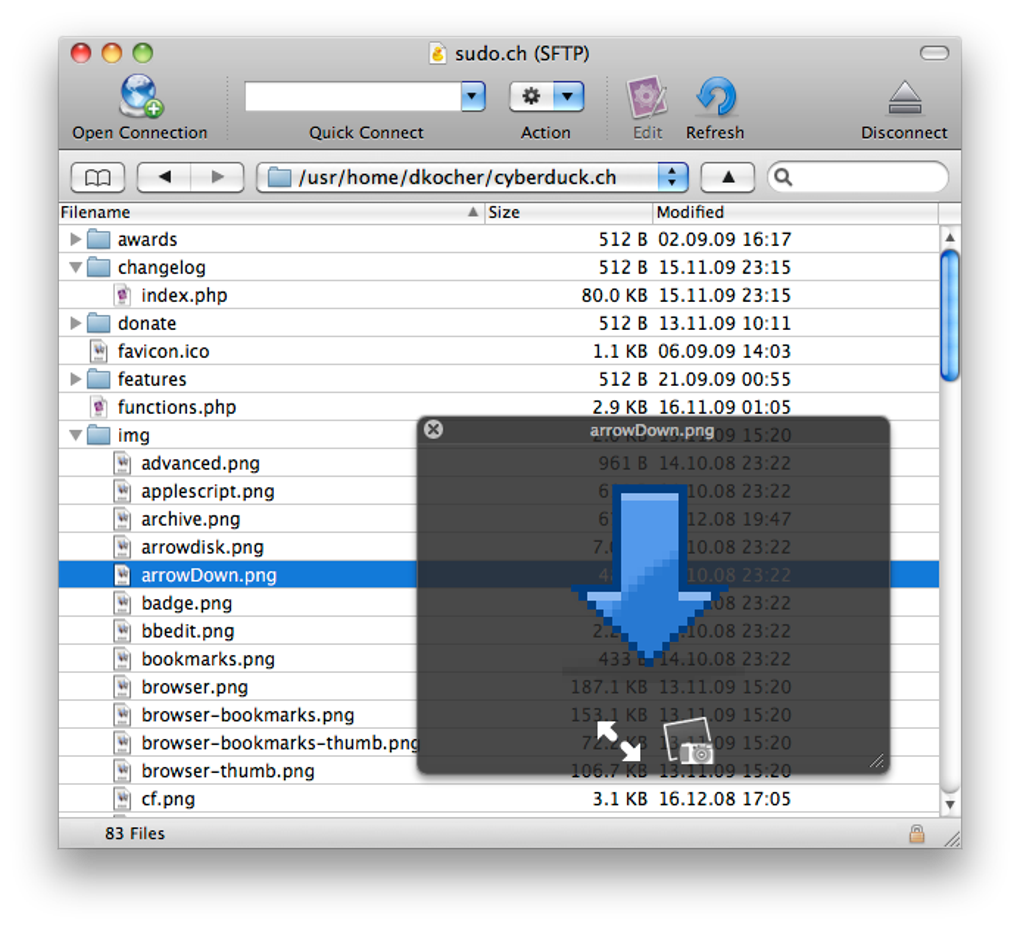
The publisher offers a free ZIP download and lists version 9.5.4, released August 25, 2026. This package requires macOS 10.13 or later on the publisher-listed Intel 64-bit or Apple M1 hardware. The free download includes a donation prompt; a contributor registration key disables it. The gallery image shows an older Mac interface with an SFTP file listing and Quick Look preview, not a verified view of version 9.5.4.
What it offers
- Connect to FTP, FTP over TLS, SFTP and WebDAV servers.
- Browse supported cloud services including Amazon S3, Google Drive, Dropbox and OneDrive.
- Resume interrupted uploads and downloads and transfer directories recursively.
- Preview affected files before synchronizing local and remote directories.
- Organize connection bookmarks and open remote files in an external editor.
Good to know
- The free download includes a donation prompt; the publisher provides a registration key to contributors to disable it.
- The linked Mac package requires macOS 10.13 or later; earlier macOS releases are outside its listed requirements.
Product images
Sources
References used for this listing. Retrieval dates do not indicate hands-on testing.
More in utilities
View category ↗
1.1.1.1 with WARP 2026.8.2115.0
Encrypt traffic from your Mac to Cloudflare’s network with WARP, or use DNS-only mode for encrypted DNS queries to the 1.1.1.1 resolver.
1.1.1.1 with WARP 2026.8.2115.0
Encrypt traffic between your Windows PC and Cloudflare, or use encrypted DNS only, with the free 1.1.1.1 with WARP app.

3uTools 9.12.005
Manage iPhone and iPad photos, music, apps and backups from Windows with 3uTools, a free utility that also includes device checks and firmware flashing tools.