
Utilities Windows
Dalux
View BIM models and drawings, review project comments and access Dalux projects from Windows with Dalux Desktop.
Direct publisher file
Link checked · Download guidance
What is Dalux?
Dalux Desktop brings Dalux project access to a Windows application using your existing Dalux login. It is the same desktop app for Dalux Build and FM, rather than a separate product for each installation format. For teams using the free BIM Viewer, Dalux supports native BIM, IFC and drawings, with tools to measure, filter and cut models. Review comments help teams assign responsibility and follow an issue through its status history.
This entry links to the publisher’s Windows appxbundle, the first installation method described in its desktop guide. Your organisation must permit sideloading. Dalux also offers an MSI for companies unable to use the modern installation methods, but does not recommend it: the MSI requires administrator rights, does not update automatically and does not handle browser links intended for the sideloaded app.
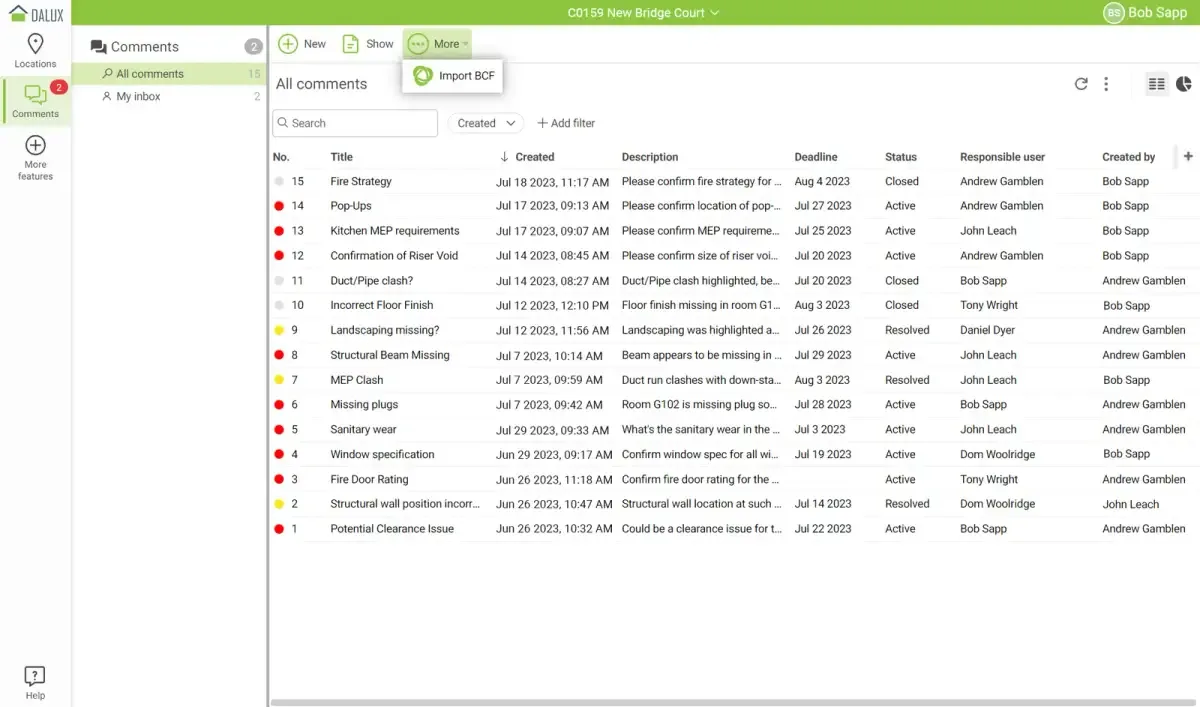
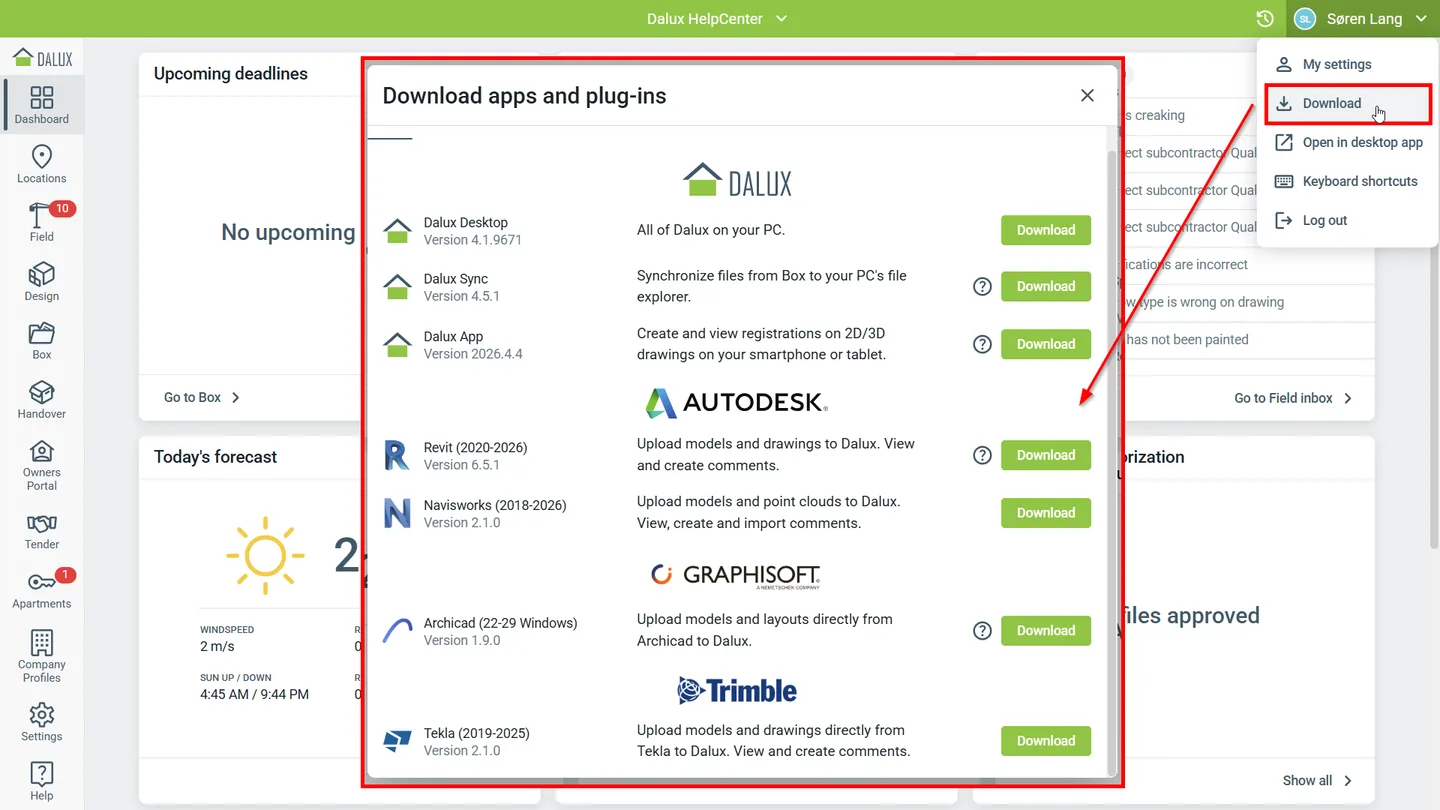
The publisher offers a free BIM Viewer; that does not mean every Dalux product or project workflow is included for free. Choose the service your team uses and sign in with your normal Dalux account. The screenshots illustrate publisher-provided Dalux interfaces, not a local installation or a test of the linked package.
What it offers
- Access Dalux projects on Windows with the normal Dalux login.
- Use one Dalux Desktop application for both Build and FM.
- View native BIM, IFC and drawings with Dalux BIM Viewer.
- Measure, filter and cut BIM models.
- Review model comments with responsible users, status tracking and an audit trail.
Good to know
- A Dalux login is required; available workflows depend on the Dalux service used by the project.
- The linked appxbundle requires Windows sideloading to be enabled; organisation policy may restrict installation.
- The alternate MSI requires administrator rights, lacks automatic updates and cannot handle browser deep links intended for the sideloaded app.
Product images
Sources
References used for this listing. Retrieval dates do not indicate hands-on testing.
More in utilities
View category ↗
1.1.1.1 with WARP 2026.8.2115.0
Encrypt traffic from your Mac to Cloudflare’s network with WARP, or use DNS-only mode for encrypted DNS queries to the 1.1.1.1 resolver.
1.1.1.1 with WARP 2026.8.2115.0
Encrypt traffic between your Windows PC and Cloudflare, or use encrypted DNS only, with the free 1.1.1.1 with WARP app.


3uTools 9.12.005
Manage iPhone and iPad photos, music, apps and backups from Windows with 3uTools, a free utility that also includes device checks and firmware flashing tools.