

Development macOS
DataGrip for macOS
Write SQL, browse database schemas and edit query results with DataGrip for Mac, JetBrains' database IDE. This download is the Apple silicon DMG; commercial use requires a subscription.
- Operating system
- macOS 15 and 26
- Architecture
- ARM64 (Apple silicon)
- Download package
- DMG disk image
Publisher requirements: 4-core CPU, 8 GB total RAM with 3 GB available for the IDE, and 10 GB disk space. JetBrains Runtime is bundled. Intel DMG is separate.
Link checked · Download guidance
What is DataGrip?
DataGrip brings database connections, SQL editing and table data into one desktop workspace. It supports relational and NoSQL databases, including PostgreSQL, MySQL, Oracle, SQL Server, MongoDB and Redis. Schema-aware completion, error detection and quick-fixes help when writing queries, while the data editor lets you filter, sort and modify results without switching to a separate tool.
It suits developers and analysts who work with several database systems and want a dedicated environment for queries and data exploration. Import and export tools move data between supported formats, and local history and Git integration help track work on SQL scripts.
The linked DMG is DataGrip 2026.2.6 for Apple silicon Macs, not the separate Intel package. JetBrains lists macOS 15 and 26, 8 GB total RAM and 10 GB disk space in its installation requirements. Java does not need to be installed separately because the IDE bundles JetBrains Runtime.
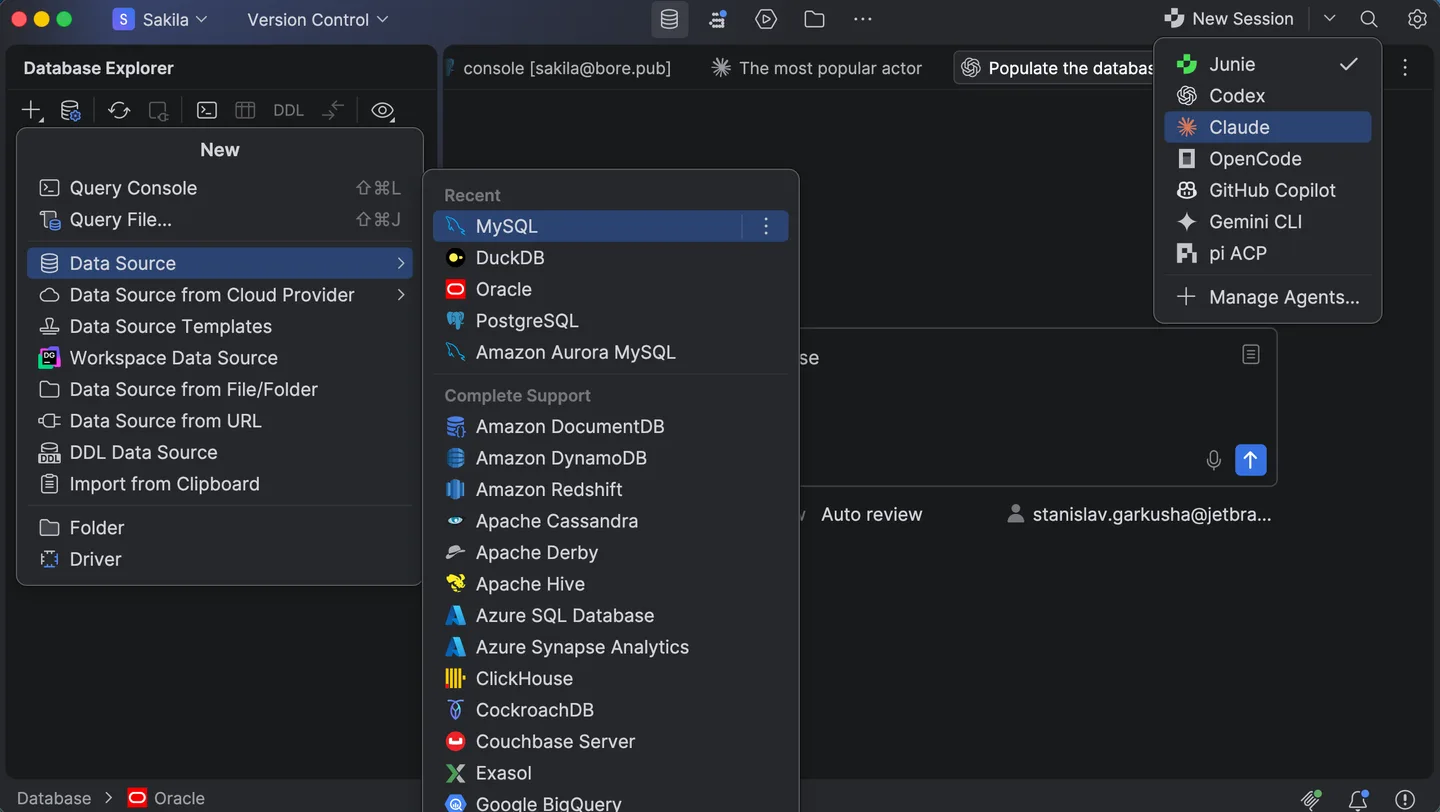
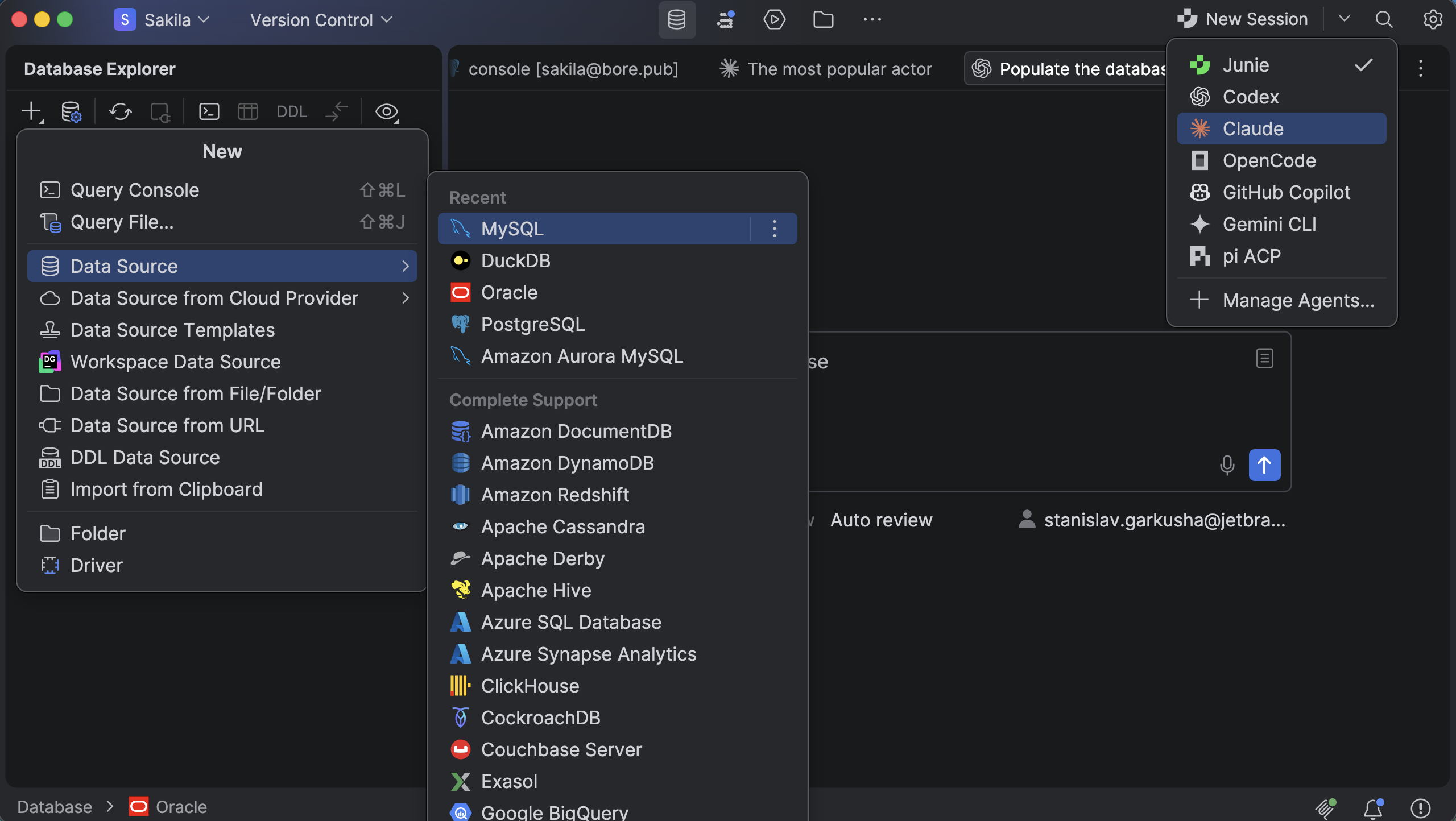
DataGrip is free for non-commercial use under JetBrains' terms, not unrestricted freeware. Commercial work requires a subscription; JetBrains also offers a 30-day trial. The screenshot is an illustrative publisher image of the macOS interface, not evidence that every visible feature belongs to the linked release.
What it offers
- Manage connections to supported relational and NoSQL databases in one IDE.
- Write SQL with schema-aware completion, error detection and quick-fixes for multiple dialects.
- Filter, sort and edit query results in interactive tables.
- Import and export data in supported formats.
- Use local history and Git integration to track SQL work.
Good to know
- Free use is limited to non-commercial activity under JetBrains' terms; commercial use requires a subscription.
- This download targets Apple silicon (ARM64); Intel Macs need the separate Intel DMG.
Product images
Sources
References used for this listing. Retrieval dates do not indicate hands-on testing.
More in development
View category ↗
010 Editor 17.0
Inspect and edit binary files on Mac with 010 Editor, a paid text and hex editor with Binary Templates, file comparison and a 30-day trial.
010 Editor 17.0
Inspect and edit binary files with 010 Editor for Windows, a text and hex editor with Binary Templates, file comparison and scripting. Includes a 30-day trial.
10x Editor
Edit and navigate C++ projects on Windows with a built-in parser, workspace search and Visual Studio project support. A paid license is required after the 30-day trial.