
Development Windows
datui
Explore CSV, Parquet, JSON and other tabular data in your Windows terminal. datui combines SQL queries, filtering, charts and exports without providing cell-by-cell editing.
- Operating system
- Windows 10 or newer
- Architecture
- x64 (x86_64)
- Download package
- ZIP archive
Publisher Windows MSVC build; unpack and place the executable on PATH. WinGet installation is an alternative.
Link checked · Download guidance
What is datui?
datui is a terminal-based data explorer for inspecting a file, narrowing its rows and understanding what its columns contain. It opens formats including CSV, Parquet, JSON, Arrow, Excel and SQLite, with data read from local storage or supported remote sources such as S3, GCS, Azure and HTTP(S). It fits a workflow where you want to examine a dataset without switching to a spreadsheet editor.
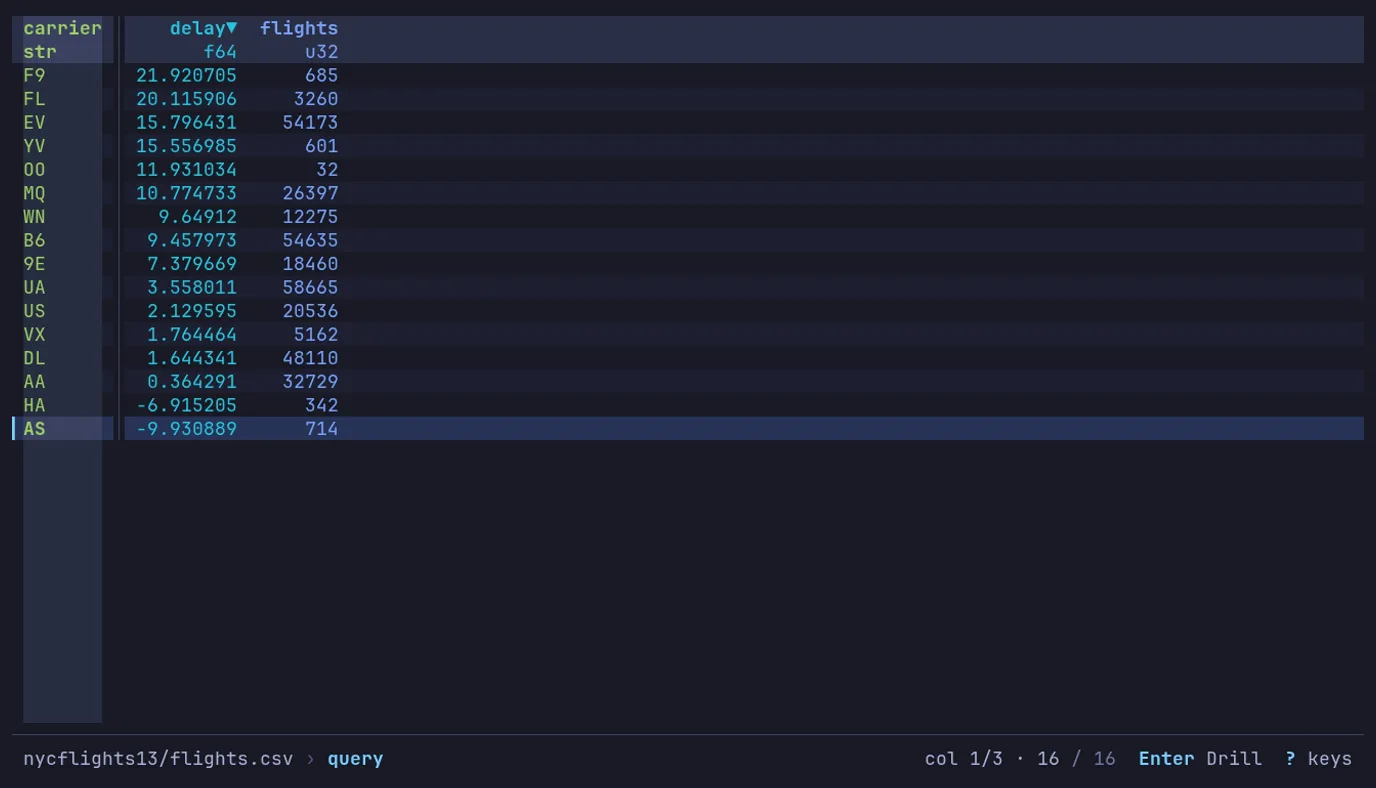
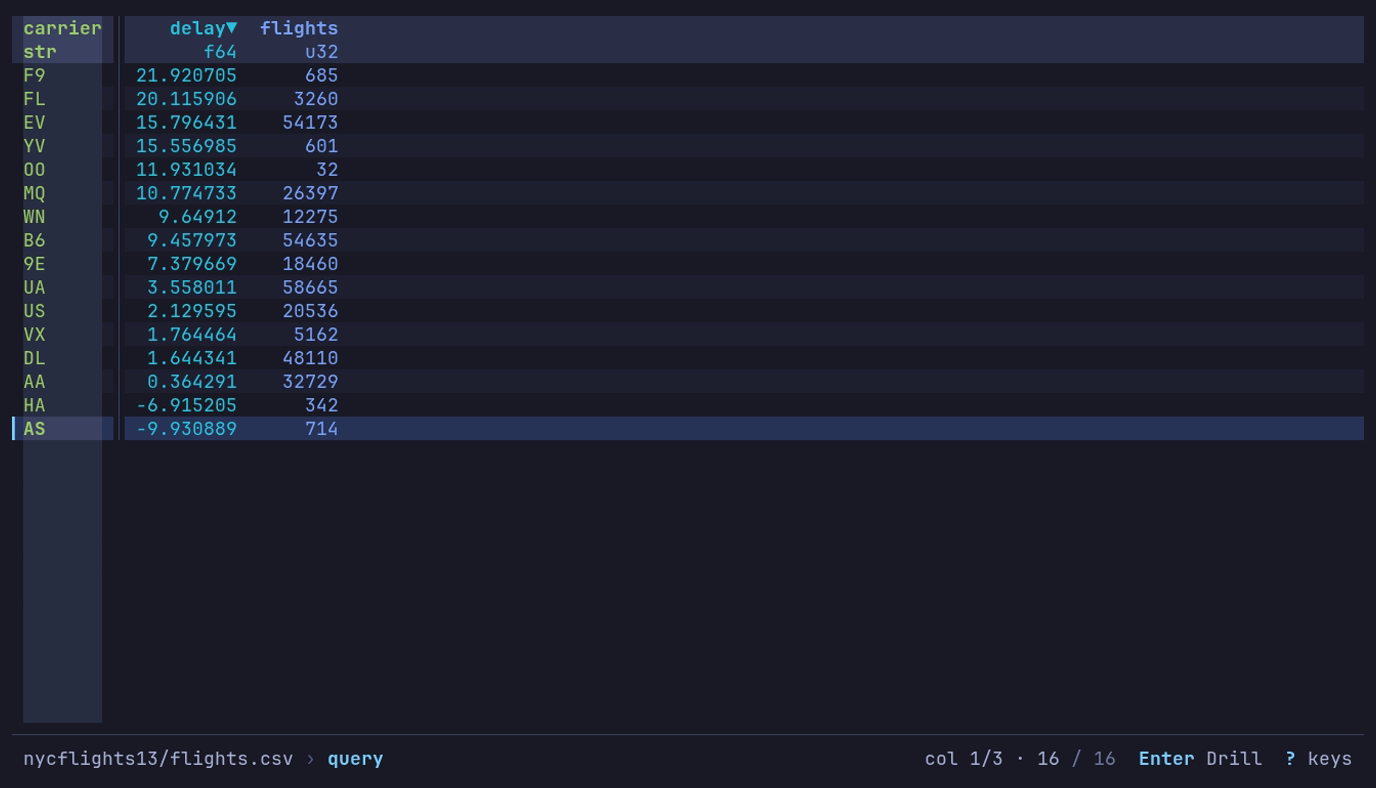
Open a dataset, sort or filter the table, then use SQL or q for a query. Value counts help inspect a column; charts and pivot or melt operations provide other views of the result. Save a view to reuse its query and filters on another file, or export or copy the result when it is ready to use elsewhere. The publisher screenshot shows a query result grouping flight records by carrier, not an independently tested Windows installation.
The linked download is the publisher’s version 0.4.15 ZIP archive for Windows x64, rather than a graphical installer. The installation guide requires Windows 10 or newer: unpack the archive and place the executable on PATH for terminal use. WinGet is a separate documented installation option.
datui is not a cell editor. It does not change opened data files unless you choose to export over one, so use another tool when individual cell edits are the task. Windows file locking also matters: another program’s exclusive lock can prevent opening a file, and datui’s memory mapping can prevent a log file from being renamed or truncated until you close it in datui.
What it offers
- Explore local CSV, Parquet, JSON, Arrow, Excel and SQLite data in a terminal table.
- Query with SQL or q, sort and filter rows, and inspect column value counts.
- Chart results, pivot or melt tables, and export or copy a result.
- Save a view to reuse queries and filters on another dataset.
- Read supported data from S3, GCS, Azure, HTTP(S), standard input or a Polars frame.
Good to know
- Cells cannot be edited directly; keep results through export or copying.
- On Windows, files held exclusively by another application cannot be opened until that application releases them.
- A file mapped by datui cannot be truncated, renamed or deleted on Windows; close it in datui before rotating that log.
Product images
Sources
References used for this listing. Retrieval dates do not indicate hands-on testing.
- datui - Download — retained discovery browser observation ↗Retrieved
- datui: Data Exploration in the Terminal ↗Retrieved
- datui — Explore tabular data in your terminal ↗Retrieved
- Install datui - Datui ↗Retrieved
- Release v0.4.15 · derekwisong/datui ↗Retrieved
- datui v0.4.15 — publisher release assets ↗Retrieved
- datui MIT License — copyright Derek Wisong ↗Retrieved
More in development
View category ↗
010 Editor 17.0
Inspect and edit binary files on Mac with 010 Editor, a paid text and hex editor with Binary Templates, file comparison and a 30-day trial.
010 Editor 17.0
Inspect and edit binary files with 010 Editor for Windows, a text and hex editor with Binary Templates, file comparison and scripting. Includes a 30-day trial.
10x Editor
Edit and navigate C++ projects on Windows with a built-in parser, workspace search and Visual Studio project support. A paid license is required after the 30-day trial.