

Development Windows
DB Browser for SQLite for Windows
Create and edit SQLite databases, browse records in a table view, run SQL queries and exchange CSV data with this free, open-source Windows database tool.
- Operating system
- Windows; exact minimum version not established from the cited download page
- Architecture
- x64 (64-bit)
- Download package
- MSI installer
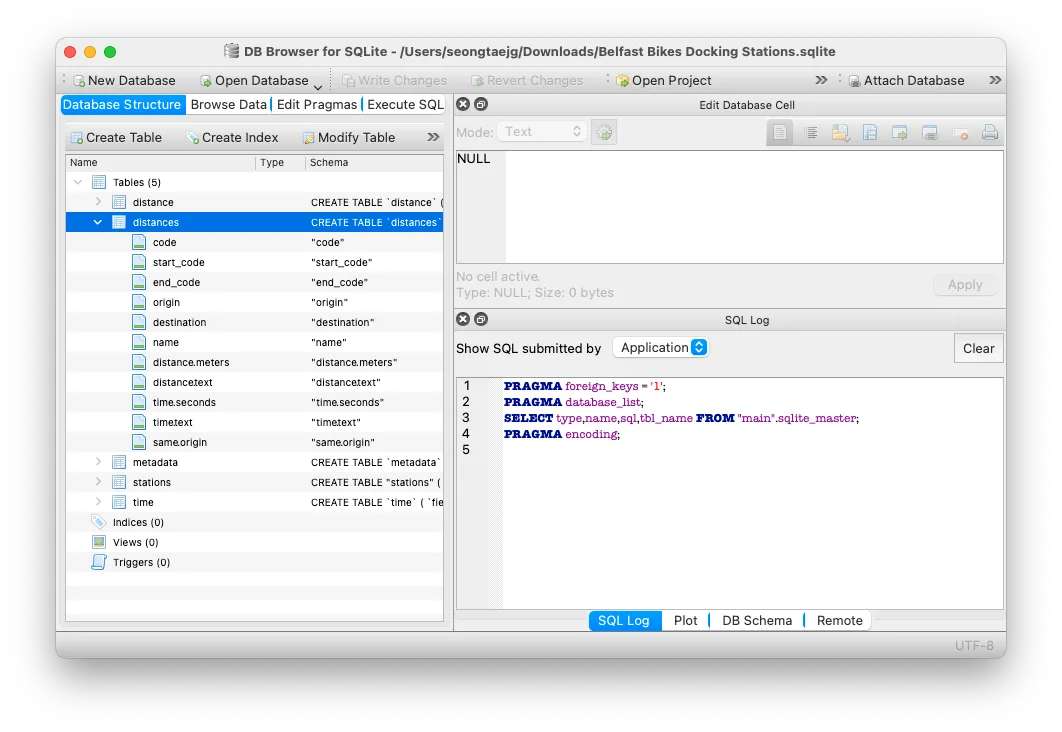
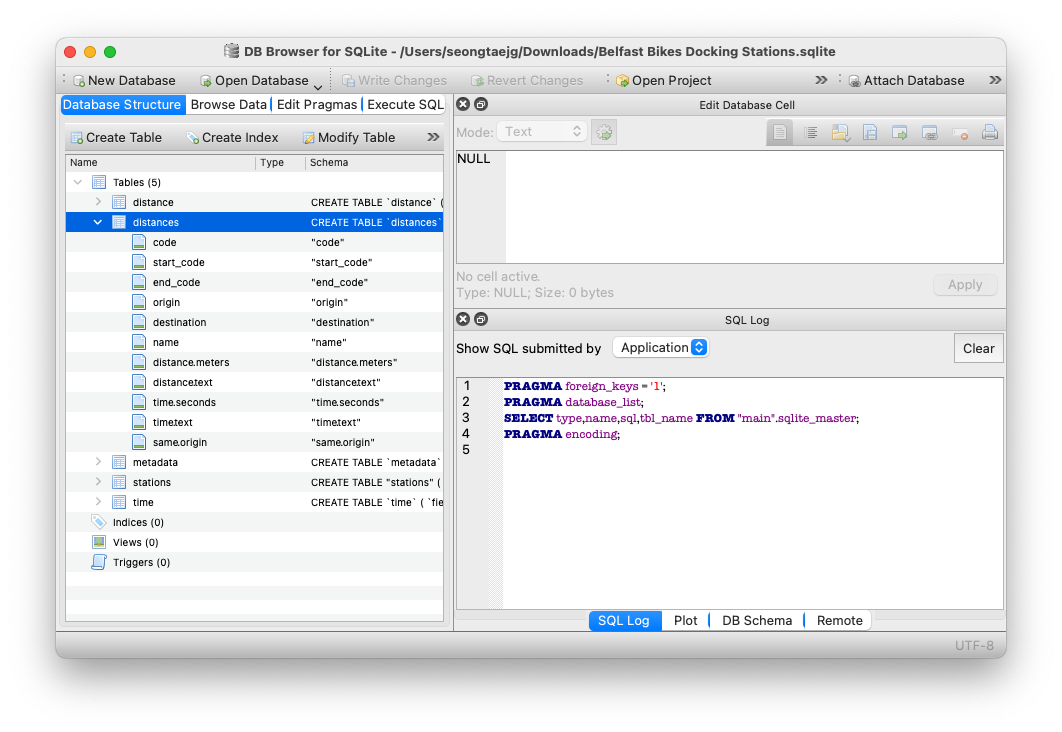
Selected win64 package; separate 32-bit, ARM64 and ZIP downloads are listed by the publisher. Screenshot shows the macOS interface.
Link checked · Download guidance
What is DB Browser for SQLite?
DB Browser for SQLite gives you a visual way to work with SQLite database files. Create tables and indexes, search existing records or edit values through a spreadsheet-like interface. A SQL query facility lets you issue queries and inspect the results when you need more control than the visual tools provide.
Import and export tables as CSV files, or move databases through SQL dump files. The application also provides a log of the SQL commands it issues and can plot simple graphs from table or query data. These tools suit inspecting a database file or making focused changes without writing every operation as SQL.
The grid is a database editor, not a replacement for a spreadsheet application; the project explicitly limits spreadsheet-style functionality. This download is the Windows 64-bit MSI installer for version 3.13.1. The publisher also offers separate 32-bit, ARM64 and ZIP packages. The screenshot illustrates the publisher's macOS interface, not a Windows installation or a verified capture of this release.
What it offers
- Create and modify database tables and indexes with visual controls.
- Browse, search, add, edit and delete records in a spreadsheet-like view.
- Run SQL queries, inspect their results and examine the application's SQL command log.
- Import and export CSV tables and SQL database dumps; plot simple graphs from table or query data.
Good to know
- The spreadsheet-like interface is not intended to replace a spreadsheet application; the project deliberately limits functionality outside its database-editing role.
Product images
Sources
References used for this listing. Retrieval dates do not indicate hands-on testing.
More in development
View category ↗
010 Editor 17.0
Inspect and edit binary files on Mac with 010 Editor, a paid text and hex editor with Binary Templates, file comparison and a 30-day trial.
010 Editor 17.0
Inspect and edit binary files with 010 Editor for Windows, a text and hex editor with Binary Templates, file comparison and scripting. Includes a 30-day trial.
10x Editor
Edit and navigate C++ projects on Windows with a built-in parser, workspace search and Visual Studio project support. A paid license is required after the 30-day trial.