
Development Windows
Deno
Run JavaScript and TypeScript on Windows with Deno, a free, open-source runtime with built-in formatting, linting, testing and npm package support.
- Operating system
- Windows 10 version 1709+; Windows Server 2016 version 1709+
- Architecture
- x64 (x86_64)
- Download package
- ZIP archive containing the Deno executable
Manual extraction and PATH setup required. A separate Windows ARM64 archive is available from the publisher.
Link checked · Download guidance
What is Deno?
Deno runs JavaScript, TypeScript and WebAssembly outside the browser. It suits command-line scripts, HTTP services and development projects where you want the runtime and everyday code tools in one executable. TypeScript files run directly, while the bundled formatter, linter, test runner and task commands reduce the separate tools needed for a project. Dependencies can come from npm, JSR or native ES module imports.
This download is the Windows x64 ZIP for Deno 2.9.8, not a setup wizard. Extract the executable into a folder on your PATH so it is available from a terminal. The publisher also supplies a separate Windows ARM64 archive. Windows 10 version 1709 or Windows Server 2016 version 1709 and newer are required.
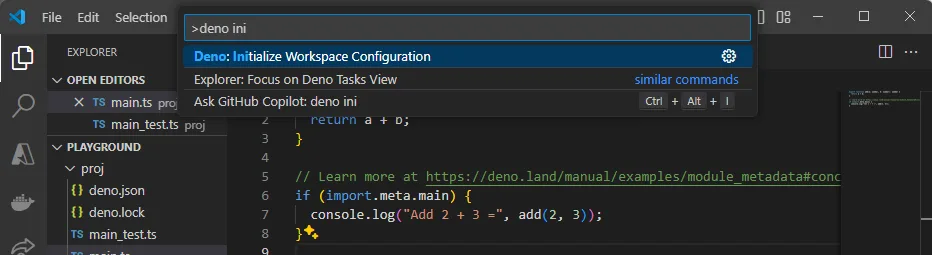
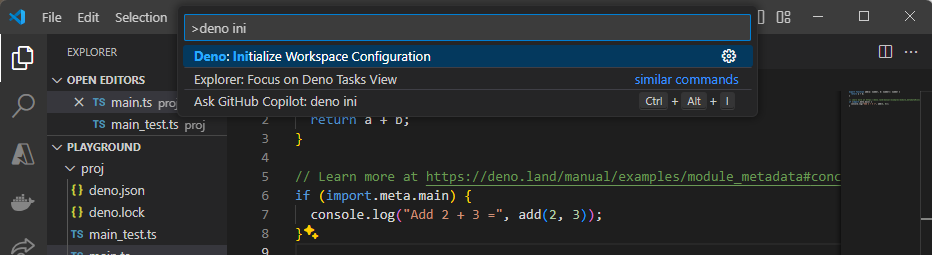
Deno restricts file, network and environment access for scripts until permissions are granted, so a script that needs those resources requires the corresponding permission choices. Use deno init to create a project and deno --version to check a completed installation. The screenshot shows Deno workspace setup inside VS Code; that editor integration requires the Denoland extension.
What it offers
- Run JavaScript, TypeScript and WebAssembly with one runtime.
- Format, lint and test code with built-in tools.
- Use npm and JSR dependencies alongside native ES modules.
- Create projects with deno init and run configured tasks with deno task.
- Integrate the Deno language server with supported editors, including VS Code.
Good to know
- Requires Windows 10 version 1709 or Windows Server 2016 version 1709 and newer.
- The selected ZIP is x64; ARM64 machines have a separate publisher archive. Manual installation requires extracting the executable and adding its folder to PATH.
- Scripts that access files, the network or environment variables need appropriate permissions.
- The publisher notes that npm-based installation affects command startup time; the selected download is the standalone ZIP.
Product images
Sources
References used for this listing. Retrieval dates do not indicate hands-on testing.
- Get started with Deno | Deno Docs ↗Retrieved
- Installation | Deno Docs ↗Retrieved
- Release v2.9.8 · denoland/deno · GitHub ↗Retrieved
- Deno v2.9.8 official release assets ↗Retrieved
- Deno v2.9.8 MIT License ↗Retrieved
- Set up your environment | Deno Docs ↗Retrieved
More in development
View category ↗
010 Editor 17.0
Inspect and edit binary files on Mac with 010 Editor, a paid text and hex editor with Binary Templates, file comparison and a 30-day trial.
010 Editor 17.0
Inspect and edit binary files with 010 Editor for Windows, a text and hex editor with Binary Templates, file comparison and scripting. Includes a 30-day trial.
10x Editor
Edit and navigate C++ projects on Windows with a built-in parser, workspace search and Visual Studio project support. A paid license is required after the 30-day trial.