
Utilities Windows
DesktopDigitalClock for Windows
Display local time and date on your Windows desktop with adjustable size, transparency, fonts and themes. DesktopDigitalClock also has a portable edition.
- Operating system
- Windows 11, 10, 8.1 and 7; Windows Server versions also listed by the publisher
- Architecture
- x64 (64-bit)
- Download package
- Portable ZIP archive
This link selects the x64 portable package. Separate installer and other Windows packages are available from the publisher.
Link checked · Download guidance
What is DesktopDigitalClock?
DesktopDigitalClock puts a customizable time and date display directly on the Windows desktop. Use it when you want a larger clock than the taskbar provides, or a display that matches your desktop background. You can move the clock, fix its position, change its font and size, and adjust transparency. Settings are accessible through its notification-area icon.
The publisher offers portable and installable packages. This entry links to the Windows x64 portable ZIP, so choose it for a 64-bit Windows PC; separate packages are available from the publisher for other supported Windows systems.
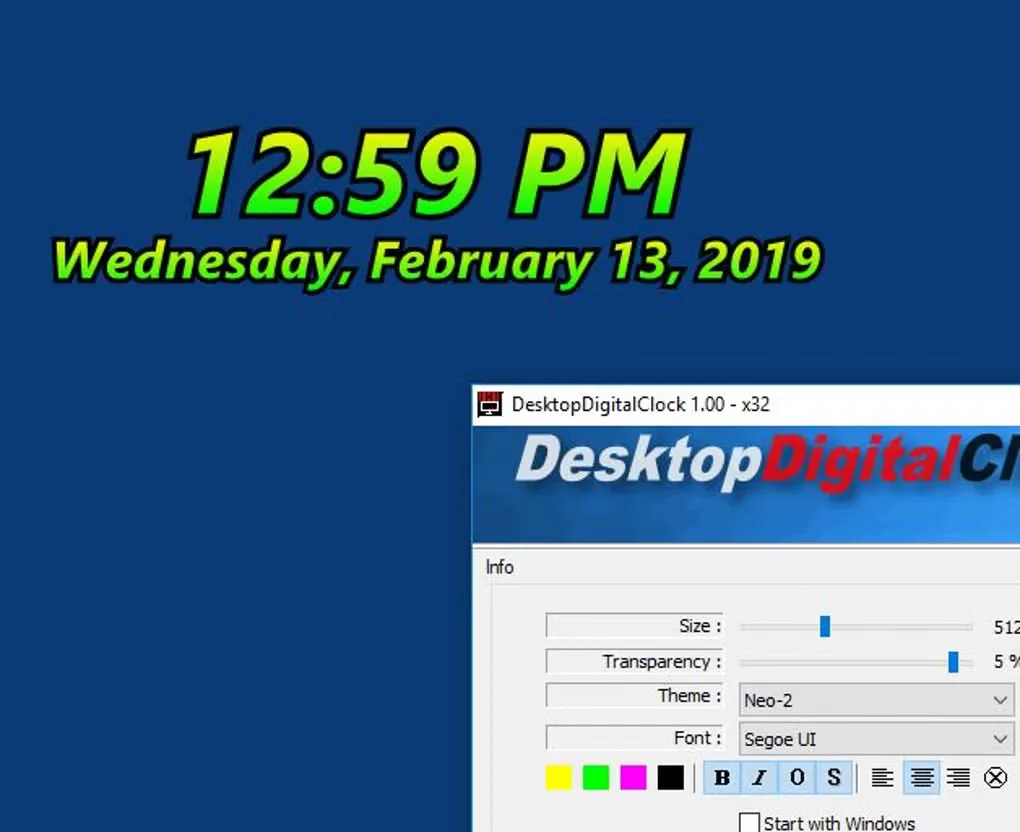
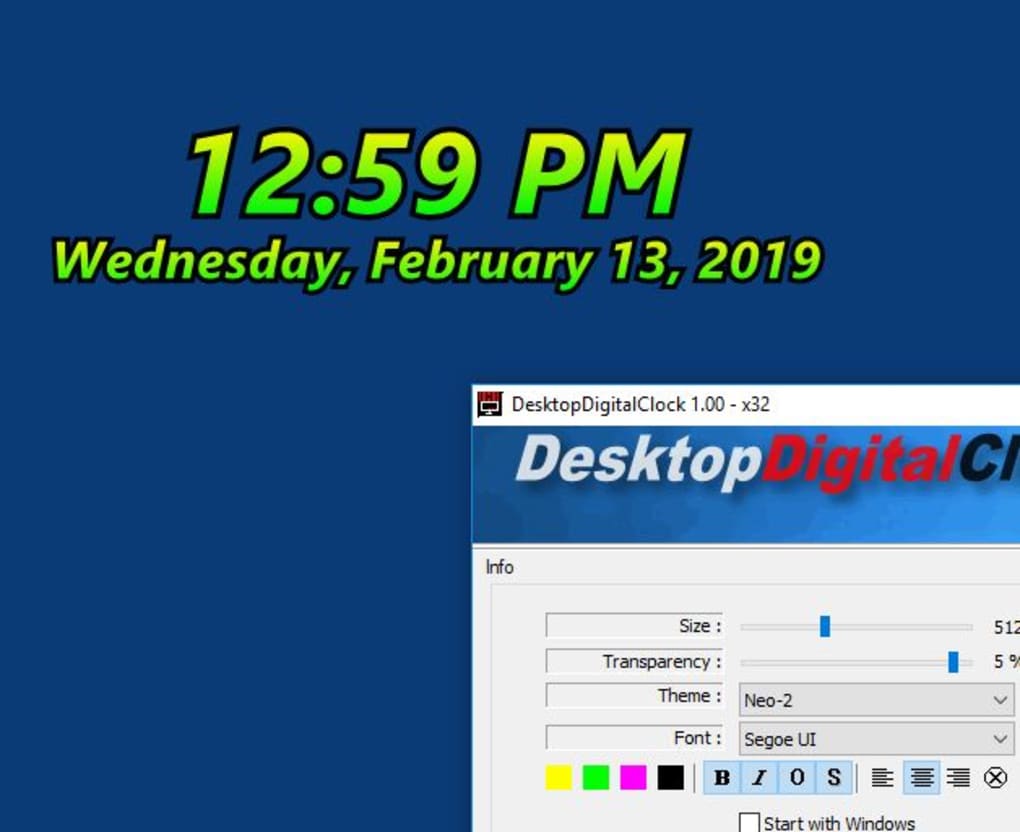
This is a desktop time display, not a replacement for an alarm, world-time or extensive calendar application. The gallery image is an older example showing version 1.00 and its settings, not a screenshot of version 6.41.
What it offers
- Show local time and date directly on the desktop.
- Move the clock freely or fix its position on the screen.
- Adjust clock size, font, transparency and visual theme.
- Change settings through the notification-area icon.
- Use the portable edition without installing the application.
Good to know
- The publisher recommends a specialized application if you need alarms, world time or extensive calendar functions.
Product images
Sources
References used for this listing. Retrieval dates do not indicate hands-on testing.
- DesktopDigitalClock 6.41 — publisher product page ↗Retrieved
- DesktopDigitalClock 6.41 — official download choices ↗Retrieved
- Publisher intermediate download page — actual direct link ↗Retrieved
- DesktopDigitalClock — License Agreement ↗Retrieved
- DesktopDigitalClock for Windows — normal browser product and gallery observation ↗Retrieved
More in utilities
View category ↗
1.1.1.1 with WARP 2026.8.2115.0
Encrypt traffic from your Mac to Cloudflare’s network with WARP, or use DNS-only mode for encrypted DNS queries to the 1.1.1.1 resolver.
1.1.1.1 with WARP 2026.8.2115.0
Encrypt traffic between your Windows PC and Cloudflare, or use encrypted DNS only, with the free 1.1.1.1 with WARP app.

3uTools 9.12.005
Manage iPhone and iPad photos, music, apps and backups from Windows with 3uTools, a free utility that also includes device checks and firmware flashing tools.