

Utilities Windows
DesktopOK for Windows
Save and restore Windows desktop icon layouts with DesktopOK, a freeware utility with automatic layout saving and a no-install executable.
- Operating system
- Windows 11, 10, 8.1 and 7; Windows Server also listed by publisher
- Architecture
- x64
- Download package
- ZIP archive; no-install executable
This link selects the publisher's x64 package; a separate standard ZIP is also listed. Portable settings require a writable DesktopOK.ini beside the program.
Link checked · Download guidance
What is DesktopOK?
DesktopOK saves the positions of your Windows desktop icons so you can restore an arrangement after a screen-resolution change or a switch to a projector. Keep several layouts for different display setups rather than moving each icon back by hand. Automatic saving, a system-tray interface and Windows-startup options support repeated use.
The linked publisher download is the x64 ZIP package. DesktopOK needs no installation, but keeping its settings beside the executable requires an extra step: create or copy DesktopOK.ini into the program's working directory and restart it. The publisher says this location must be writable; otherwise settings can be stored under %APPDATA%/DesktopOK.
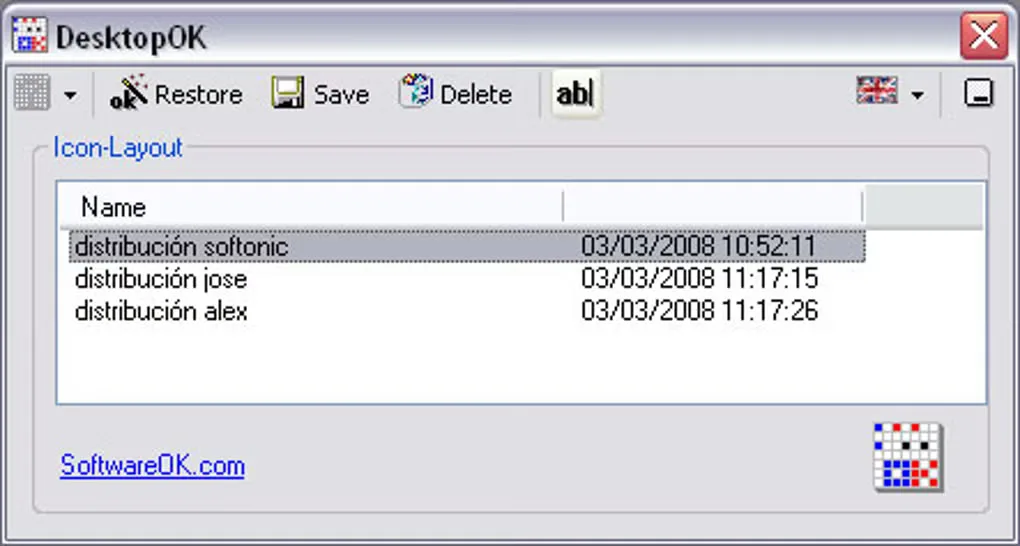
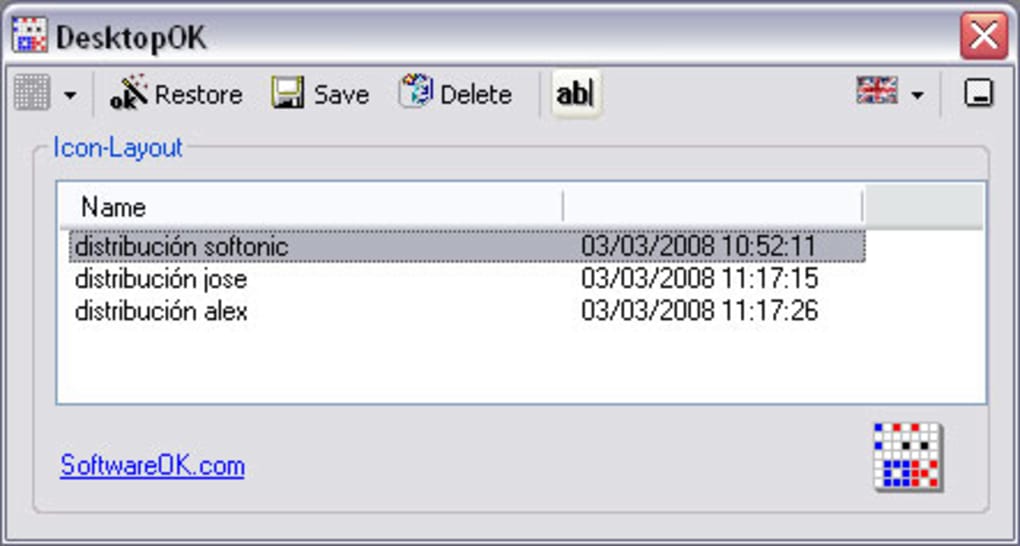
The screenshot shows an older DesktopOK interface from the source gallery, including its saved-layout list and Restore, Save and Delete controls. It illustrates the core workflow, not the appearance of version 12.82.
What it offers
- Save multiple desktop icon layouts and restore a selected arrangement.
- Keep icon positions for different screen resolutions.
- Automatically save desktop icon layouts.
- Access the utility from the system tray or configure it to start with Windows.
- Use additional desktop tools, including hiding icons and changing their size.
Good to know
- Portable settings need a DesktopOK.ini file in a writable program directory; without that setup, the default settings location is %APPDATA%/DesktopOK.
Product images
Sources
References used for this listing. Retrieval dates do not indicate hands-on testing.
More in utilities
View category ↗
1.1.1.1 with WARP 2026.8.2115.0
Encrypt traffic from your Mac to Cloudflare’s network with WARP, or use DNS-only mode for encrypted DNS queries to the 1.1.1.1 resolver.
1.1.1.1 with WARP 2026.8.2115.0
Encrypt traffic between your Windows PC and Cloudflare, or use encrypted DNS only, with the free 1.1.1.1 with WARP app.

3uTools 9.12.005
Manage iPhone and iPad photos, music, apps and backups from Windows with 3uTools, a free utility that also includes device checks and firmware flashing tools.