
Utilities macOS
DeSmuME for macOS
Emulate Nintendo DS games on Mac with configurable controls, save states and higher-resolution 3D rendering. DeSmuME is free and open source; WiFi and 3DS emulation are not supported.
- Operating system
- Publisher 0.9.13 README lists macOS 10.5 or later
- Architecture
- Publisher README lists Intel and PowerPC; linked DMG CPU slices unverified
- Download package
- Standalone macOS DMG disk image
Historical publisher requirements: 512 MB RAM minimum, 2 GB recommended. PowerPC support is limited. Current macOS operation and native Apple Silicon support are not verified.
Link checked · Download guidance
What is DeSmuME?
DeSmuME brings Nintendo DS emulation to Mac through a Cocoa frontend. It is useful for playing DS software you are entitled to use and exploring how it behaves with different display and input settings. This entry links to the standalone macOS 0.9.13 disk image from the publisher’s GitHub release, not the separate OpenEmu package.
Map DS buttons to a keyboard, gamepad or joystick, use the mouse for touchscreen input, and supply microphone input through your Mac’s audio device or generated samples. Display rotation helps with games designed for a different screen orientation. The GPU Scaling Factor can raise 3D rendering resolution above the DS’s native 256×192 pixels.
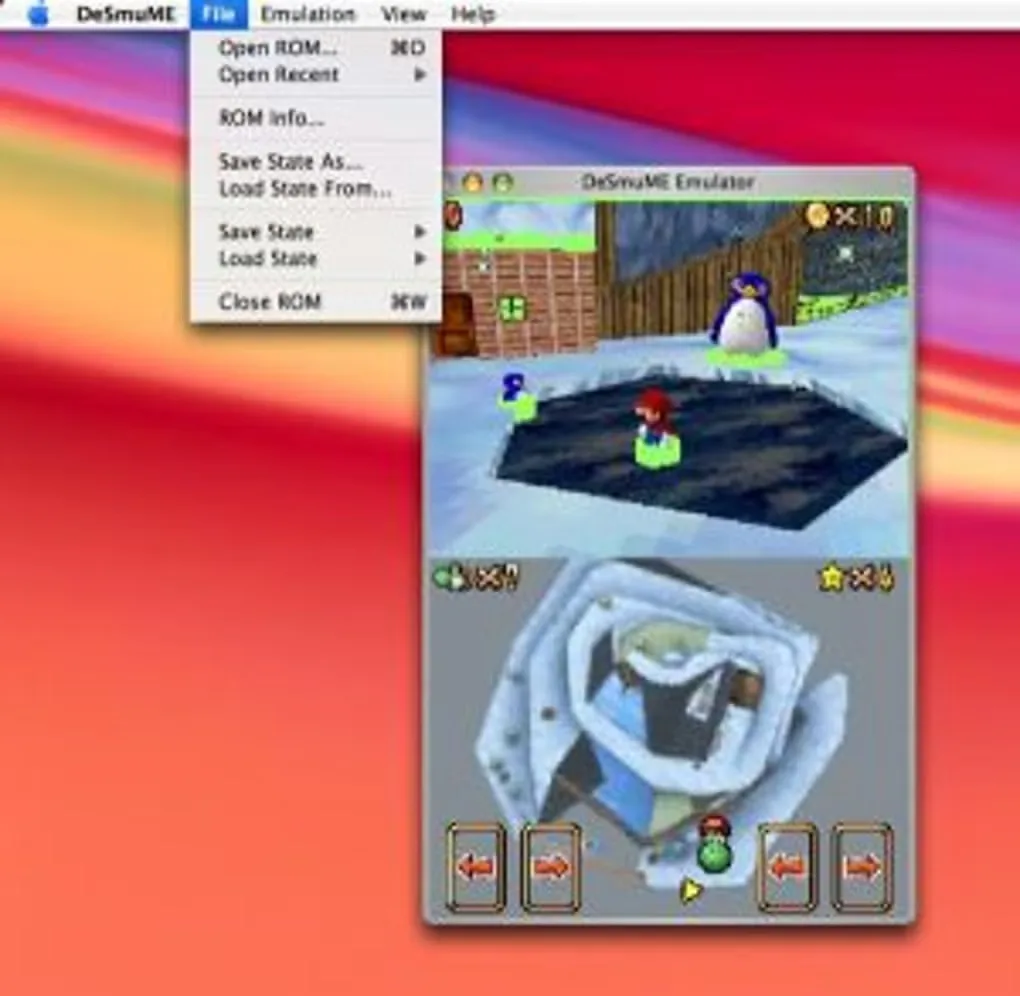
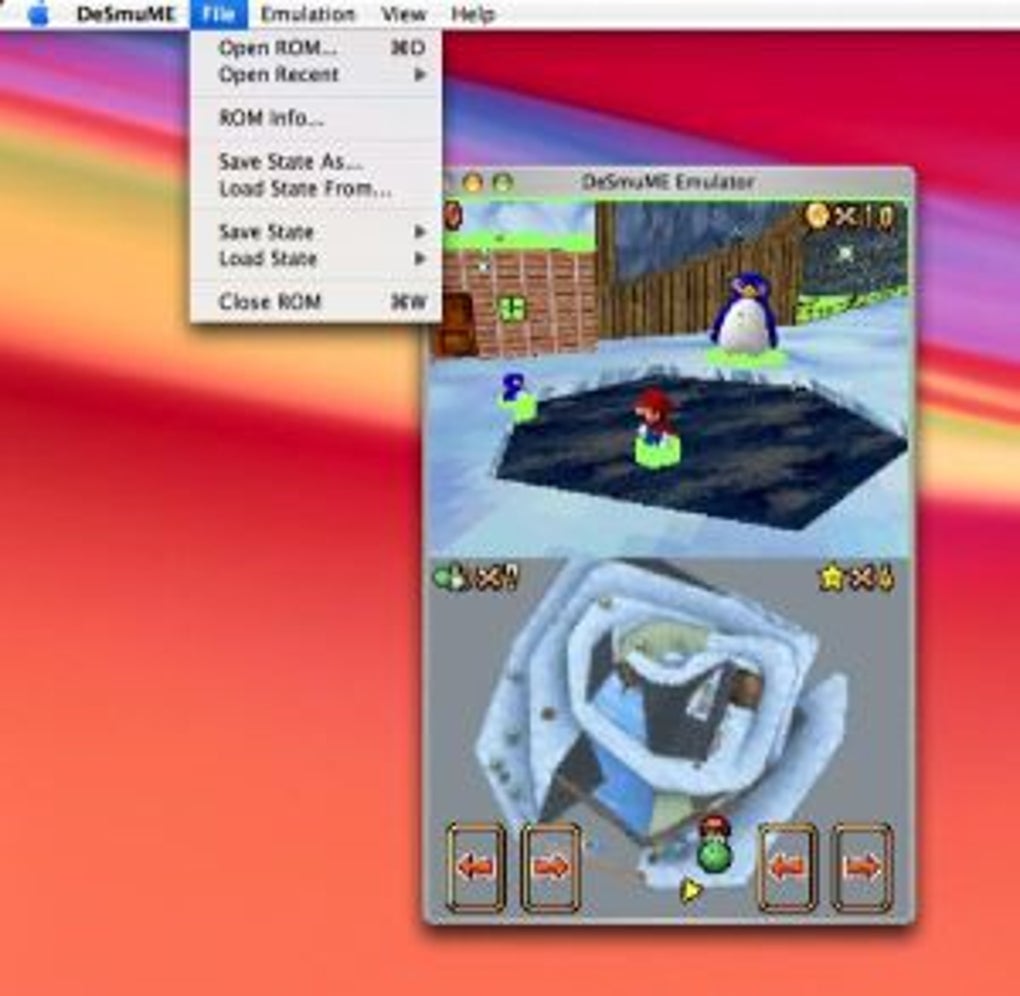
Save states let you resume a captured emulation state, but the Mac documentation treats them as temporary: use a game’s own save function for lasting progress. DeSmuME does not emulate WiFi and is not a 3DS or 2DS emulator. Mac and Windows features differ, and performance-oriented emulation settings can introduce glitches or reduce compatibility. The gallery image is a historical Mac interface example, not proof of the current release running on modern macOS.
What it offers
- Nintendo DS emulation with a Mac Cocoa frontend.
- Higher-resolution 3D rendering through the GPU Scaling Factor.
- Configurable keyboard, gamepad and joystick mappings, plus mouse-based touchscreen input.
- Microphone emulation using an audio input device or software-generated samples.
- Display rotation and save-state files with ten quick-save slots.
Good to know
- WiFi is not emulated or supported; this is not a Nintendo 3DS or 2DS emulator.
- Save states are temporary checkpoints, not a replacement for in-game saves.
- Mac features differ from Windows, and changing performance settings can cause glitches or reduce ROM compatibility.
- Operation on current macOS releases and native Apple Silicon support for the linked DMG have not been verified.
Product images
Sources
References used for this listing. Retrieval dates do not indicate hands-on testing.
- DeSmuME for Mac - Download ↗Retrieved
- DeSmuME — official release announcement ↗Retrieved
- Downloads — DeSmuME ↗Retrieved
- DeSmuME 0.9.13 — publisher release assets ↗Retrieved
- DeSmuME 0.9.13 — Macintosh README ↗Retrieved
- DeSmuME 0.9.13 — publisher README and license ↗Retrieved
More in utilities
View category ↗
1.1.1.1 with WARP 2026.8.2115.0
Encrypt traffic from your Mac to Cloudflare’s network with WARP, or use DNS-only mode for encrypted DNS queries to the 1.1.1.1 resolver.
1.1.1.1 with WARP 2026.8.2115.0
Encrypt traffic between your Windows PC and Cloudflare, or use encrypted DNS only, with the free 1.1.1.1 with WARP app.

3uTools 9.12.005
Manage iPhone and iPad photos, music, apps and backups from Windows with 3uTools, a free utility that also includes device checks and firmware flashing tools.