
Development Windows
Dev-C++ for Windows
Write, compile and debug C and C++ programs on Windows with Dev-C++. This download is the Embarcadero fork, bundled with TDM-GCC 9.2.
- Operating system
- Windows 7, 8.1, 10 and 11 (publisher listing)
- Architecture
- Bundled TDM-GCC supports 32-bit and 64-bit targets
- Download package
- EXE installer with TDM-GCC 9.2
Compiler-free and portable packages are separate downloads. Target architecture support is not a claim about the IDE executable's architecture.
Link checked · Download guidance
What is Dev-C++?
Dev-C++ brings a source editor, project manager and GCC-based build tools into one Windows application. Use it to work on console programs, Windows applications, static libraries or DLLs. Syntax highlighting, code completion and a class browser help with editing; integrated GDB debugging and GPROF profiling support investigating program behavior.
The linked installer is Embarcadero Dev-C++ 6.3 with TDM-GCC 9.2, rather than the original Bloodshed release or a compiler-free package. Embarcadero describes its edition as a fork of Bloodshed and Orwell Dev-C++. It also supports other GCC-based compilers, including Cygwin toolchains.
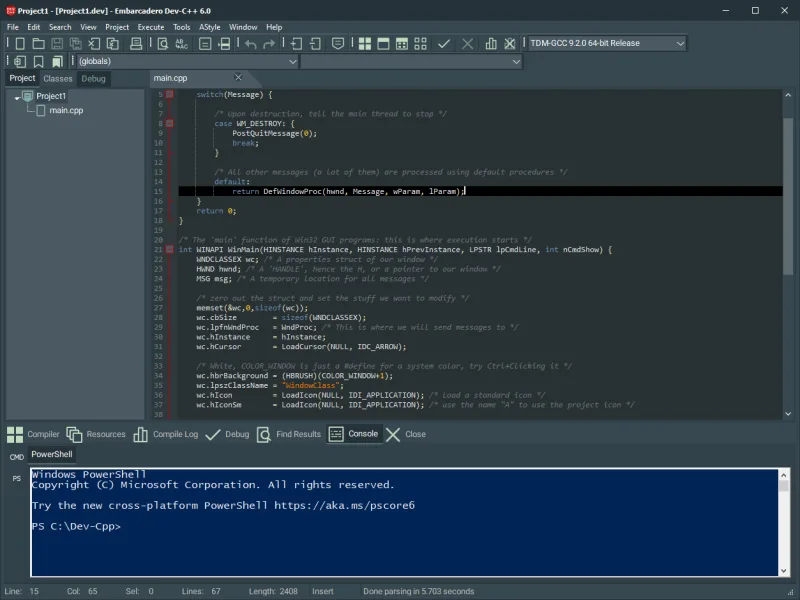
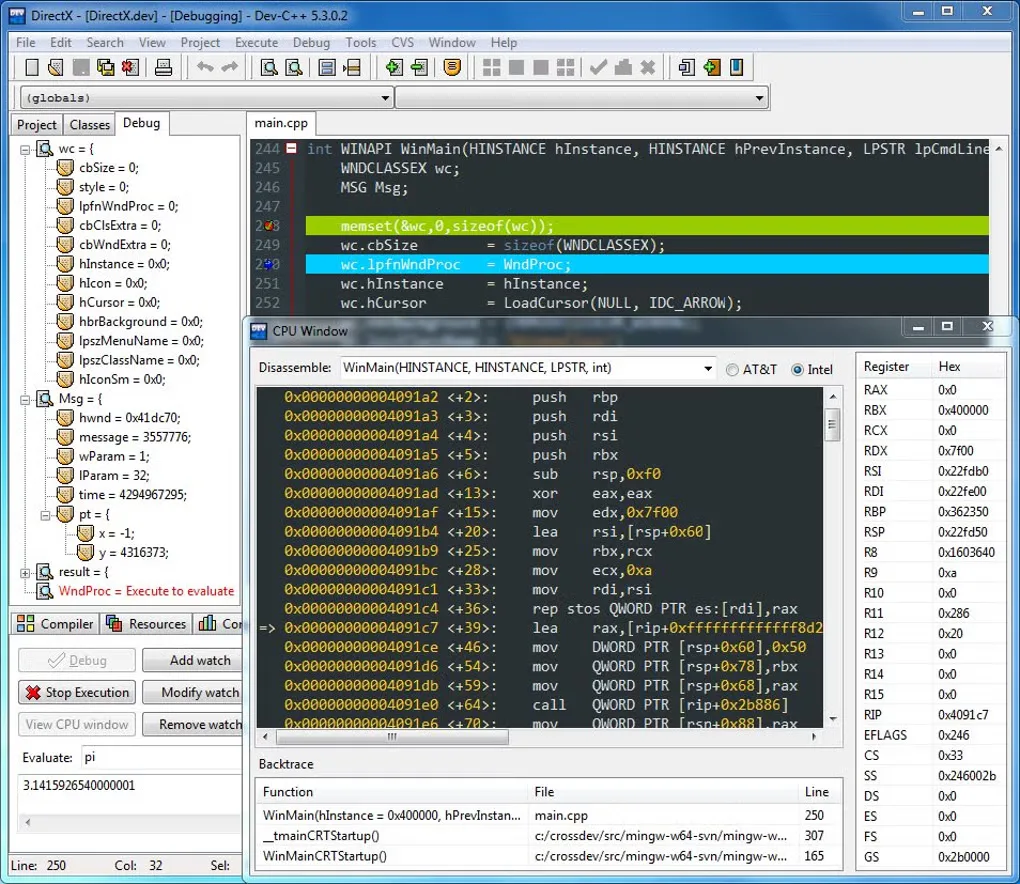
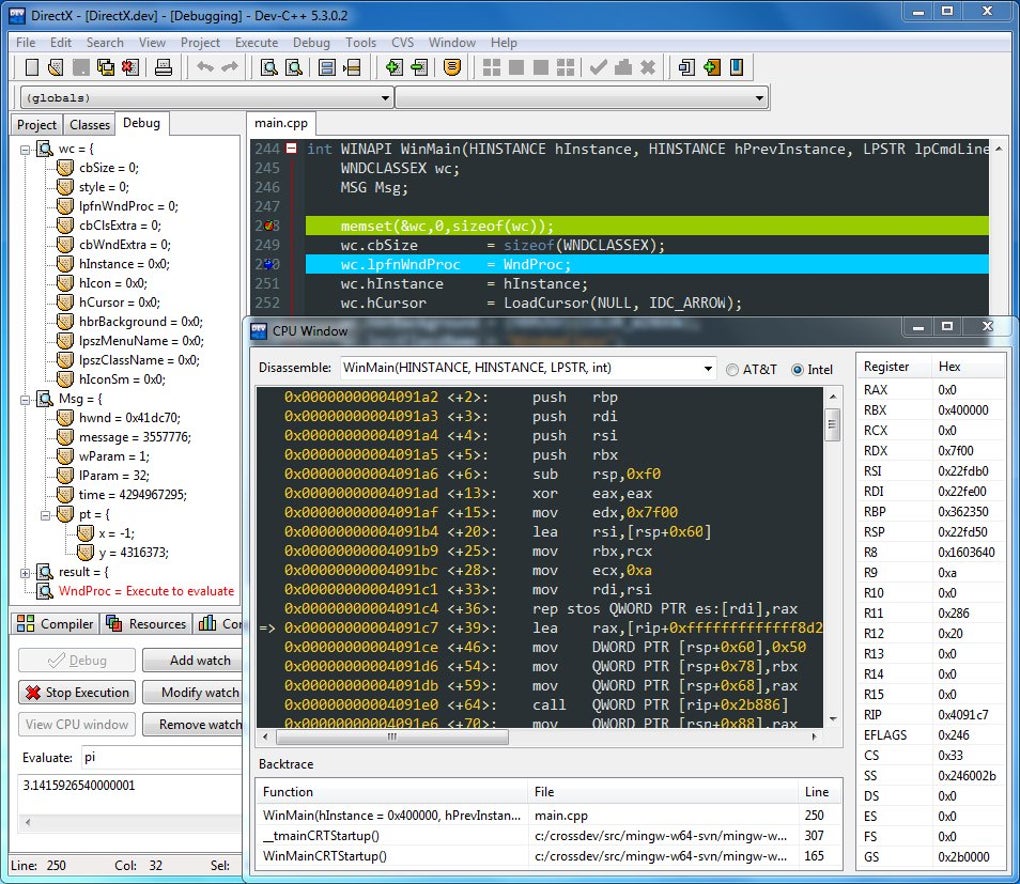
Compiler support needs attention when following newer C++ material: the repository describes C++20 support as partial, and the bundled compiler is TDM-GCC 9.2. Do not assume every C++20 feature is available. The screenshots illustrate earlier interfaces: the publisher image shows Embarcadero Dev-C++ 6.0, while the Softonic gallery image shows Dev-C++ 5.3.0.2; neither is presented as a capture of version 6.3.
What it offers
- Edit C and C++ code with syntax highlighting, code completion and a class browser.
- Manage projects for Windows applications, console programs, static libraries and DLLs.
- Compile with the bundled TDM-GCC 9.2 toolchain or configure another GCC-based compiler.
- Debug with integrated GDB and profile code with GPROF.
- Format source with AStyle and create makefiles for builds.
Good to know
- The repository lists only partial C++20 support; the bundled TDM-GCC 9.2 compiler does not establish support for every modern C++ feature.
Product images
Sources
References used for this listing. Retrieval dates do not indicate hands-on testing.
- Dev-C++ Overview - Free Tools - Embarcadero ↗Retrieved
- Embarcadero/Dev-Cpp — publisher repository and README ↗Retrieved
- Embarcadero Dev-C++ v6.3 release metadata and assets ↗Retrieved
- Dev-C++ COPYING.txt — GNU General Public License version 2 ↗Retrieved
- Dev-C++ - Download — normal browser observation ↗Retrieved
More in development
View category ↗
010 Editor 17.0
Inspect and edit binary files on Mac with 010 Editor, a paid text and hex editor with Binary Templates, file comparison and a 30-day trial.
010 Editor 17.0
Inspect and edit binary files with 010 Editor for Windows, a text and hex editor with Binary Templates, file comparison and scripting. Includes a 30-day trial.
10x Editor
Edit and navigate C++ projects on Windows with a built-in parser, workspace search and Visual Studio project support. A paid license is required after the 30-day trial.