
Utilities Windows
Digital Clock 4 for Windows
Put a customizable clock on your Windows desktop with skins, fonts, alarms and timer plugins. This download is the final Digital Clock 4 release, 4.7.9, for x64 Windows.
- Operating system
- Windows; publisher states Windows 7 SP1 minimum for the installer
- Architecture
- x64 (64-bit)
- Download package
- MSI installer
Requires manual installation of the Microsoft Visual C++ Redistributable for Visual Studio 2015, 2017 and 2019. Windows 11 compatibility is unverified. A separate portable Windows package is listed by the publisher.
Link checked · Download guidance
What is Digital Clock 4?
Digital Clock 4 displays a clock on the Windows desktop with more control over its appearance than the system clock. Choose a skin or font, change colors and textures, resize the display and adjust its opacity. The clock can stay above other windows, and its settings are accessible from the system tray or the clock's context menu. Plugins add alarms, a countdown timer and a stopwatch.
The download here is the x64 MSI installer for version 4.7.9, dated December 20, 2020. The publisher identifies it as the final Digital Clock 4 release and has closed that project. The shared SourceForge catalog now also carries Digital Clock 5, so its generic latest-version button is not a reliable way to select version 4.
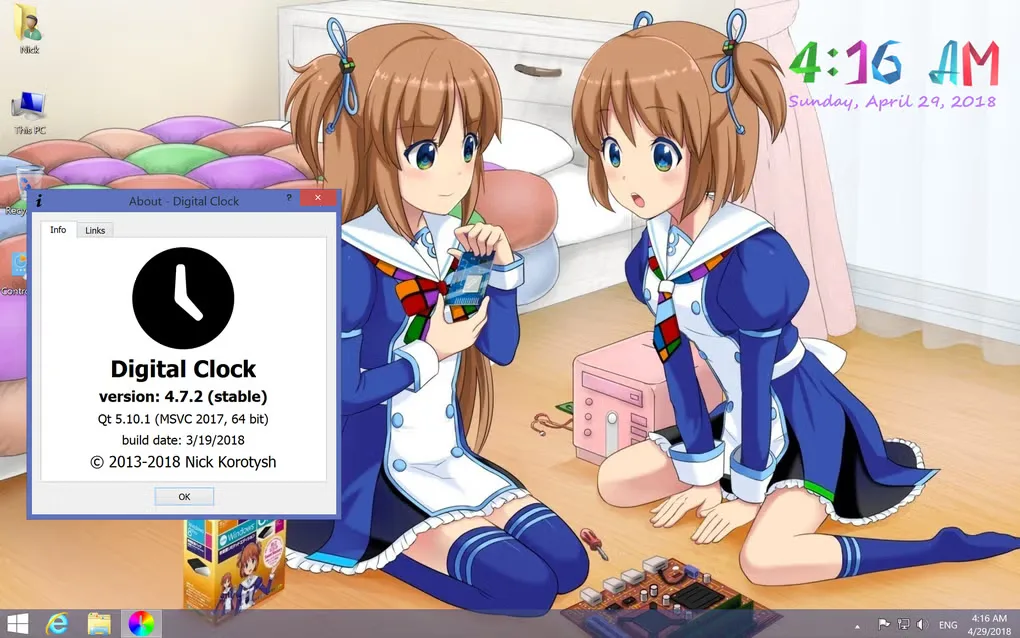
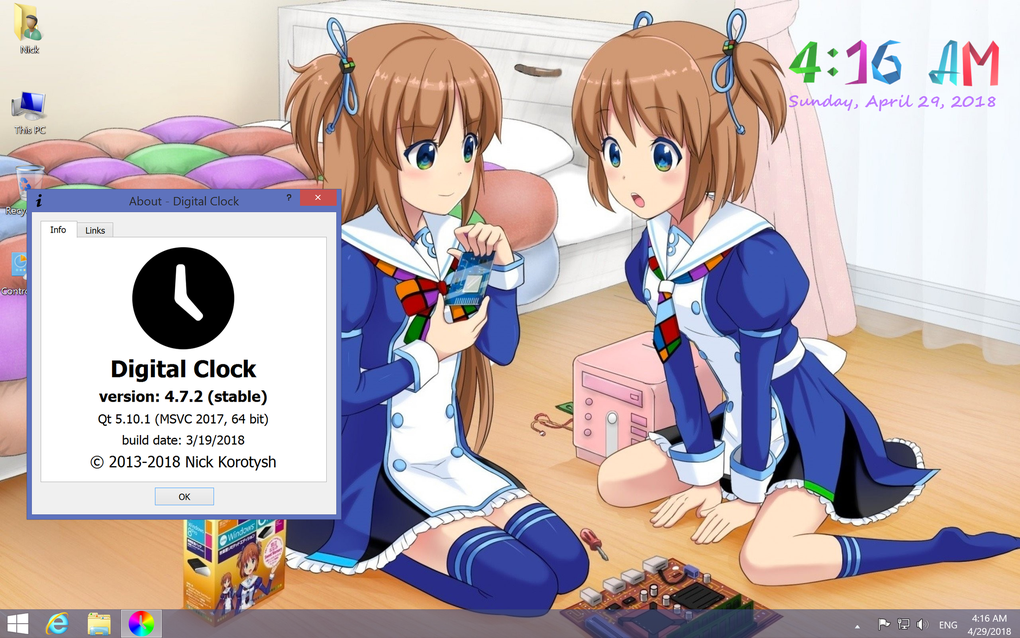
Before using the installer, check the publisher's legacy requirements: Windows 7 SP1 is the stated minimum, and the Microsoft Visual C++ Redistributable for Visual Studio 2015, 2017 and 2019 must be installed manually. The publisher also warns that sound playback does not work on Windows N editions. Compatibility with Windows 11 has not been established here. The screenshot is a historical Windows capture showing version 4.7.2, not a capture of the 4.7.9 installer running.
What it offers
- Customize the desktop clock with skins or fonts, colors and textures.
- Change the clock's size and opacity, move it on screen or keep it above other windows.
- Use plugins for alarms, a countdown timer and a stopwatch.
- Access clock settings from its system-tray icon or right-click context menu.
- Show the clock on multiple monitors; the publisher also lists HiDPI display support.
Good to know
- Digital Clock 4 is discontinued; the publisher calls 4.7.9 its final release and says it will not respond to clock-issue tickets or emails.
- The MSI installer does not install its required Microsoft Visual C++ Redistributable automatically.
- The publisher states that sound playback does not work on Windows N editions.
- Windows 11 compatibility has not been verified.
Product images
Sources
References used for this listing. Retrieval dates do not indicate hands-on testing.
More in utilities
View category ↗
1.1.1.1 with WARP 2026.8.2115.0
Encrypt traffic from your Mac to Cloudflare’s network with WARP, or use DNS-only mode for encrypted DNS queries to the 1.1.1.1 resolver.
1.1.1.1 with WARP 2026.8.2115.0
Encrypt traffic between your Windows PC and Cloudflare, or use encrypted DNS only, with the free 1.1.1.1 with WARP app.

3uTools 9.12.005
Manage iPhone and iPad photos, music, apps and backups from Windows with 3uTools, a free utility that also includes device checks and firmware flashing tools.