
Utilities Windows
Direct Folders
Jump to favorite and recent folders from Windows Open/Save dialogs with Direct Folders, a folder-navigation utility from Code Sector.
- Operating system
- Windows; Softonic lists Windows 11
- Architecture
- Not specified on the publisher product page
- Download package
- EXE download
No local installation or compatibility test performed. The publisher page does not state a minimum Windows version or CPU architecture.
Link checked · Download guidance
What is Direct Folders?
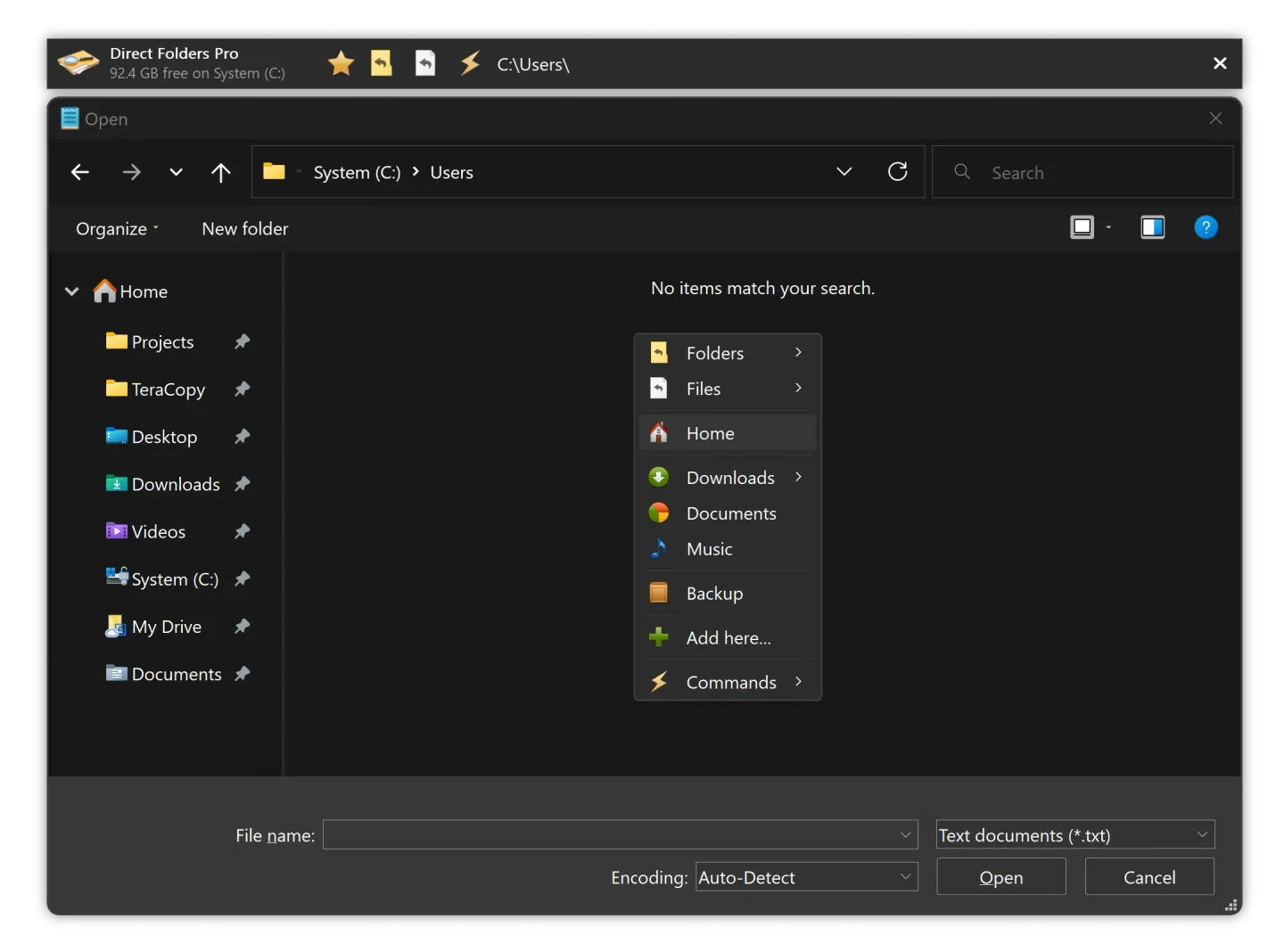
Direct Folders adds a shortcut menu for folders you return to often. Double-click an empty area in a standard Open/Save dialog, Explorer or the desktop to bring up the menu. Choosing a favorite or recent folder changes the dialog's location; opening the menu from the desktop or tray icon instead opens the folder in Explorer. It suits work that repeatedly saves files into deeply nested project folders.
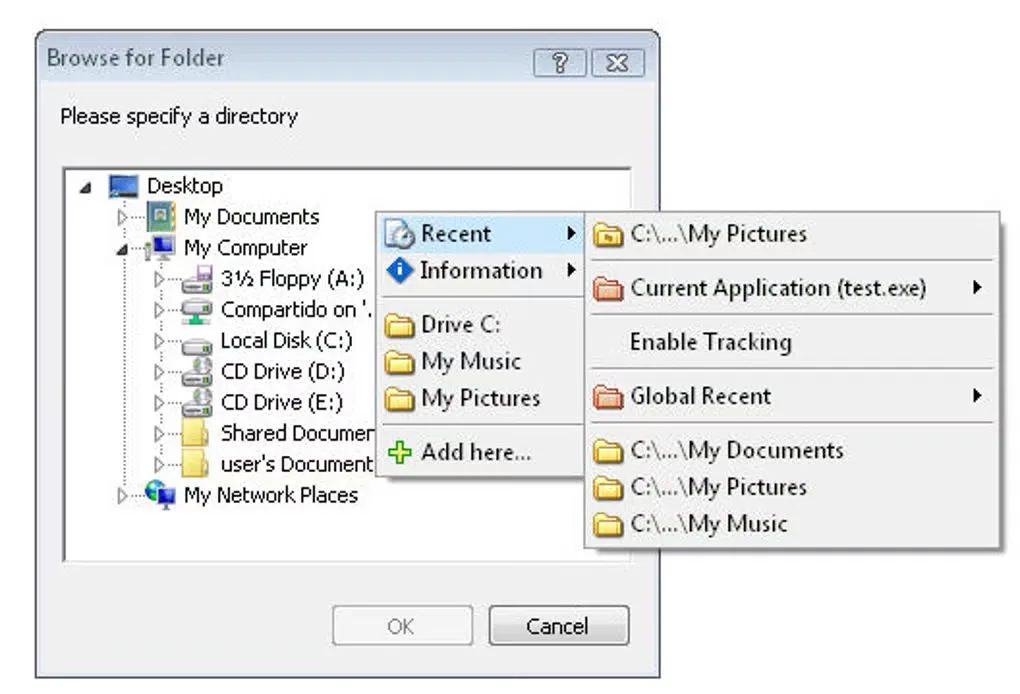
The publisher also describes automatic resizing of standard file dialogs and ClickSwitch, which sends a dialog to a folder already open in Explorer, Total Commander or Directory Opus. The Recent submenu separates folders used by the current application from global recent folders. These are publisher-described features, not results of a local installation test.
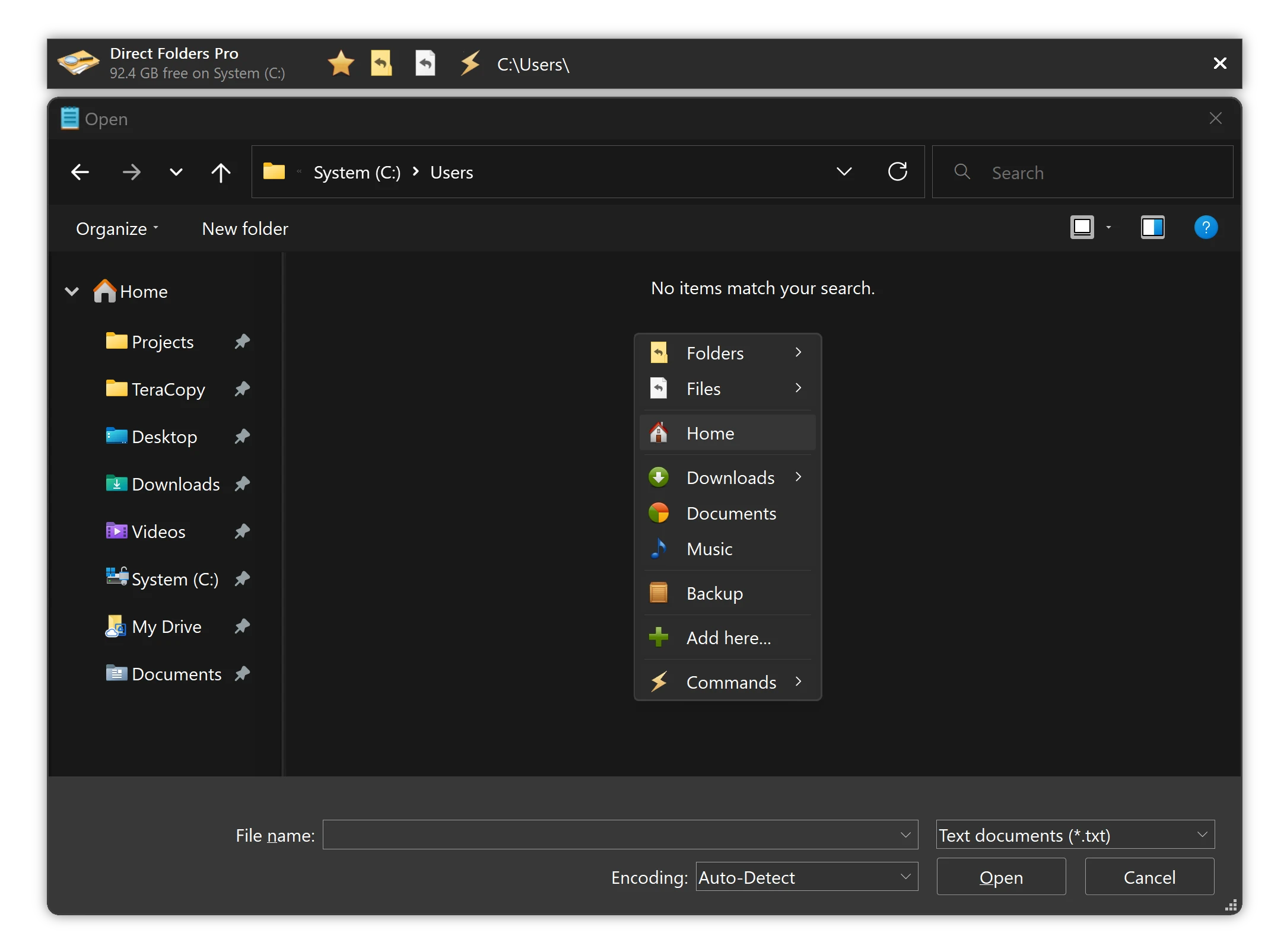
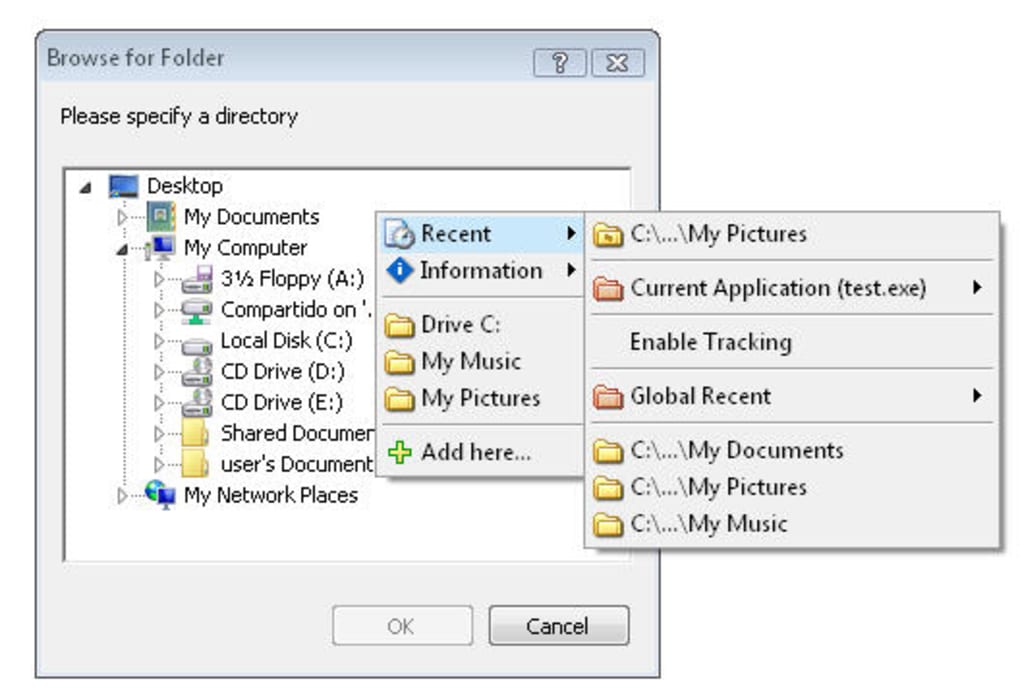
A free version is offered, but Code Sector requires Direct Folders Business for commercial use. Do not treat the free download as a business-use license. The publisher's main screenshot is labeled Direct Folders Pro; it illustrates the product family rather than proving that every visible option is included in the free edition. The second screenshot is an older interface illustration from Softonic.
What it offers
- Open a favorite or recent folder from a menu in standard Windows file dialogs.
- Bring up the menu by double-clicking empty space in a dialog, Explorer or the desktop.
- Automatically enlarge standard file dialogs to display more files.
- Use ClickSwitch to navigate a dialog to a folder open in Explorer, Total Commander or Directory Opus.
- View application-specific and global recent folders in the Recent submenu.
Good to know
- Commercial use requires Direct Folders Business; the free download does not grant commercial-use rights.
- The publisher describes integration with standard file dialogs; support for custom application dialogs is not established by the cited page.
Product images
Sources
References used for this listing. Retrieval dates do not indicate hands-on testing.
- Direct Folders for Windows - Code Sector ↗Retrieved
- Direct Folders - Download ↗Retrieved
More in utilities
View category ↗
1.1.1.1 with WARP 2026.8.2115.0
Encrypt traffic from your Mac to Cloudflare’s network with WARP, or use DNS-only mode for encrypted DNS queries to the 1.1.1.1 resolver.
1.1.1.1 with WARP 2026.8.2115.0
Encrypt traffic between your Windows PC and Cloudflare, or use encrypted DNS only, with the free 1.1.1.1 with WARP app.

3uTools 9.12.005
Manage iPhone and iPad photos, music, apps and backups from Windows with 3uTools, a free utility that also includes device checks and firmware flashing tools.