

Utilities macOS
Disk Drill for macOS
Scan Mac drives, USB storage and memory cards for lost files, then preview the results with Disk Drill. Basic scanning is free; ordinary file recovery requires paid PRO.
- Operating system
- macOS 10.15–26.x, as listed on the publisher download page
- Architecture
- Intel and Apple Silicon
- Download package
- DMG disk image
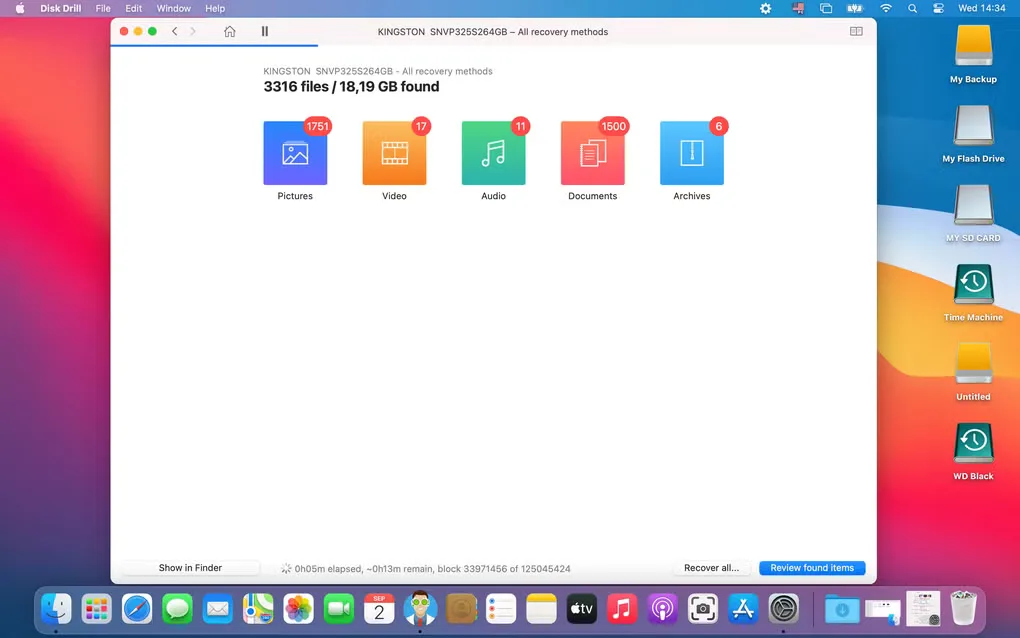
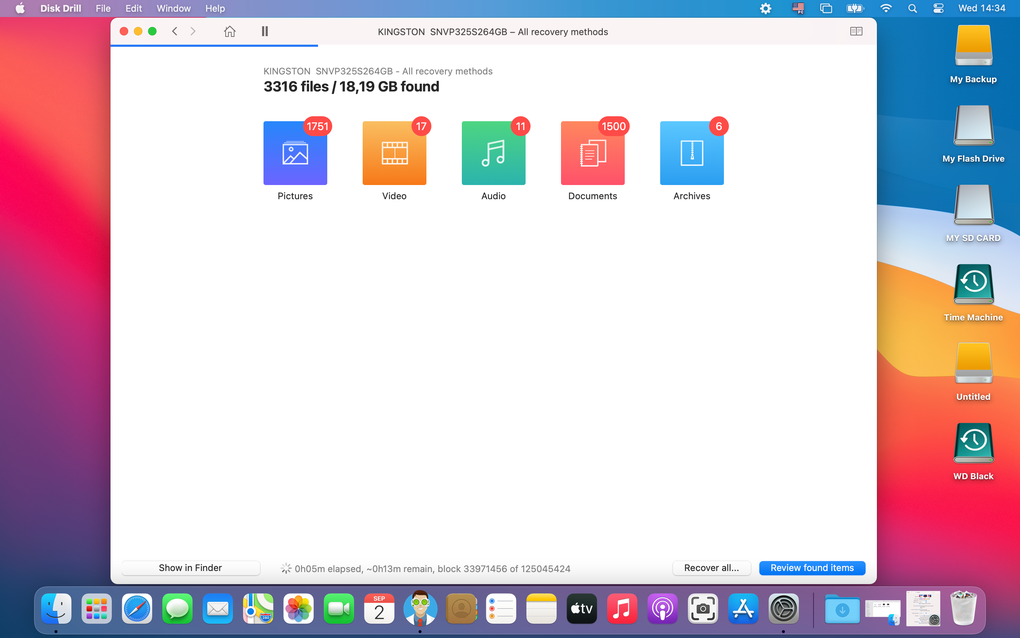
Publisher states native Apple Silicon support. The source gallery depicts an older Mac interface, not a verified screenshot of version 6.3.2326.
Link checked · Download guidance
What is Disk Drill?
Disk Drill is a Mac data recovery utility for finding deleted or lost files on internal drives, external disks, USB flash drives and memory cards. It scans supported storage and lets you review found items and preview recoverable files before deciding whether to pay for recovery. The publisher also lists support for scanning disk images and Time Machine backups and snapshots.
The free Basic edition is an evaluation and disk-tool package, not unrestricted free file recovery. It includes scanning and previews, duplicate finding, disk-space analysis, S.M.A.R.T. disk monitoring and byte-to-byte backups. Files covered by previously enabled data protection can be recovered for free; ordinary recovery requires PRO.
Recovery depends on what remains on the storage device. A lost partition can be recoverable if its data is still present; overwritten files need an existing backup or snapshot rather than a recovery promise. This entry links to the publisher’s Mac DMG and uses the publisher’s version and compatibility details, not the older version shown in the source gallery.
What it offers
- Scan internal and external disks, USB flash drives, memory cards and disk images for lost files.
- Review scan results and preview recoverable files before purchasing PRO.
- Scan Time Machine backup disks and local snapshots.
- Use included disk-space analysis, duplicate finding and S.M.A.R.T. disk monitoring tools.
- Create byte-to-byte disk and partition backups.
Good to know
- Free Basic provides scans and previews; ordinary file recovery requires paid PRO, except for files covered by previously enabled data protection.
- Recovery depends on the data still being present; overwritten files require an existing backup or snapshot.
Product images
Sources
References used for this listing. Retrieval dates do not indicate hands-on testing.
More in utilities
View category ↗
1.1.1.1 with WARP 2026.8.2115.0
Encrypt traffic from your Mac to Cloudflare’s network with WARP, or use DNS-only mode for encrypted DNS queries to the 1.1.1.1 resolver.
1.1.1.1 with WARP 2026.8.2115.0
Encrypt traffic between your Windows PC and Cloudflare, or use encrypted DNS only, with the free 1.1.1.1 with WARP app.

3uTools 9.12.005
Manage iPhone and iPad photos, music, apps and backups from Windows with 3uTools, a free utility that also includes device checks and firmware flashing tools.