
Utilities Windows
DJI Metadata Embedder Desktop
Turn DJI drone telemetry into flight maps, embed GPS tracks in video copies and export mapping data with this free Windows desktop app.
Version 2.18.0 · Direct publisher file
Link checked · Download guidance
What is DJI Metadata Embedder Desktop?
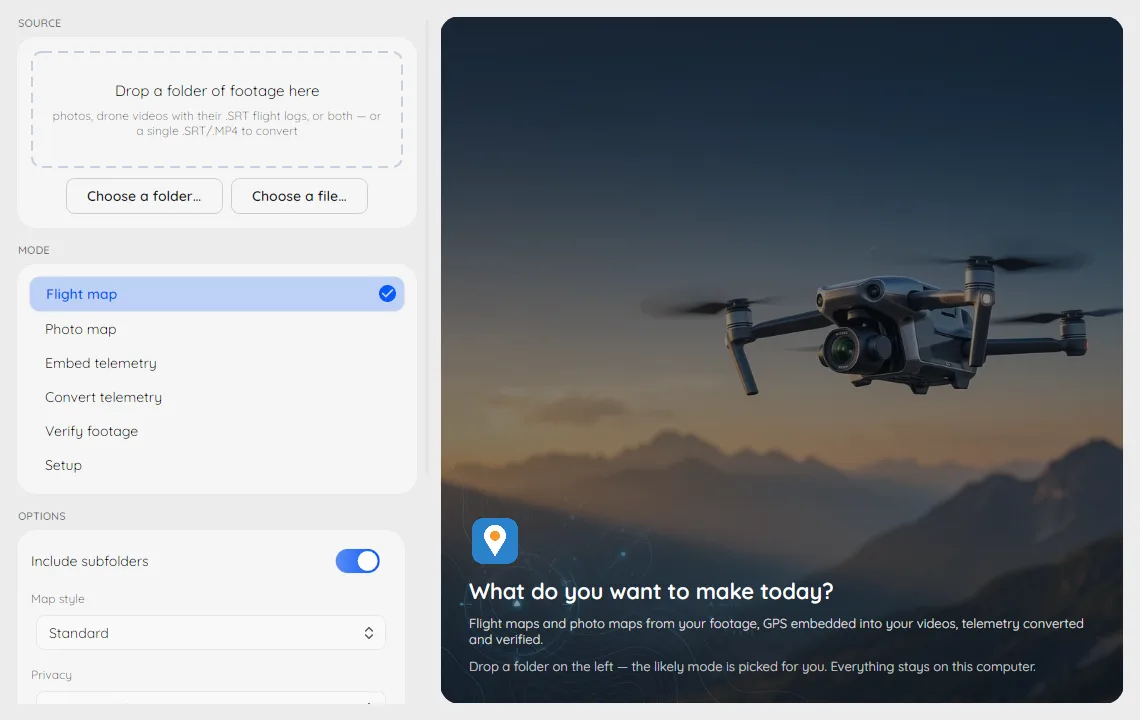
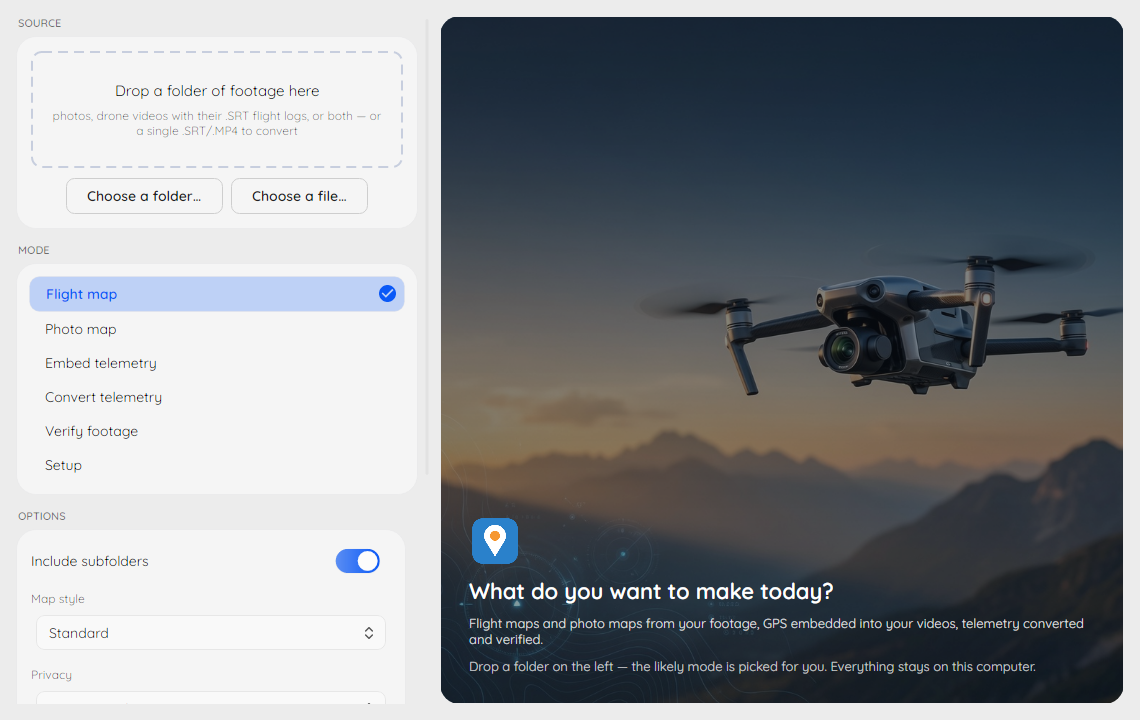
DJI Metadata Embedder Desktop turns a folder of drone footage into flight maps and reusable location data. Choose footage in its Windows workspace, select a mode and run the job without composing a command. The app can map flights and geotagged photos, embed telemetry in video copies, convert flight data and inspect recorded metadata. It is an independent project by Marcus Westermark, not a DJI-endorsed application.
The Windows EXE installer includes the desktop interface, the dji-embed command line, FFmpeg and ExifTool. Telemetry embedding uses copies rather than changing the original videos, and the publisher documents embedding without re-encoding. GPX, KML, CSV and GeoJSON exports let you move flight tracks into other mapping tools.
Processing stays on your computer, but generated maps need an internet connection for their background map. Shared maps and exports can reveal flight locations; the tool offers position coarsening when preparing outputs for sharing. The desktop interface exposes selected options rather than every command-line flag, so advanced workflows can still require the bundled CLI.
What it offers
- Build interactive flight maps from folders of flight logs or supported drone videos.
- Place geotagged photos on maps and view supported 360-degree panoramas.
- Embed flight-log GPS tracks in video copies without re-encoding, as documented by the publisher.
- Convert telemetry to GPX, KML, CSV, GeoJSON and other supported outputs.
- Run metadata checks and setup diagnostics from a desktop workspace with the underlying command visible.
Good to know
- Generated maps need internet access to display their background map, even though footage processing is local.
- The desktop interface exposes curated options; the full set of flags remains on the command line.
- Maps and exports can disclose flight locations; consider the position-coarsening option before sharing.
Product images
Sources
References used for this listing. Retrieval dates do not indicate hands-on testing.
- DJI Drone Metadata Embedder — publisher README ↗Retrieved
- Desktop App - DJI Drone Metadata Embedder ↗Retrieved
- Installation - DJI Drone Metadata Embedder ↗Retrieved
- Release v2.18.0: Latvia, Spain and Germany ↗Retrieved
- v2.18.0 publisher release asset list ↗Retrieved
- DJI Drone Metadata Embedder — MIT License ↗Retrieved
More in utilities
View category ↗
1.1.1.1 with WARP 2026.8.2115.0
Encrypt traffic from your Mac to Cloudflare’s network with WARP, or use DNS-only mode for encrypted DNS queries to the 1.1.1.1 resolver.
1.1.1.1 with WARP 2026.8.2115.0
Encrypt traffic between your Windows PC and Cloudflare, or use encrypted DNS only, with the free 1.1.1.1 with WARP app.

3uTools 9.12.005
Manage iPhone and iPad photos, music, apps and backups from Windows with 3uTools, a free utility that also includes device checks and firmware flashing tools.