
Utilities Windows
dnGrep
Search file contents, documents and archives on Windows with dnGrep. Preview matching lines, use regular expressions and replace text in supported text files.
- Operating system
- Windows 10, Windows 11 or Windows Server
- Architecture
- x64
- Download package
- MSI installer
Selected package is x64; separate x86 and ARM64 builds exist. Publisher warns of possible Windows 11 Smart App Control incompatibility.
Link checked · Download guidance
What is dnGrep?
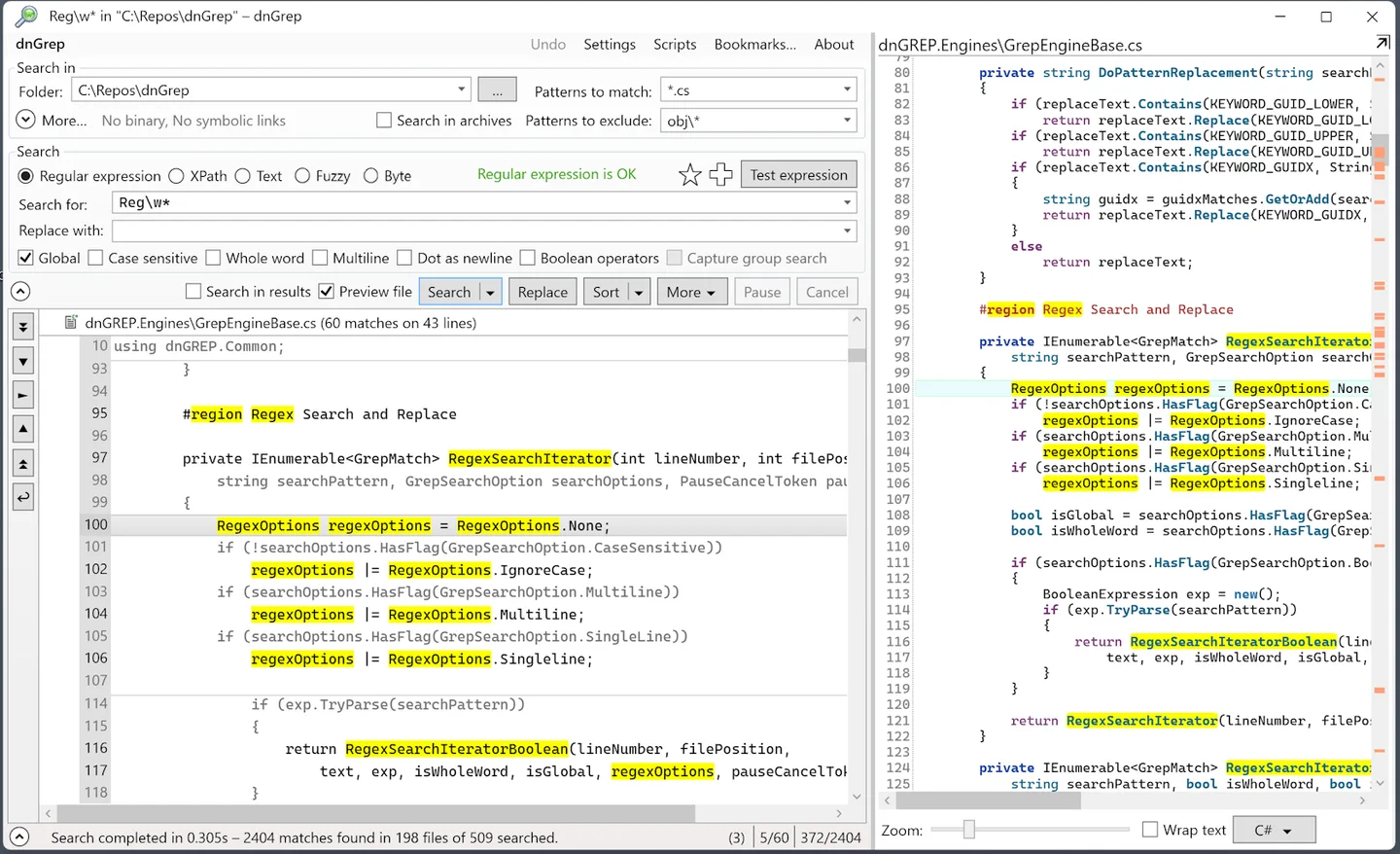
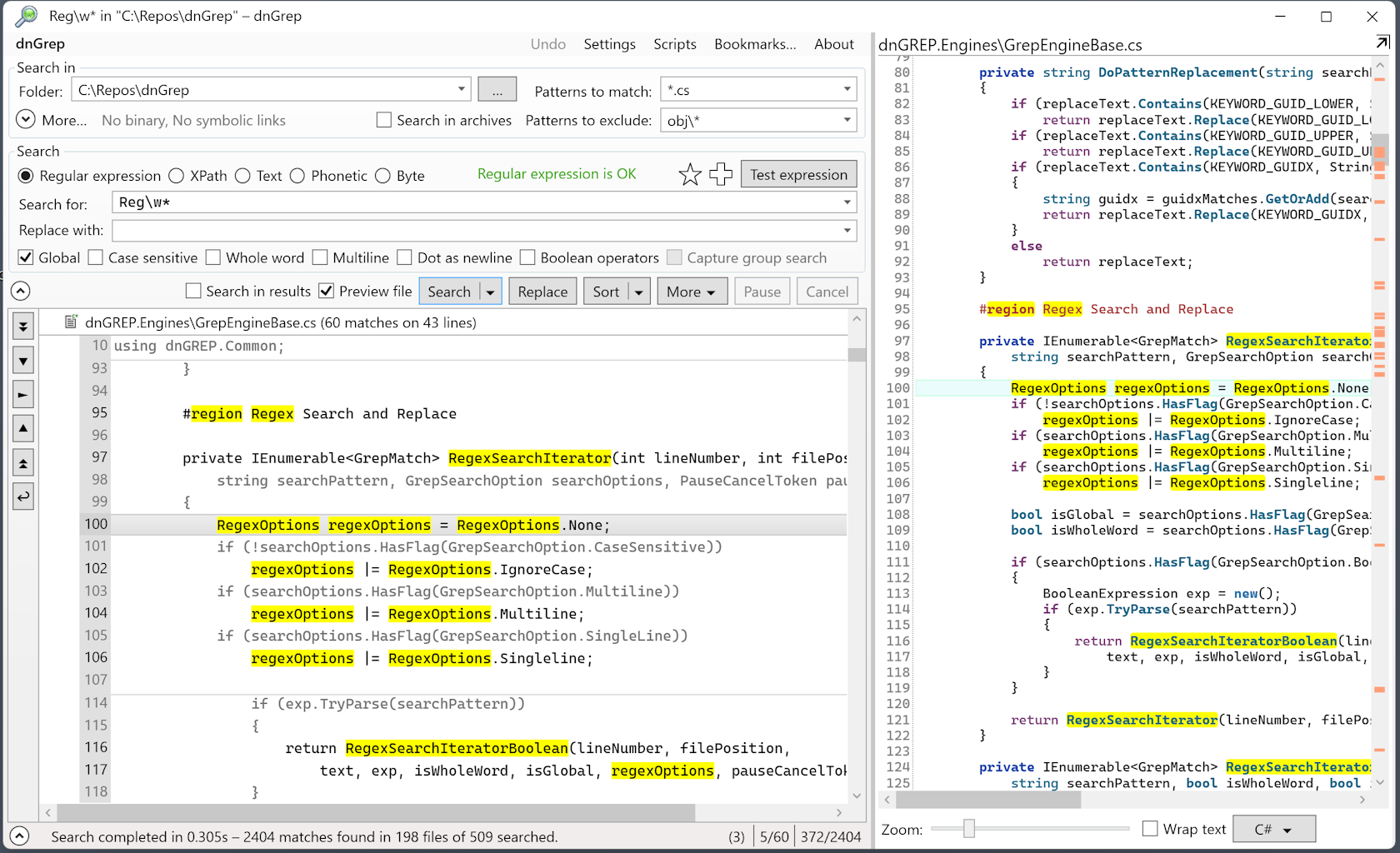
dnGrep is a graphical file-content search tool for Windows. It searches text files, Word and Excel documents, PDFs and supported archives, bringing matching lines into a results view with a whole-file preview. This makes it useful when you need to locate a phrase across documents or inspect a pattern across source files without opening each file separately.
Choose text search for a known phrase, regular expressions for patterns, XPath for structured queries or byte-sequence search for binary content. File filters help narrow the search, while bookmarks and saved results support recurring work. File Explorer integration provides another way to start a search from a folder.
Searching a document and editing it are different capabilities: dnGrep can search Word, Excel and PDF files, but its replacement feature works in text files, not those binary document formats. The publisher lists undo for replacements.
The linked package is the x64 MSI for version 5.0.65.0. The publisher lists Windows 10, Windows 11 and Windows Server, and warns of possible incompatibility with Windows 11 Smart App Control. Separate x86 and ARM64 packages are available from the project; the selected download is not one of those builds.
What it offers
- Search text files, PDFs, Word, Excel, PowerPoint and Open Office documents, plus files inside supported archives.
- Use text, regular expression, XPath or byte-sequence queries with search filters.
- Inspect matching lines alongside a whole-file preview.
- Replace content in text files, with an undo feature listed by the publisher.
- Start searches from File Explorer, bookmark search patterns and save results.
Good to know
- Replacement does not work in binary document formats such as Word, Excel or PDF, even though those files can be searched.
- The publisher warns that dnGrep may be incompatible with Windows Smart App Control on Windows 11.
- Current releases target Windows 10, Windows 11 and Windows Server; Windows 7 receives no more updates and requires an older release.
Product images
Sources
References used for this listing. Retrieval dates do not indicate hands-on testing.
More in utilities
View category ↗
1.1.1.1 with WARP 2026.8.2115.0
Encrypt traffic from your Mac to Cloudflare’s network with WARP, or use DNS-only mode for encrypted DNS queries to the 1.1.1.1 resolver.
1.1.1.1 with WARP 2026.8.2115.0
Encrypt traffic between your Windows PC and Cloudflare, or use encrypted DNS only, with the free 1.1.1.1 with WARP app.

3uTools 9.12.005
Manage iPhone and iPad photos, music, apps and backups from Windows with 3uTools, a free utility that also includes device checks and firmware flashing tools.