
Utilities Windows
DOSBox-X for Windows
Run legacy DOS applications and games on Windows with DOSBox-X, a free emulator with configurable hardware, a graphical setup tool and support for DOS-based Windows guests.
- Operating system
- Windows 7 and later (selected standard installer)
- Architecture
- 32-bit and 64-bit build choices
- Download package
- EXE setup installer
Separate XP-compatible and legacy packages exist. Windows 3.x/9x/Me support refers to emulated guests, not the minimum host version for this installer.
Link checked · Download guidance
What is DOSBox-X?
DOSBox-X emulates a DOS-era PC for applications and games that do not run directly on modern Windows. Its scope extends beyond games to business software, printing and networking, with support for DOS/V, NEC PC-98 and DOS-based Windows such as Windows 3.x, 95, 98 and Me. A graphical configuration tool exposes settings for the emulated system, while save states let you preserve and restore its state.
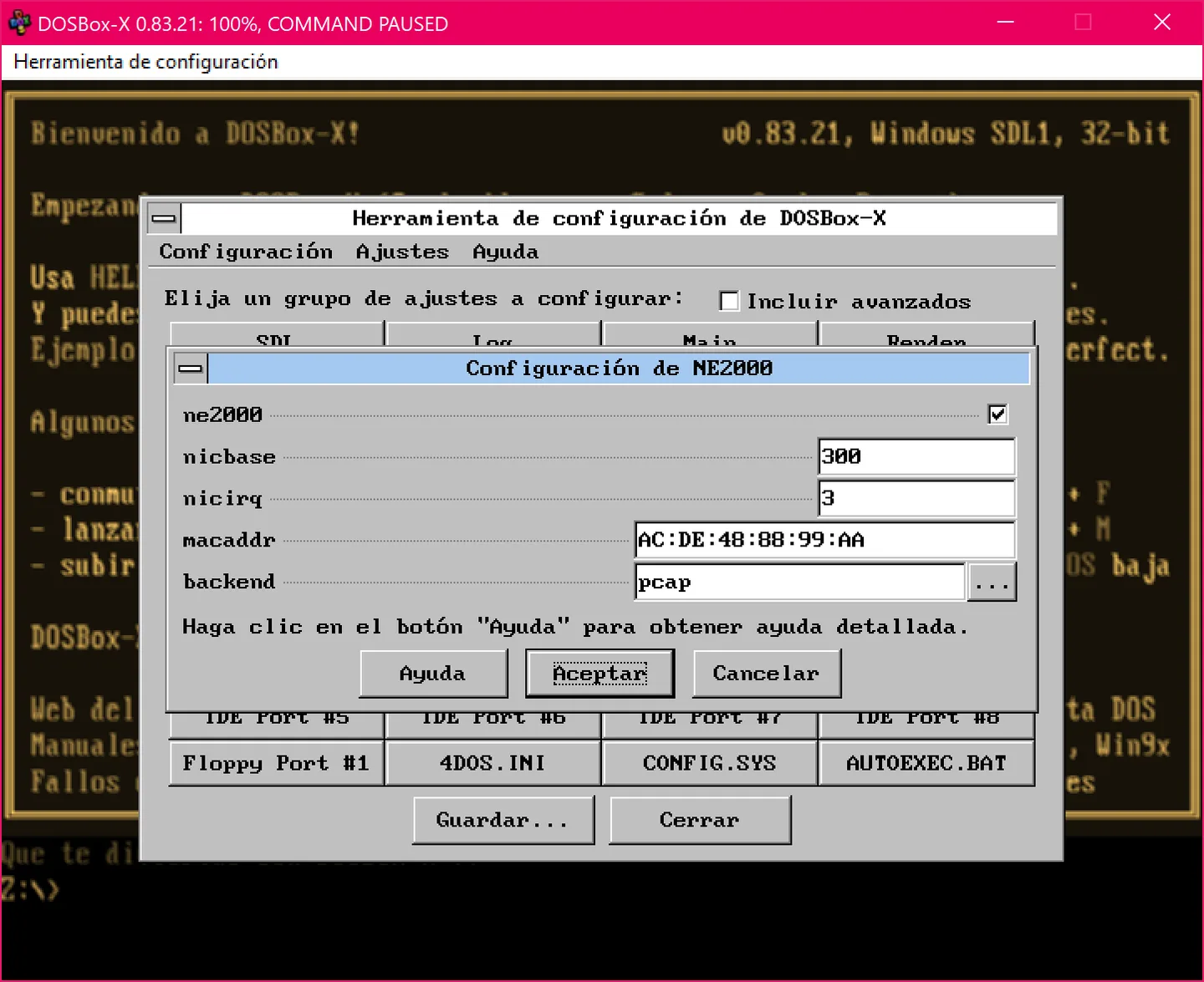
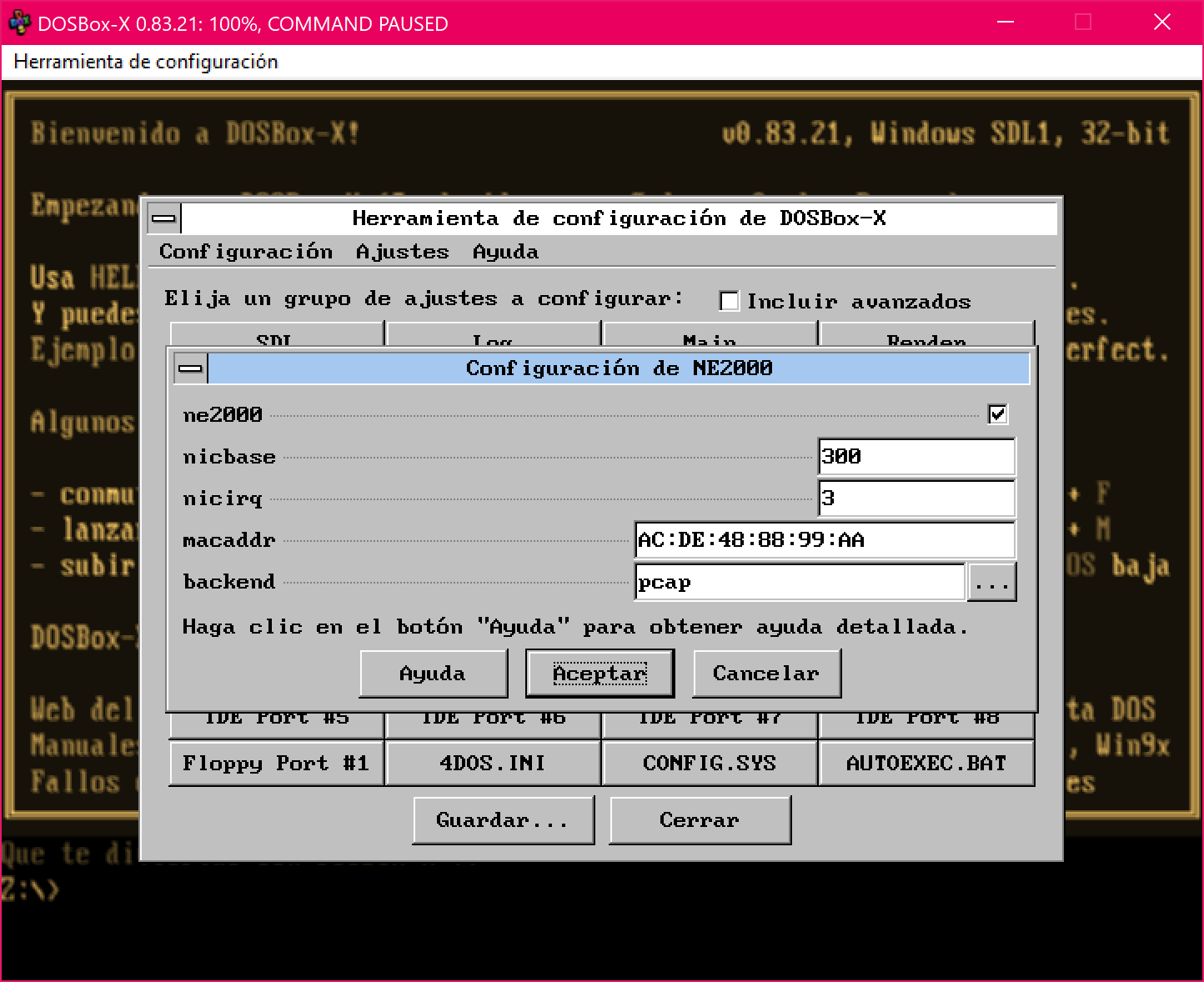
This entry links to the publisher’s 2026.10.01 Windows setup executable for Windows 7 and later, with 32-bit and 64-bit build choices. XP and Vista require different packages. The screenshot is a publisher-provided historical Windows example: version 0.83.21 with Spanish configuration dialogs, not a capture of the linked release.
Expect to adjust settings for individual programs rather than assume universal compatibility. DOSBox-X prioritizes configurable, accurate emulation over maximum speed, and is not a general-purpose emulator for current Windows guests. The publisher also warns that guest programs are not guaranteed to be fully contained from the host.
What it offers
- Run DOS applications and games, including software for DOS/V and NEC PC-98.
- Configure the emulated system through menus and a built-in graphical configuration tool.
- Save and load emulator states.
- Use supported printing, NE2000 networking, FAT32 disk images and 3dfx Voodoo/Glide emulation.
- Emulate environments for DOS-based Windows 3.x and Windows 95, 98 and Me.
Good to know
- Some programs require changes to the default emulator configuration.
- The linked standard installer is for Windows 7 and later; it is not the XP/Vista package.
- Accuracy is prioritized over maximum emulation speed; modern Windows guests are outside the project’s focus.
- The publisher does not guarantee complete containment of guest programs from the host system.
- The release README restricts main/master-branch builds in jurisdictions enforcing OS-level age verification; consult the publisher’s legal notice before selecting a build.
Product images
Sources
References used for this listing. Retrieval dates do not indicate hands-on testing.
More in utilities
View category ↗
1.1.1.1 with WARP 2026.8.2115.0
Encrypt traffic from your Mac to Cloudflare’s network with WARP, or use DNS-only mode for encrypted DNS queries to the 1.1.1.1 resolver.
1.1.1.1 with WARP 2026.8.2115.0
Encrypt traffic between your Windows PC and Cloudflare, or use encrypted DNS only, with the free 1.1.1.1 with WARP app.

3uTools 9.12.005
Manage iPhone and iPad photos, music, apps and backups from Windows with 3uTools, a free utility that also includes device checks and firmware flashing tools.