

Utilities Windows
DOSBox for Windows
Run older DOS games on Windows with DOSBox, a free, open-source emulator of an x86 PC, DOS, graphics and sound hardware.
- Operating system
- Windows; minimum version not specified in the publisher's download table
- Architecture
- 32-bit (Win32)
- Download package
- EXE installer
Original DOSBox 0.74-3 package, not DOSBox-X or Staging. Windows 11 compatibility is not established by the cited table; no installation test was performed.
Link checked · Download guidance
What is DOSBox?
DOSBox recreates the DOS environment and PC hardware that many older games expect. It emulates the processor, graphics and sound rather than relying on Windows to run the original DOS program directly. This entry covers the original DOSBox project and its 0.74-3 Windows installer, not DOSBox-X or DOSBox Staging.
To start a game, make its folder available inside DOSBox with the MOUNT command, switch to that virtual drive and run the game's executable. The emulator does not automatically expose your Windows drives. Repeated startup commands can go in the configuration file's autoexec section.
Compatibility is not universal. Some games need changes to CPU cycles, sound settings or graphics options, and demanding titles can exceed the host computer's emulation performance. The linked package is a 32-bit Windows EXE installer; the publisher's download table does not specify a minimum Windows version or certify Windows 11 compatibility.
What it offers
- Emulate an x86 processor and a DOS environment for older PC games.
- Provide legacy graphics modes including CGA, EGA, VGA and VESA.
- Emulate sound hardware including Sound Blaster and Gravis Ultrasound.
- Mount local folders or supported disk images as drives inside the emulated environment.
- Adjust CPU cycles and save startup commands in the configuration file.
Good to know
- Not every DOS program is compatible; some games require individual configuration and performance depends on the host computer.
- Game folders must be mounted before use; Windows drives are not automatically accessible inside DOSBox.
- The publisher identifies this package as Win32 but does not provide a Windows 11 compatibility guarantee in the cited download table.
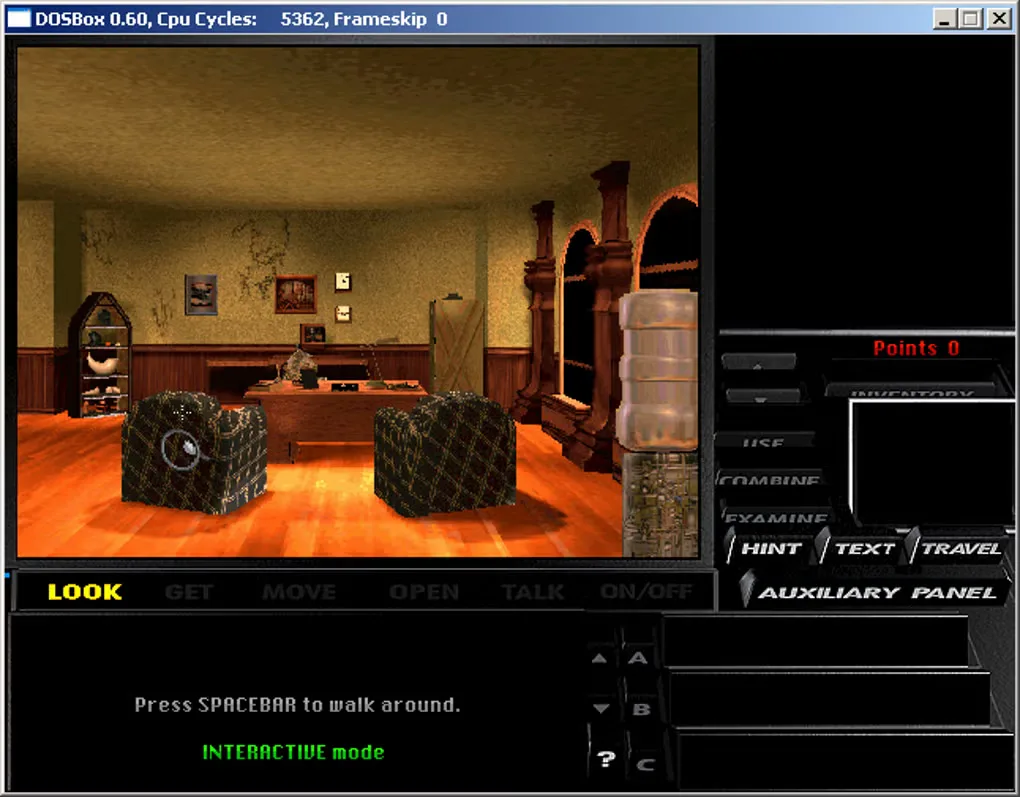
Product images
Sources
References used for this listing. Retrieval dates do not indicate hands-on testing.
- DOSBox — official release announcement ↗Retrieved
- DOSBox — official downloads ↗Retrieved
- DOSBox — official emulator information ↗Retrieved
- DOSBox v0.74-3 Manual ↗Retrieved
- DOSBox — the people behind DOSBox ↗Retrieved
- DOSBox for Windows — historical screenshot gallery ↗Retrieved
More in utilities
View category ↗
1.1.1.1 with WARP 2026.8.2115.0
Encrypt traffic from your Mac to Cloudflare’s network with WARP, or use DNS-only mode for encrypted DNS queries to the 1.1.1.1 resolver.
1.1.1.1 with WARP 2026.8.2115.0
Encrypt traffic between your Windows PC and Cloudflare, or use encrypted DNS only, with the free 1.1.1.1 with WARP app.

3uTools 9.12.005
Manage iPhone and iPad photos, music, apps and backups from Windows with 3uTools, a free utility that also includes device checks and firmware flashing tools.