

Utilities Windows
Double Commander for Windows
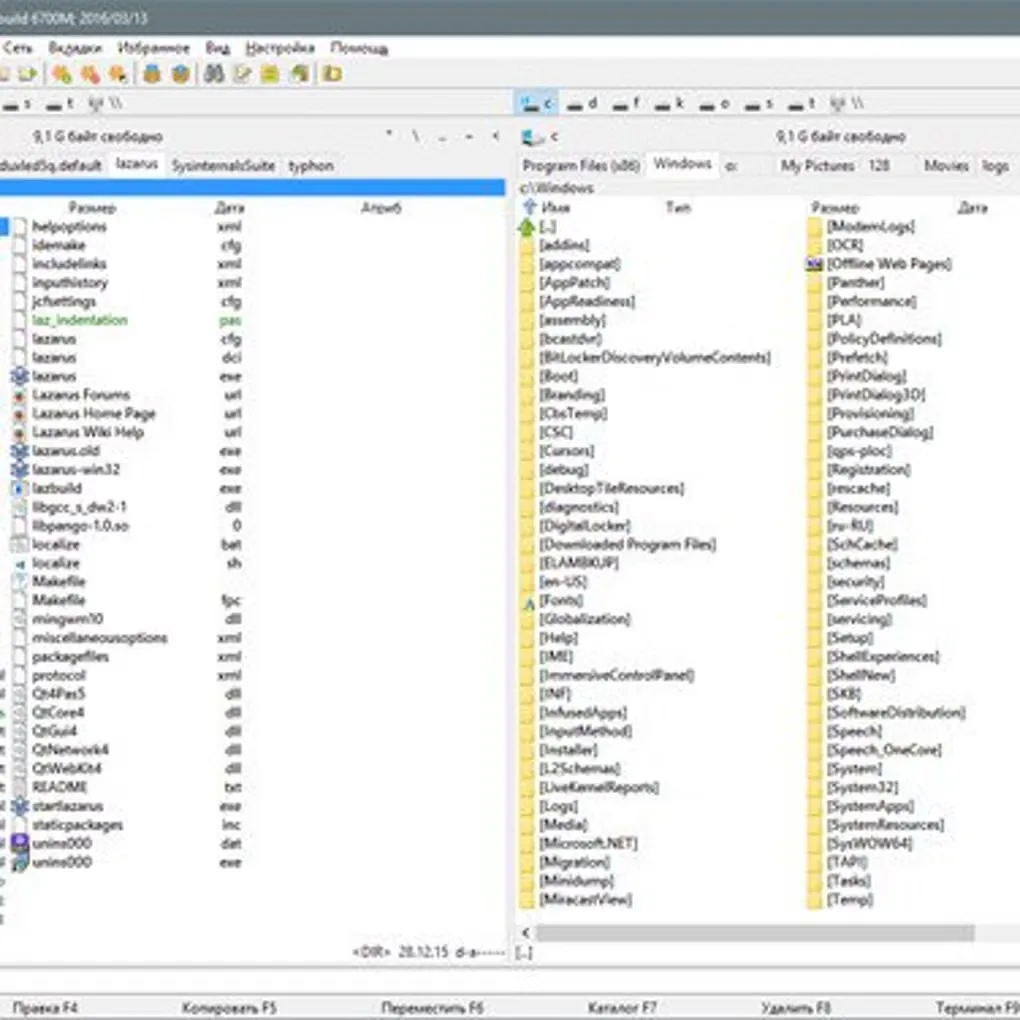
Manage files in two side-by-side panels, rename batches and browse archives with Double Commander, a free, open-source file manager for Windows.
- Operating system
- Windows; minimum version not specified in the cited release table
- Architecture
- x64 (64-bit)
- Download package
- EXE installer
Version 1.2.9 gamma. Separate 32-bit and portable ZIP packages exist; this link is the x64 installer.
Link checked · Download guidance
What is Double Commander?
Double Commander puts two folders side by side so you can work with source and destination files in the same window. Tabbed panels, full-text search and a multi-rename tool help with organizing folders and changing groups of filenames. A built-in viewer opens text, binary and hexadecimal views, while the text editor provides syntax highlighting.
Archives can be opened like folders, but the available operations depend on the format and the packer plugin or external archiver. Some formats are read-only, so browsing an archive does not mean you can add files to it or create another archive in that format.
The linked download is the Windows x64 EXE installer for version 1.2.9, which the publisher names a gamma release. Separate 32-bit installers and portable ZIP packages are also offered; this link is not a portable package. The cited release table does not specify a minimum Windows version.
What it offers
- Work with two side-by-side file panels and keep folders open in tabs.
- Search file contents and rename multiple files with the multi-rename tool.
- View files as text, binary or hexadecimal, and edit text with syntax highlighting.
- Browse archives as folders, with operations determined by the archive format and configured handler.
- Extend file management with supported Total Commander WCX, WDX, WFX and WLX plugins.
Good to know
- Some archive formats are read-only: viewing, unpacking and testing do not imply support for creating or updating those archives.
Product images
Sources
References used for this listing. Retrieval dates do not indicate hands-on testing.
More in utilities
View category ↗
1.1.1.1 with WARP 2026.8.2115.0
Encrypt traffic from your Mac to Cloudflare’s network with WARP, or use DNS-only mode for encrypted DNS queries to the 1.1.1.1 resolver.
1.1.1.1 with WARP 2026.8.2115.0
Encrypt traffic between your Windows PC and Cloudflare, or use encrypted DNS only, with the free 1.1.1.1 with WARP app.

3uTools 9.12.005
Manage iPhone and iPad photos, music, apps and backups from Windows with 3uTools, a free utility that also includes device checks and firmware flashing tools.