
Utilities Windows
Droid Transfer for Windows
Save Android messages to PDF, print conversations and copy photos, music and contacts to a Windows PC with Droid Transfer. Requires the free Transfer Companion Android app; trial exports are limited.
What is Droid Transfer?
Droid Transfer brings Android phone content into a Windows desktop interface. It is useful for saving a message conversation as a document, printing SMS and MMS with timestamps, or copying selected photos, music and contacts to your computer. Conversations can be exported as PDF, HTML, CSV or text; call history and calendars have their own viewing and export tools.
The Windows application works with the free Transfer Companion app on the phone. The publisher lists Windows 10 and 11 and Android 5 or above. Connect both devices to the same Wi-Fi network, or use a USB cable. This is the Windows desktop product, not a standalone Android app or an iPhone transfer tool.
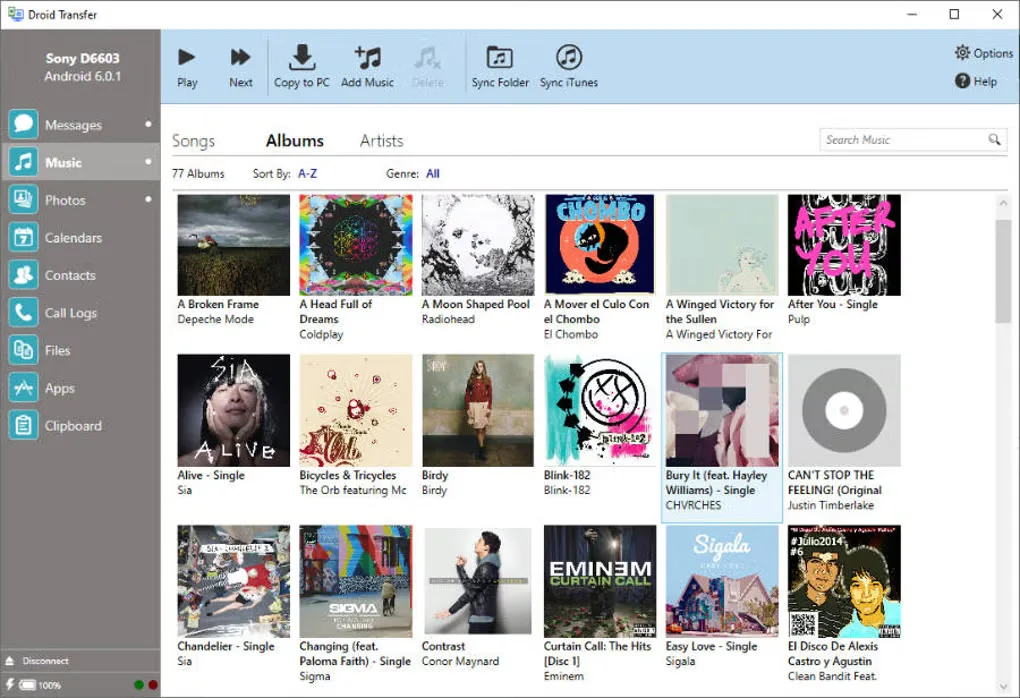
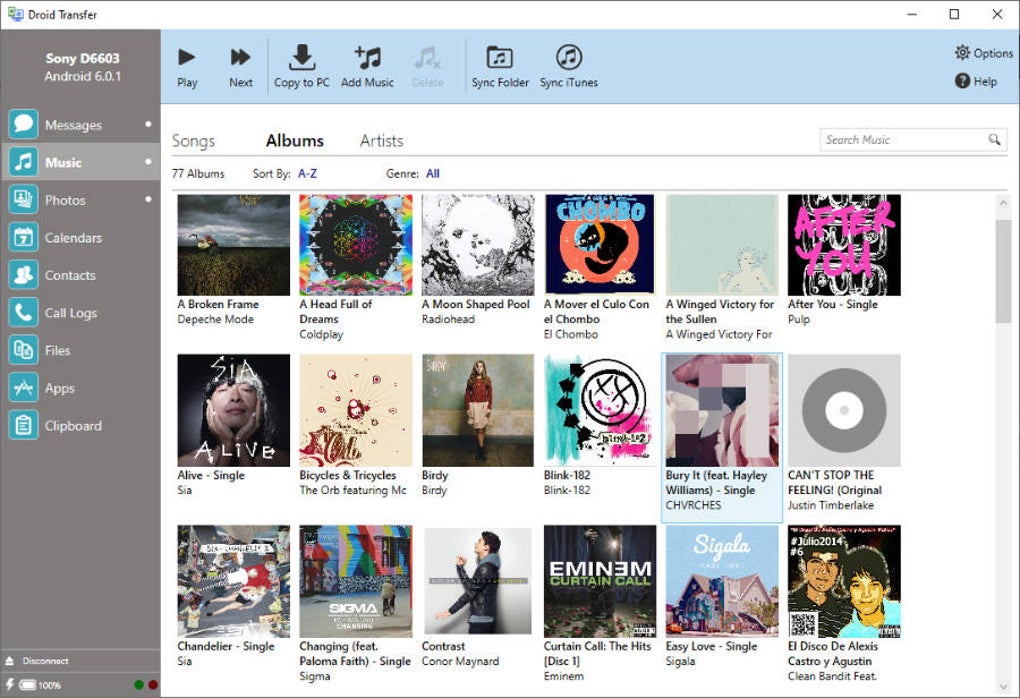
Droid Transfer is paid software with a limited free trial. The publisher's FAQ limits trial message copying to the first five messages in a conversation and also restricts other exports. A purchased license removes demonstration restrictions; lifetime and fixed-term licenses are offered. The screenshot shows an earlier Windows interface from the source gallery, not a verified view of version 26.10.13.
What it offers
- Export Android message conversations as PDF, HTML, CSV or text, retaining timestamps and supported message attachments.
- Print SMS and MMS conversations from the Windows application.
- Copy photos and videos, manage music and sync music with iTunes.
- Transfer contacts, export calendars and save call history to the PC.
- Connect to the Android companion app over local Wi-Fi or USB.
Good to know
- The free trial copies only the first five messages in a conversation and restricts other exports; unrestricted use requires a paid license.
- Requires a Windows 10 or 11 computer and the free Transfer Companion app on an Android 5-or-newer device.
- Wi-Fi transfers require the computer and phone to use the same Wi-Fi network; USB transfers require a working cable.
Product images
Sources
References used for this listing. Retrieval dates do not indicate hands-on testing.
- Droid Transfer | Android Transfer Software for PC ↗Retrieved
- Requirements for Windows computers | Droid Transfer ↗Retrieved
- Customer Support and FAQ | Droid Transfer ↗Retrieved
- Purchase Droid Transfer (PC) ↗Retrieved
- Update to the latest version of Droid Transfer for PC ↗Retrieved
- Droid Transfer - Download ↗Retrieved
More in utilities
View category ↗
1.1.1.1 with WARP 2026.8.2115.0
Encrypt traffic from your Mac to Cloudflare’s network with WARP, or use DNS-only mode for encrypted DNS queries to the 1.1.1.1 resolver.
1.1.1.1 with WARP 2026.8.2115.0
Encrypt traffic between your Windows PC and Cloudflare, or use encrypted DNS only, with the free 1.1.1.1 with WARP app.

3uTools 9.12.005
Manage iPhone and iPad photos, music, apps and backups from Windows with 3uTools, a free utility that also includes device checks and firmware flashing tools.