
Utilities Windows
DSpeech
Read text aloud, save speech as audio and build multi-voice dialogues with DSpeech for Windows. The linked download is the PortableApps.com package.
- Operating system
- Windows XP, Vista, 7, 8, 10 and 11, as listed by PortableApps.com
- Architecture
- Not specified for this package by PortableApps.com
- Download package
- PortableApps.com PAF EXE
Prepares a portable copy in a selected folder. Compatible speech engines and extra voices are separate components.
Link checked · Download guidance
What is DSpeech?
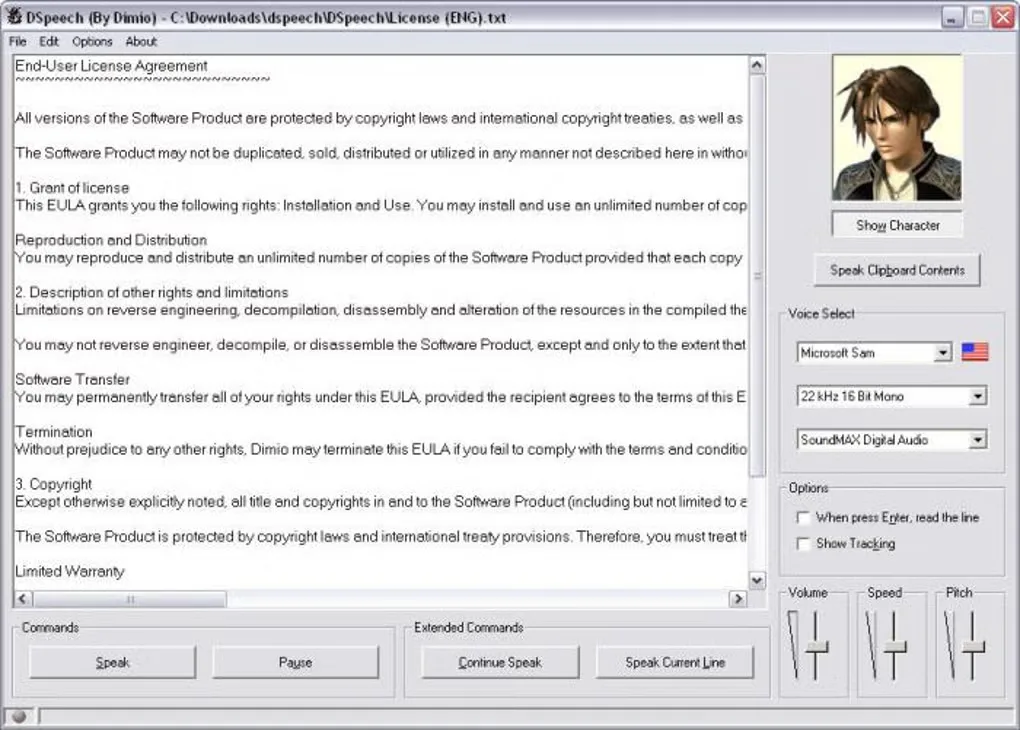
DSpeech turns written text into spoken audio using compatible Windows speech engines. It can read clipboard text, save speech to WAV, MP3 or OGG, and switch between voices to create dialogues. Voice controls and text tags adjust playback speed, volume and pitch, insert pauses or emphasize words. Its speech-recognition scripting can select responses based on what the user says.
This entry links to DSpeech Portable 1.74.49, packaged by PortableApps.com with the publisher’s permission, rather than Dimio’s standalone ZIP. The PAF EXE prepares a portable copy for a local or removable folder. PortableApps.com lists Windows XP through Windows 11 for this package.
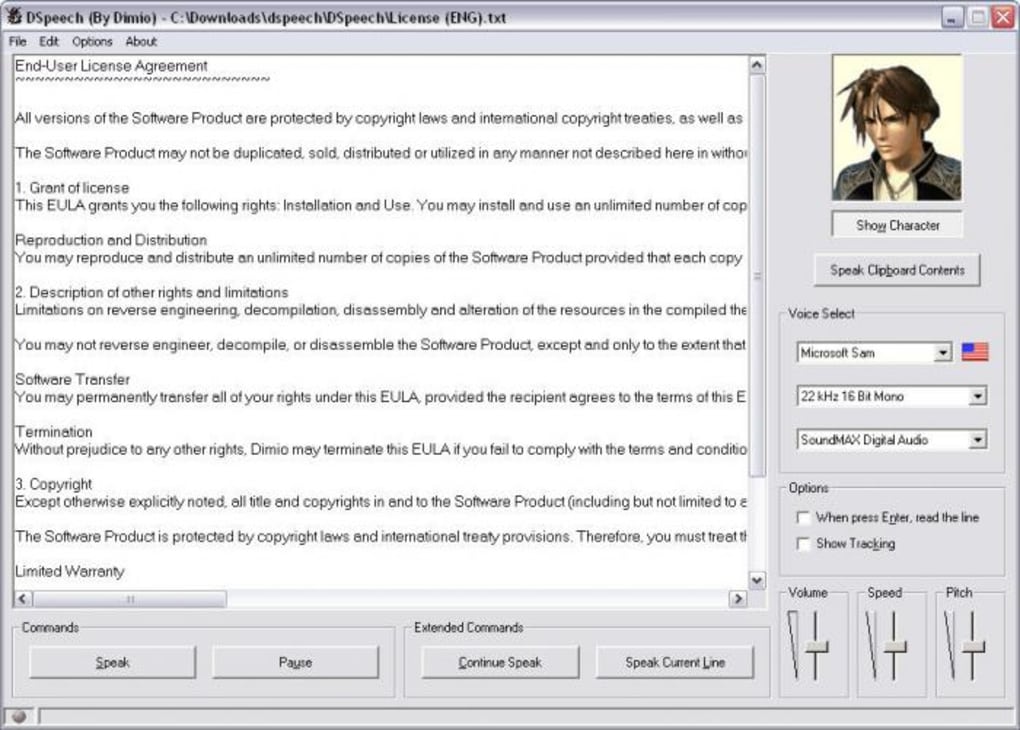
Available voices depend on the compatible speech engines installed in Windows; additional voices are separate components. The AI dialogue feature does not work in every language. The screenshot is an older DSpeech interface supplied by Softonic, not a capture of the linked package running.
What it offers
- Read typed text and clipboard contents aloud.
- Save spoken output as WAV, MP3 or OGG audio.
- Combine different voices to create dialogues.
- Use tags to change voice settings, add pauses and emphasize words.
- Create scripted interactive dialogues using speech recognition.
Good to know
- Additional voices must be installed separately as compatible Windows speech engines.
- The AI dialogue feature does not work in every language.
- The linked PortableApps.com package is version 1.74.49; it is not the standalone ZIP advertised on Dimio’s site.
Product images
Sources
References used for this listing. Retrieval dates do not indicate hands-on testing.
More in utilities
View category ↗
1.1.1.1 with WARP 2026.8.2115.0
Encrypt traffic from your Mac to Cloudflare’s network with WARP, or use DNS-only mode for encrypted DNS queries to the 1.1.1.1 resolver.
1.1.1.1 with WARP 2026.8.2115.0
Encrypt traffic between your Windows PC and Cloudflare, or use encrypted DNS only, with the free 1.1.1.1 with WARP app.

3uTools 9.12.005
Manage iPhone and iPad photos, music, apps and backups from Windows with 3uTools, a free utility that also includes device checks and firmware flashing tools.