

Utilities Windows
DuckStation for Windows
Run PlayStation 1 games on Windows with DuckStation, an emulator with a game library, controller settings and optional graphics enhancements. A separately obtained BIOS image is required.
- Operating system
- Windows 10 version 1809 or newer; Windows 11
- Architecture
- x64; SSE4.1 required for this standard build
- Download package
- EXE installer
Publisher stable channel, GitHub tag 'latest'; separate ARM64, legacy SSE2 and ZIP packages. Requires Visual C++ runtime and a separately obtained BIOS image.
Link checked · Download guidance
What is DuckStation?
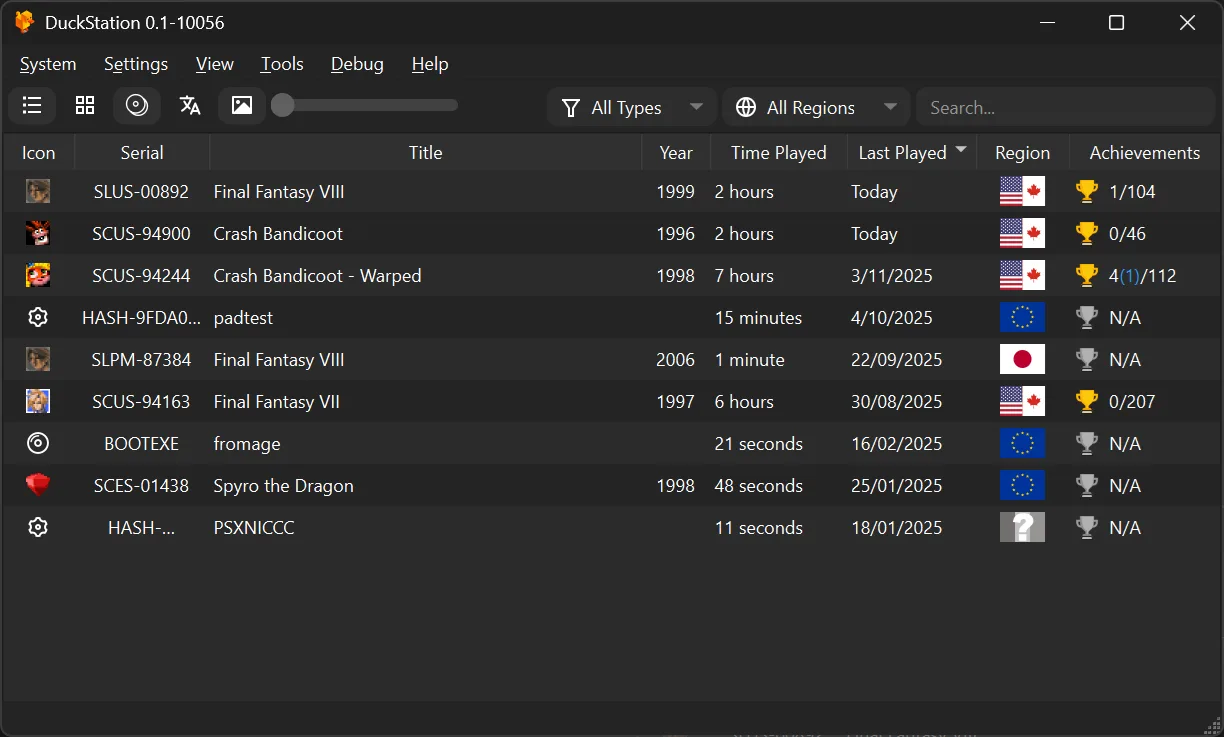
DuckStation emulates the original Sony PlayStation on a Windows PC. Its desktop interface organizes a game library, while a separate fullscreen interface suits controller-based use. It supports disc images including BIN/CUE and CHD, digital and analog controllers, per-game settings and save states. Optional upscaling, texture filtering and PGXP geometry correction can change how games look.
The linked download is the publisher's Windows x64 EXE installer from its stable channel, identified by the GitHub release tag 'latest'. The publisher also offers a ZIP archive, a separate ARM64 build and a legacy SSE2 build. The standard x64 build needs SSE4.1 CPU support and Windows 10 version 1809 or newer, or Windows 11. The official Windows download page also requires the Visual C++ runtime.
A PS1 or PS2 BIOS ROM image is required and is not included; the publisher directs users to dump one from their own console. A mismatched game and BIOS region can cause compatibility problems. Graphics enhancements can also introduce compatibility issues, so they are optional rather than a promise that every game will work better. DuckStation does not run on Windows 7, 8 or 8.1 with the current supported builds.
What it offers
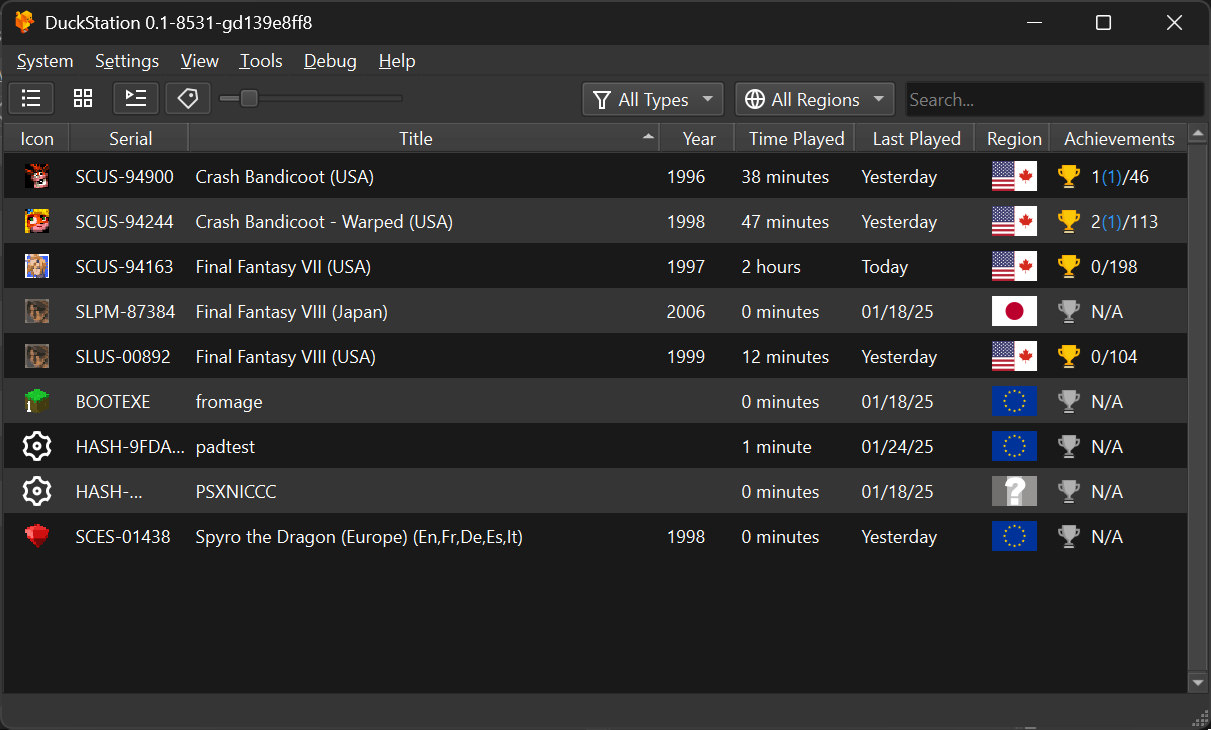
- Browse a game library in the Qt desktop interface or use the fullscreen controller-oriented interface.
- Read supported disc-image formats including BIN/CUE, CHD, MDS/MDF, CCD and unencrypted PBP.
- Use save states, rewind and runahead alongside per-game configuration and controller presets.
- Apply optional hardware-rendered upscaling, texture filtering and PGXP geometry correction.
- Configure digital or analog controller input and manage memory cards with the built-in editor.
Good to know
- Requires a separately obtained PS1 or PS2 BIOS ROM image; the emulator does not include one. The publisher recommends dumping your own console BIOS.
- Requires Windows 10 version 1809 or newer, or Windows 11, plus the Visual C++ runtime. This standard x64 package needs SSE4.1; ARM64 and legacy SSE2 packages are separate downloads.
- Optional enhancements and mismatched BIOS/game regions can cause compatibility issues.
- The repository uses CC BY-NC-ND 4.0 terms, restricting commercial redistribution and sharing modified versions; source availability is not an unrestricted open-source license.
Product images
Sources
References used for this listing. Retrieval dates do not indicate hands-on testing.
More in utilities
View category ↗
1.1.1.1 with WARP 2026.8.2115.0
Encrypt traffic from your Mac to Cloudflare’s network with WARP, or use DNS-only mode for encrypted DNS queries to the 1.1.1.1 resolver.
1.1.1.1 with WARP 2026.8.2115.0
Encrypt traffic between your Windows PC and Cloudflare, or use encrypted DNS only, with the free 1.1.1.1 with WARP app.

3uTools 9.12.005
Manage iPhone and iPad photos, music, apps and backups from Windows with 3uTools, a free utility that also includes device checks and firmware flashing tools.