

Utilities Windows
dupeGuru for Windows
Find duplicate files on Windows with dupeGuru, an open-source scanner with filename, content, music-tag and similar-picture matching.
- Operating system
- Windows 7 or later, according to the 4.3.1 release notes
- Architecture
- x64
- Download package
- EXE installer
This link selects the 64-bit Windows installer. The publisher also lists a separate 32-bit installer; the release offers ZIP packages separately.
Link checked · Download guidance
What is dupeGuru?
dupeGuru helps you compare folders and review duplicate files before deciding what to remove. Standard mode scans filenames or file contents, Music mode compares music information such as tags, and Picture mode looks for similar images. Filename matching can find near-matches rather than relying only on identical names.
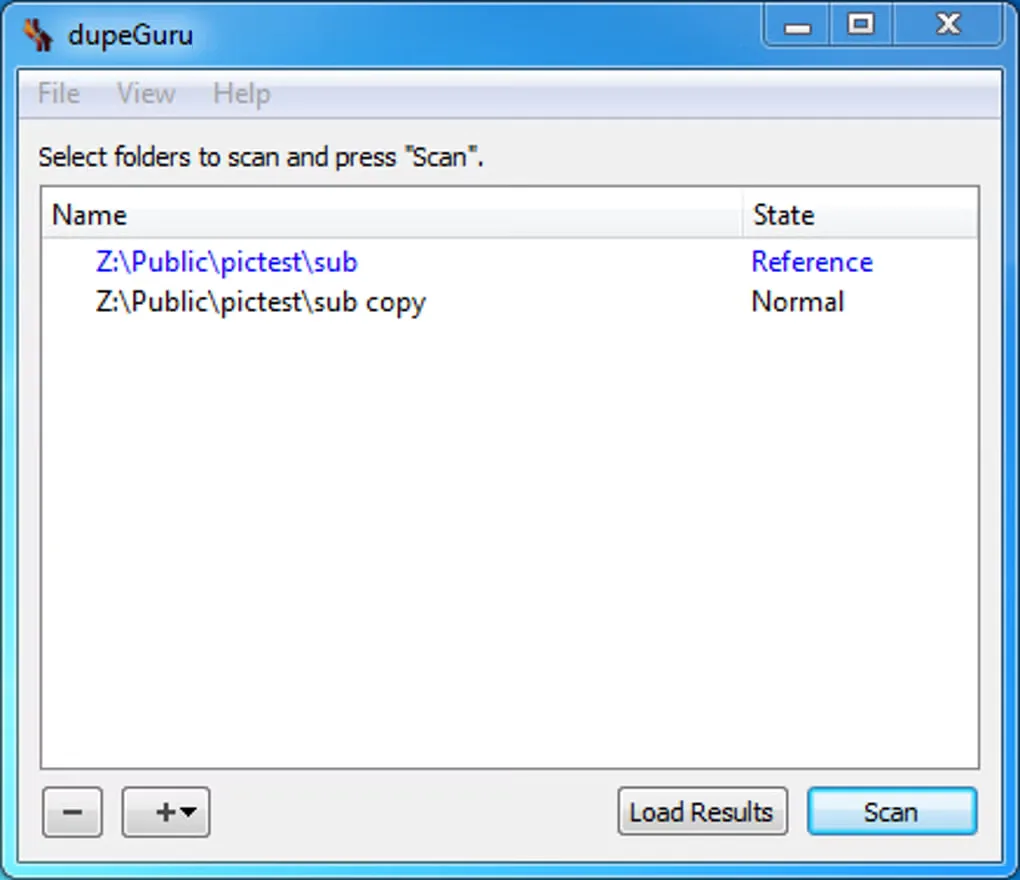
The results can be filtered and sorted, and selected duplicates can be moved or copied instead of deleted. Reference folders let you distinguish files you intend to keep from the other folders being compared.
Choose the scan method for the task: a similar filename or picture is not necessarily an unwanted copy. The publisher documentation warns that similarity matching can produce false positives and slow scanning, so review the results before taking file actions. This entry links to the Windows x64 EXE for version 4.3.1. The gallery image shows an older Windows interface, not a verified capture of this release.
What it offers
- Scan filenames or file contents in Standard mode.
- Compare music tags and view music-specific information in Music mode.
- Find similar, not only identical, pictures in Picture mode.
- Adjust matching settings and filter or sort duplicate results.
- Use reference folders and move or copy selected duplicates instead of deleting them.
Good to know
- Similarity matching can return false positives and make scanning slower; review matches before deleting files.
- The selected Windows 4.3.1 package requires Windows 7 or later, according to the publisher release notes.
Product images
Sources
References used for this listing. Retrieval dates do not indicate hands-on testing.
More in utilities
View category ↗
1.1.1.1 with WARP 2026.8.2115.0
Encrypt traffic from your Mac to Cloudflare’s network with WARP, or use DNS-only mode for encrypted DNS queries to the 1.1.1.1 resolver.
1.1.1.1 with WARP 2026.8.2115.0
Encrypt traffic between your Windows PC and Cloudflare, or use encrypted DNS only, with the free 1.1.1.1 with WARP app.

3uTools 9.12.005
Manage iPhone and iPad photos, music, apps and backups from Windows with 3uTools, a free utility that also includes device checks and firmware flashing tools.