

Utilities Windows
Duplicati for Windows
Schedule encrypted file and folder backups to cloud storage or remote servers with Duplicati, a free backup client for Windows.
- Operating system
- Windows
- Architecture
- x64 (64-bit)
- Download package
- MSI installer (GUI)
This link is the x64 GUI package. Separate x86 and ARM64 packages are documented; the interface opens in a browser. Minimum Windows version not established by these sources.
Link checked · Download guidance
What is Duplicati?
Duplicati backs up selected files and folders to storage you choose, including cloud services and remote file servers. It combines incremental backups, compression and encryption, with a scheduler for recurring jobs. Its browser-based interface lets you choose source folders, configure a destination and decide how long to keep older backup versions.
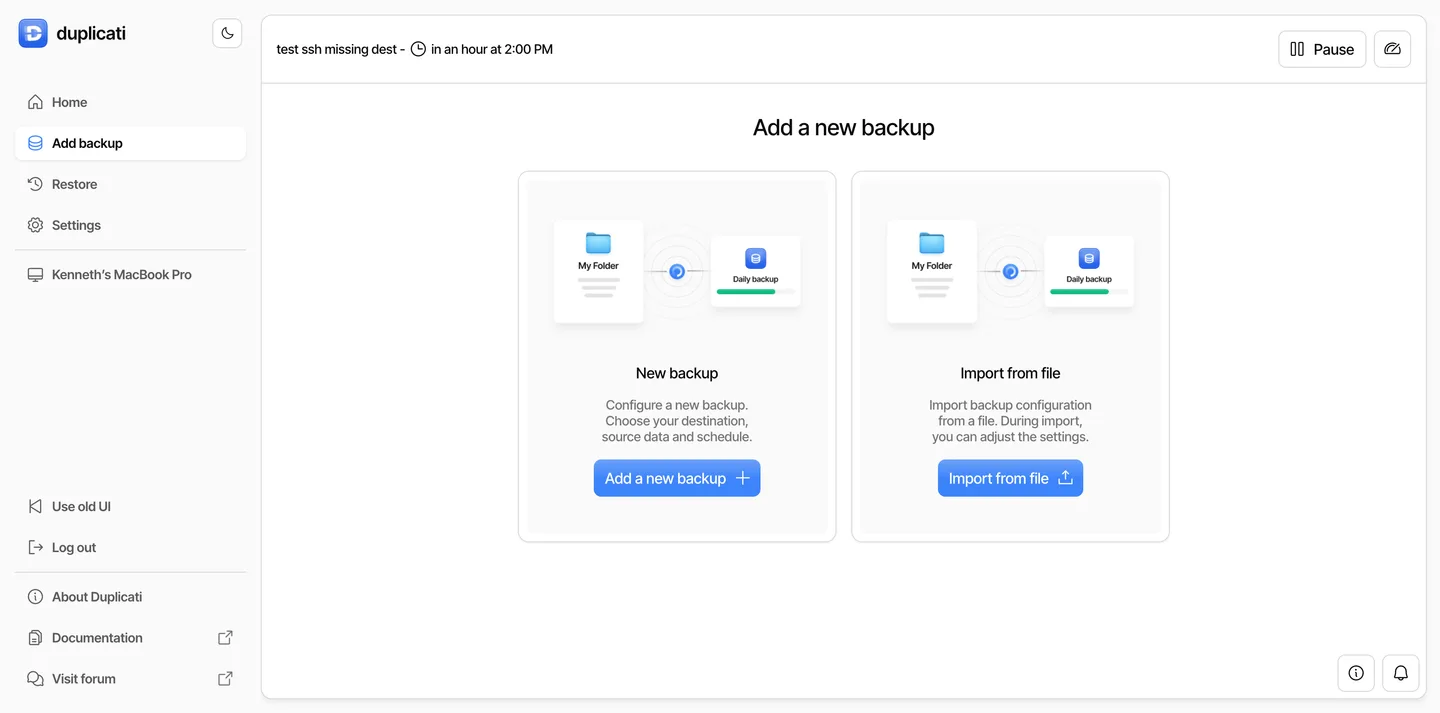
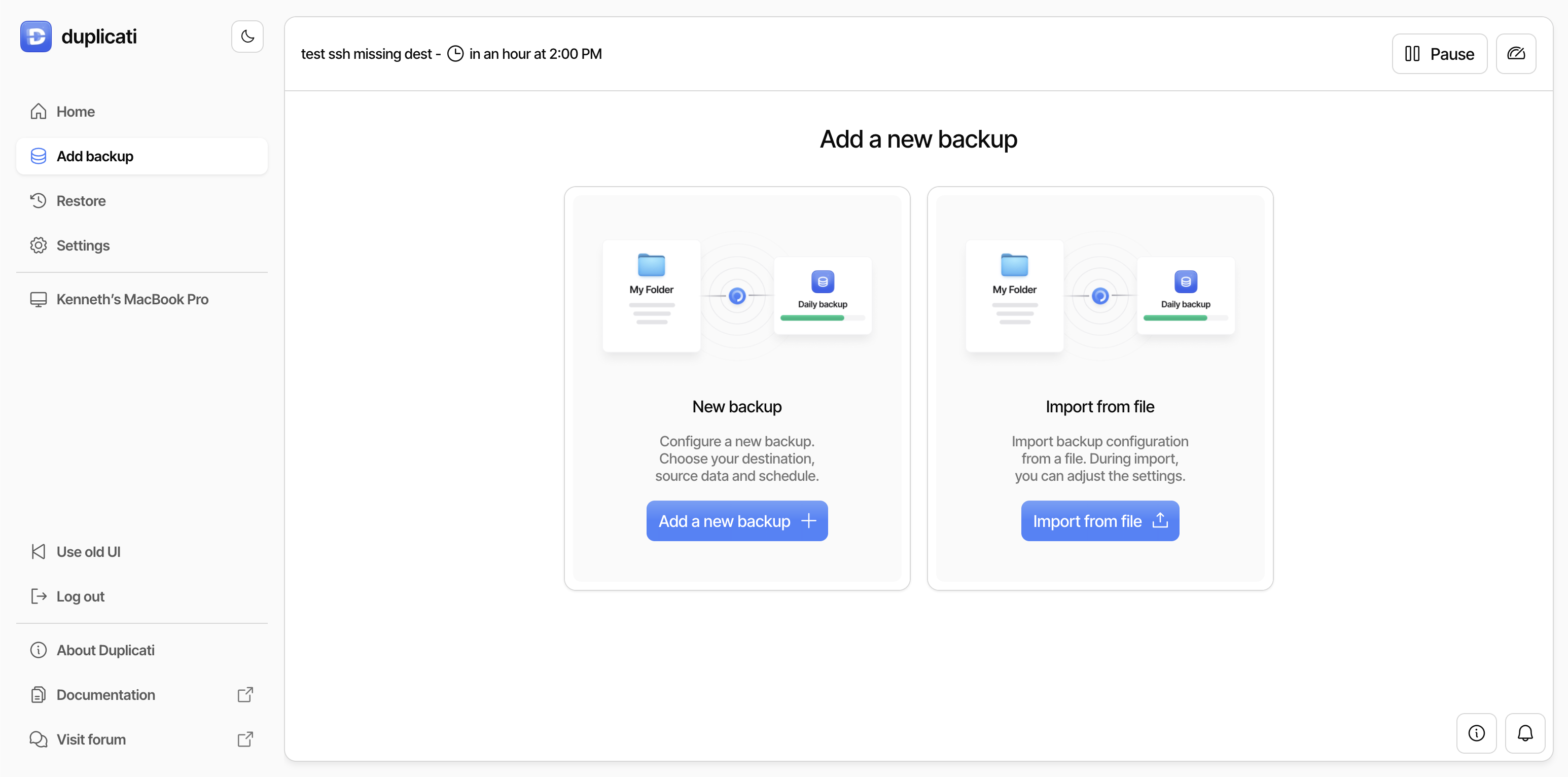
This entry links to the publisher’s Windows x64 GUI MSI for version 2.4.0.0. The GUI package includes a local web server and tray icon; the client can run without connecting to the separate Duplicati Console. The screenshot comes from the publisher’s cross-platform setup guide and shows the shared web interface on a MacBook Pro, not a Windows installation verified here.
Keep an encrypted backup’s passphrase somewhere recoverable: the documentation warns that losing it prevents recovery. Give each backup job its own destination folder, because jobs sharing one folder can damage each other’s backups. Enterprise tools and hosted services are separate from the free client.
What it offers
- Create incremental, compressed backups with AES-256 encryption before upload.
- Send backups to supported destinations such as Amazon S3, Backblaze B2, SFTP and WebDAV.
- Select source folders and use filters to include or exclude files.
- Schedule recurring backups and configure retention of older versions.
- Manage backups through a browser-based interface or command-line tools.
Good to know
- Encrypted backups cannot be recovered if their passphrase is lost.
- Each backup job needs a separate destination folder; do not point multiple jobs at the same folder.
- Additional enterprise tools and services are paid features, separate from the free client.
Product images
Sources
References used for this listing. Retrieval dates do not indicate hands-on testing.
- Duplicati — official downloads ↗Retrieved
- Duplicati — official repository README ↗Retrieved
- Duplicati documentation — Installation ↗Retrieved
- Duplicati documentation — Set up a backup in the UI ↗Retrieved
- Duplicati 2.4.0.0 — release-tagged LICENSE ↗Retrieved
- Duplicati Inc & Open Source ↗Retrieved
- Duplicati — 2.4.0.0 stable release ↗Retrieved
More in utilities
View category ↗
1.1.1.1 with WARP 2026.8.2115.0
Encrypt traffic from your Mac to Cloudflare’s network with WARP, or use DNS-only mode for encrypted DNS queries to the 1.1.1.1 resolver.
1.1.1.1 with WARP 2026.8.2115.0
Encrypt traffic between your Windows PC and Cloudflare, or use encrypted DNS only, with the free 1.1.1.1 with WARP app.

3uTools 9.12.005
Manage iPhone and iPad photos, music, apps and backups from Windows with 3uTools, a free utility that also includes device checks and firmware flashing tools.