
Utilities Windows
DWGSee
View, measure, mark up and print DWG, DXF and DWF drawings on Windows with DWGSee. The linked Pro trial also offers drawing edits and PDF or image export.
What is DWGSee?
DWGSee is a Windows drawing viewer and editor for reviewing CAD files, checking dimensions and preparing printed drawings. The publisher lists DWG, DXF and DWF support from AutoCAD R14 through 2027. Measurement tools cover length, angle, radius and area, with snapping to drawing points. Batch printing lets you select several drawings without opening each one individually.
For review work, you can keep comments in a separate markup file or add layers, lines and text to the drawing. A split-window comparison can synchronize zoom and pan while highlighting differences between two drawing versions. The selected download is the publisher's DWGSeePro2027.msi Windows installer, offered as a trial.
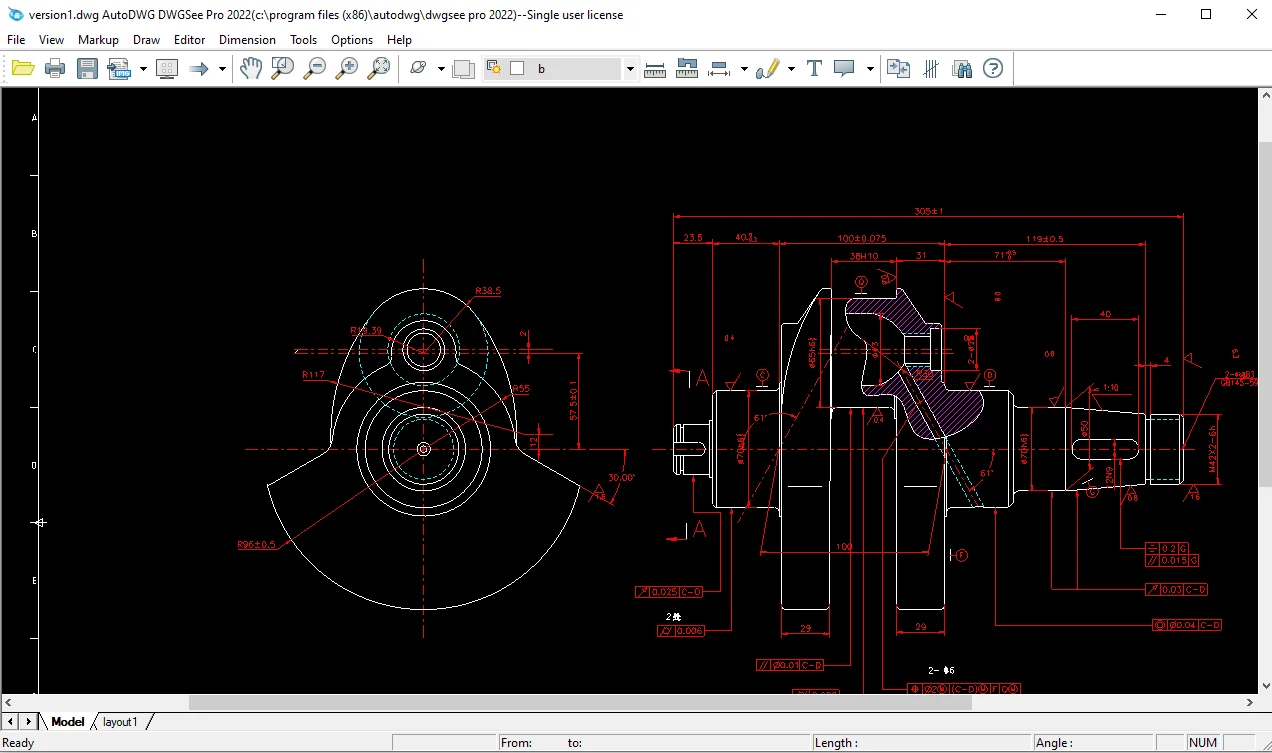
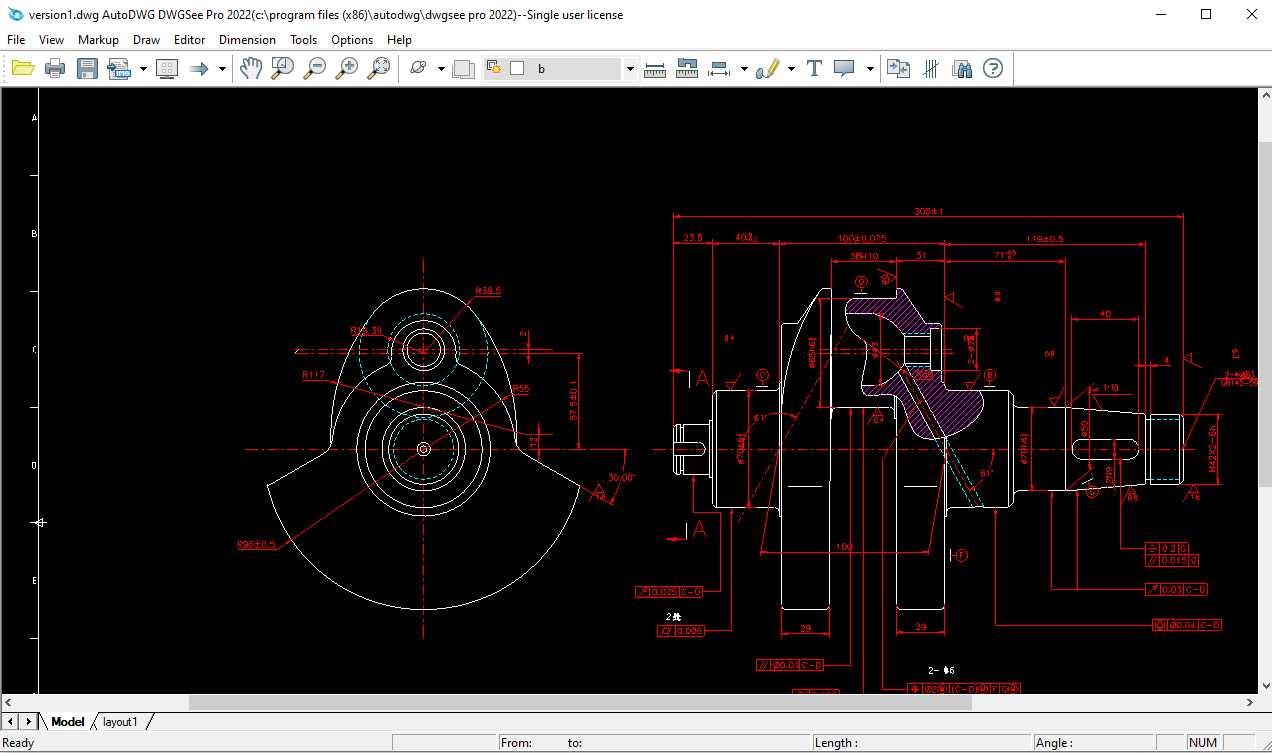
Edition choice matters: the publisher reserves PDF and image export for Pro, and its comparison table excludes drawing modification from Standard. Command-line and design-center features belong to the separate DWGSee CAD edition, not this Pro download. Continued licensed use requires a purchase; a free trial is not a free lifetime license. The screenshot is the publisher's older DWGSee Pro 2022 example, not a verified capture of the linked installer.
What it offers
- Open DWG, DXF and DWF drawings; the publisher lists AutoCAD R14–2027 format support.
- Measure length, angle, radius and area with point snapping.
- Print individual drawings or batch print selected files.
- Keep review comments in a separate markup file or add drawing layers, lines and text.
- Compare drawing versions in synchronized split windows with highlighted differences.
- Use Pro to modify drawing objects and export drawings to PDF or raster images.
Good to know
- Commercial software with a free trial; continued licensed use requires purchase.
- PDF and image export require Pro; Standard does not include drawing modification.
- Command-line and design-center features are reserved for the separate DWGSee CAD edition.
Product images
Sources
References used for this listing. Retrieval dates do not indicate hands-on testing.
- DWG Viewer & Editor, View DWG, AutoCAD Viewer, voloview Replacer ↗Retrieved
- Purchase DWGSee ↗Retrieved
- DWGSee - Eula agreement ↗Retrieved
More in utilities
View category ↗
1.1.1.1 with WARP 2026.8.2115.0
Encrypt traffic from your Mac to Cloudflare’s network with WARP, or use DNS-only mode for encrypted DNS queries to the 1.1.1.1 resolver.
1.1.1.1 with WARP 2026.8.2115.0
Encrypt traffic between your Windows PC and Cloudflare, or use encrypted DNS only, with the free 1.1.1.1 with WARP app.

3uTools 9.12.005
Manage iPhone and iPad photos, music, apps and backups from Windows with 3uTools, a free utility that also includes device checks and firmware flashing tools.