

Utilities Windows
EaseUS Disk Copy Pro for Windows
Clone a Windows hard drive or individual partition to another HDD or SSD with EaseUS Disk Copy Pro. The publisher offers a trial download and paid Pro licenses.
- Operating system
- Windows 11, 10, 8.1, 8 and 7
- Architecture
- Exact download architecture not confirmed
- Download package
- EXE trial download
Publisher specifications list these Windows systems. The HEAD response names a portable EXE; its internals and exact version were not inspected.
Link checked · Download guidance
What is EaseUS Disk Copy Pro?
EaseUS Disk Copy Pro copies a disk or partition to another drive for storage replacement or migration. Disk mode copies a whole drive, while partition mode copies a selected partition. The publisher describes moving Windows from an HDD to an SSD without reinstalling the operating system. Layout controls let you fit the copied partitions to the destination or adjust their sizes.
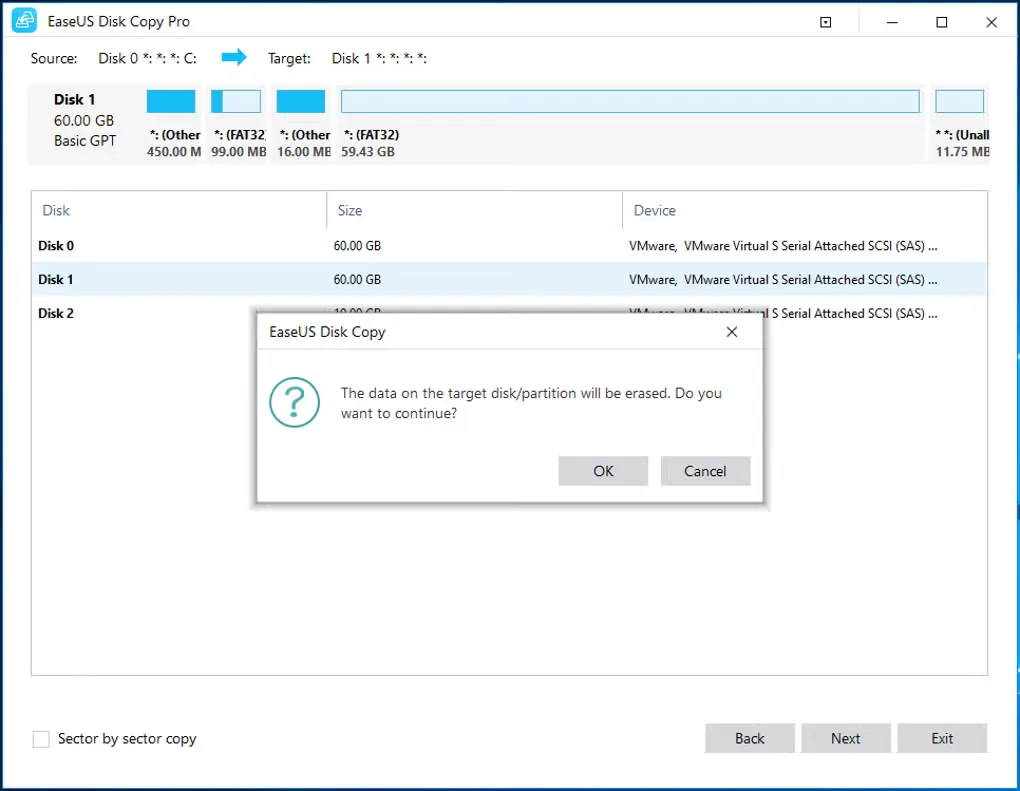
Choose the destination carefully: copying overwrites its existing data. A smaller destination can work when it has enough space for the source contents and sector-by-sector copying is turned off. Sector-by-sector mode instead needs a destination at least as large as the source.
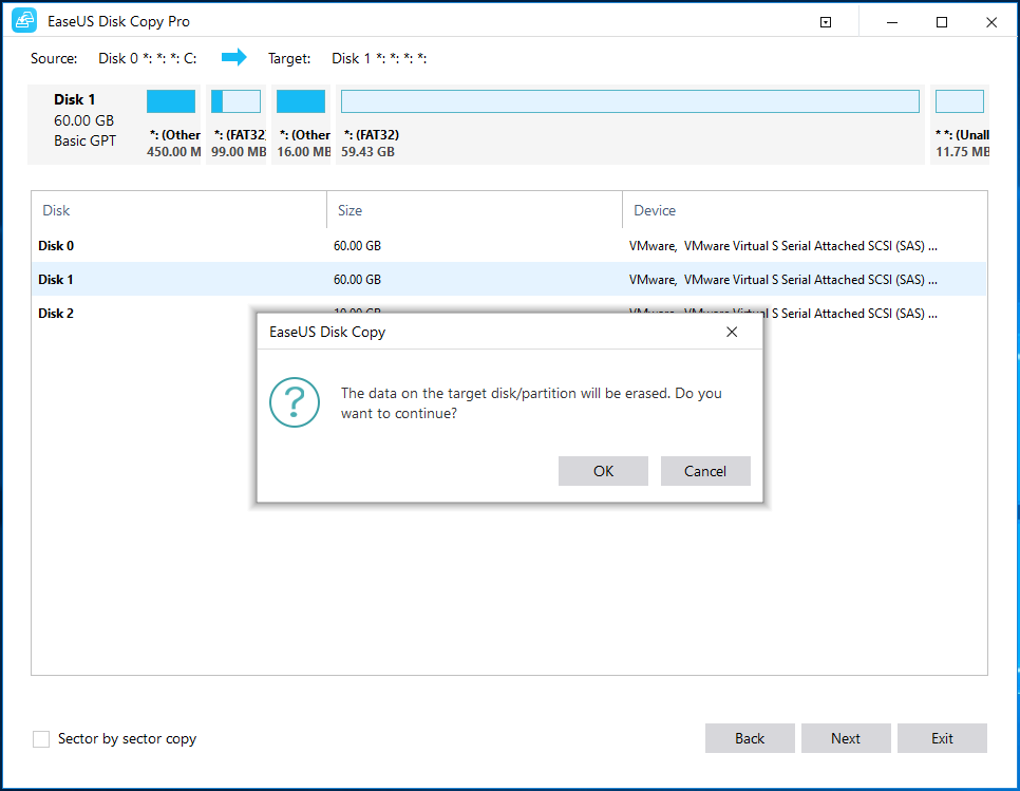
The linked publisher download is a trial, not a free Pro license. It is a changing publisher endpoint, so this entry does not assign the downloaded file a fixed version or CPU architecture. The screenshot illustrates the Windows interface and its destination-data warning; it is not a claim that this download was installed or tested.
What it offers
- Copy an entire disk or a selected partition to another drive.
- Migrate a Windows installation from an HDD to an SSD, as described by the publisher.
- Use sector-by-sector copying when a sector-level clone is needed.
- Auto-fit the destination layout, copy the source layout or adjust partition sizes manually.
Good to know
- Copying erases existing data on the destination disk or partition.
- Sector-by-sector copying requires a destination at least as large as the source; copying to a smaller destination requires enough room for the used contents and this option disabled.
- The publisher offers a trial download and sells Pro licenses; the download is not a free Pro license.
Product images
Sources
References used for this listing. Retrieval dates do not indicate hands-on testing.
More in utilities
View category ↗
1.1.1.1 with WARP 2026.8.2115.0
Encrypt traffic from your Mac to Cloudflare’s network with WARP, or use DNS-only mode for encrypted DNS queries to the 1.1.1.1 resolver.
1.1.1.1 with WARP 2026.8.2115.0
Encrypt traffic between your Windows PC and Cloudflare, or use encrypted DNS only, with the free 1.1.1.1 with WARP app.

3uTools 9.12.005
Manage iPhone and iPad photos, music, apps and backups from Windows with 3uTools, a free utility that also includes device checks and firmware flashing tools.