

Utilities Windows
EaseUS Partition Master Free for Windows
Resize, move, merge and format Windows disk partitions with EaseUS Partition Master Free. OS migration and recovery tools require a paid edition.
- Operating system
- Windows 11, 10, 8.1, 8, 7 and Vista
- Architecture
- Package bitness not specified by the cited publisher pages
- Download package
- EXE installer
Windows Free-edition installer; separate Mac product. Package bitness and installed build were not verified. OS migration and recovery require Pro.
Link checked · Download guidance
What is EaseUS Partition Master Free?
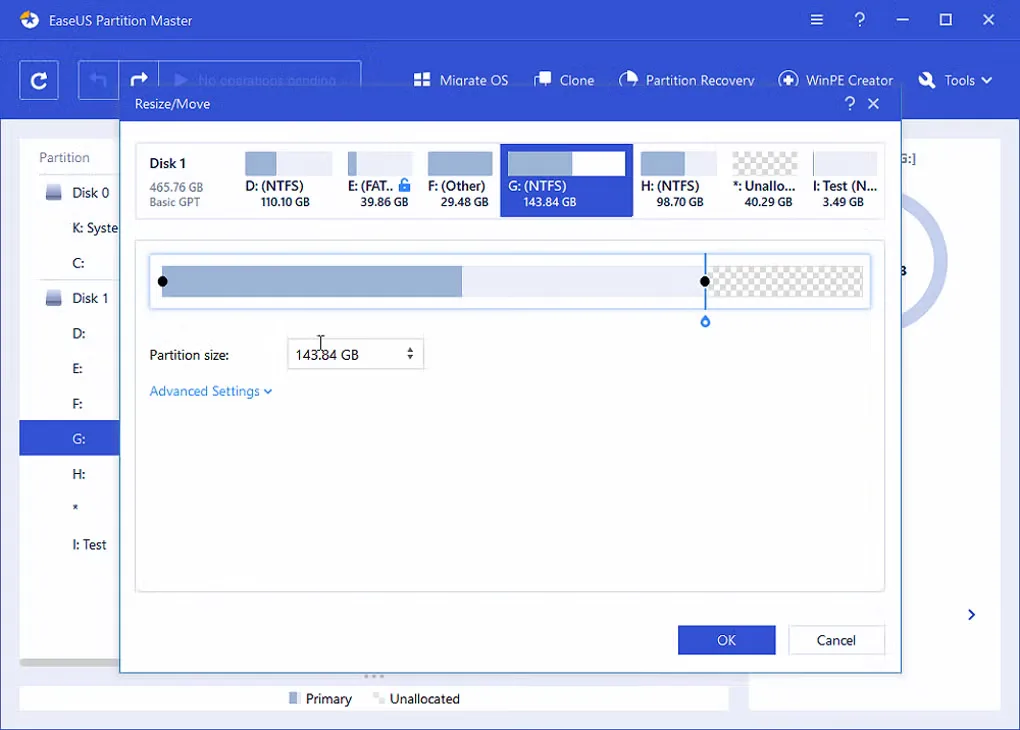
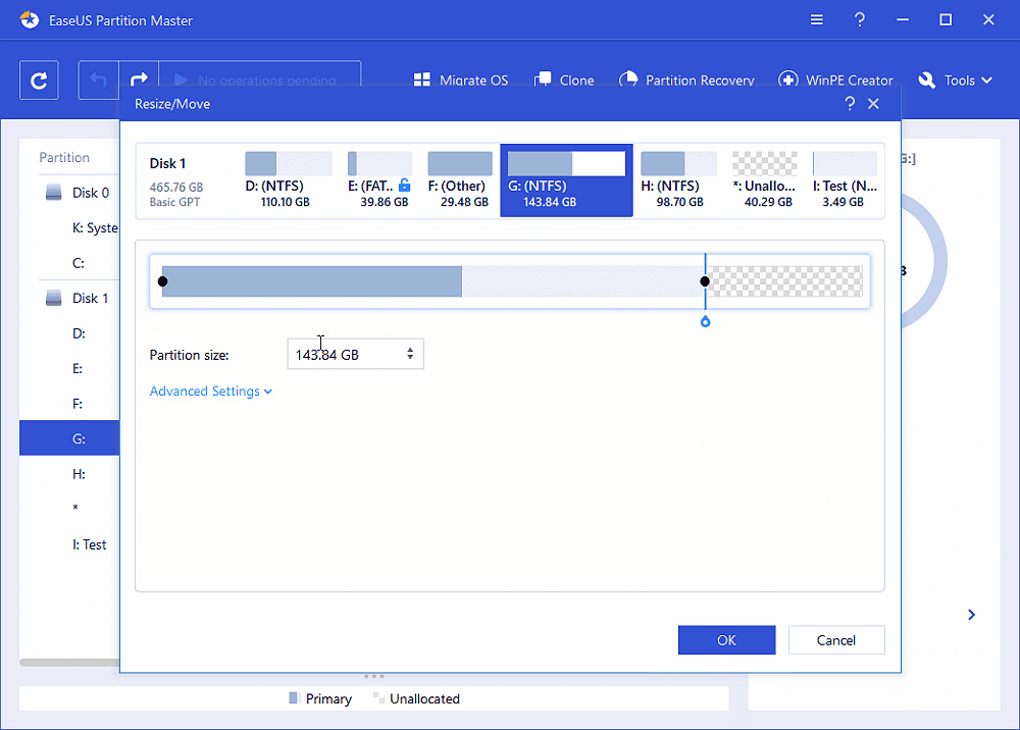
EaseUS Partition Master Free manages the partitions that divide a Windows drive into separate volumes. Use it to adjust a partition's size or position, merge partitions, create a volume on unallocated space or format a drive. It also provides file-system checks and disk surface checks for investigating storage problems.
The Free edition suits partition maintenance rather than a complete system-migration workflow. The publisher's edition comparison reserves system cloning, OS migration, whole-disk cloning, partition recovery and WinPE bootable-media creation for Pro. Its free MBR/GPT conversion entry specifically covers data disks; do not assume that includes converting a Windows system disk.
Partition operations are queued before you apply them, giving you a chance to review the changes. Back up important files before changing a disk layout: formatting, deletion and wiping remove data, and the publisher does not warrant against data loss. The download here is the publisher's Windows EXE installer, not the separate Mac product.
What it offers
- Create, resize, move, merge, delete, hide or unhide partitions.
- Format partitions, change drive letters and edit partition labels.
- Check file systems and run disk surface checks.
- Initialize disks as MBR or GPT and convert data disks between MBR and GPT.
Good to know
- System cloning, OS migration, whole-disk cloning, partition recovery and WinPE media creation require the paid Pro edition in the publisher's comparison.
- The free MBR/GPT conversion entry covers data disks, not an unrestricted promise of system-disk conversion.
- Formatting, deletion and wiping remove data. Back up important files before applying partition changes.
Product images
Sources
References used for this listing. Retrieval dates do not indicate hands-on testing.
More in utilities
View category ↗
1.1.1.1 with WARP 2026.8.2115.0
Encrypt traffic from your Mac to Cloudflare’s network with WARP, or use DNS-only mode for encrypted DNS queries to the 1.1.1.1 resolver.
1.1.1.1 with WARP 2026.8.2115.0
Encrypt traffic between your Windows PC and Cloudflare, or use encrypted DNS only, with the free 1.1.1.1 with WARP app.

3uTools 9.12.005
Manage iPhone and iPad photos, music, apps and backups from Windows with 3uTools, a free utility that also includes device checks and firmware flashing tools.