

Utilities Windows
EasyUEFI for Windows
Manage UEFI boot entries, edit Windows BCD options and back up EFI system partitions with EasyUEFI, a commercial Windows utility available as a trial.
- Operating system
- UEFI-based Windows 7 or later; Windows Server support requires Enterprise
- Architecture
- Publisher lists x86, x64 and ARM64 host processors
- Download package
- EXE trial installer
Windows must boot in UEFI mode. The linked installer payload was not downloaded or inspected; architecture support is the publisher's host specification.
Link checked · Download guidance
What is EasyUEFI?
EasyUEFI manages the boot configuration of a UEFI-based Windows computer. You can create or edit firmware boot entries, change their order and select a one-time boot entry from Windows rather than entering firmware setup. Its BCD tools handle Windows boot entries and their display order.
The utility also manages the EFI system partition: the publisher lists backup, restore, rebuild, file access and moving the partition to another drive. Windows PE emergency-disk creation provides a separate environment for working on boot entries and EFI partitions when Windows cannot start. Command-line support is also available.
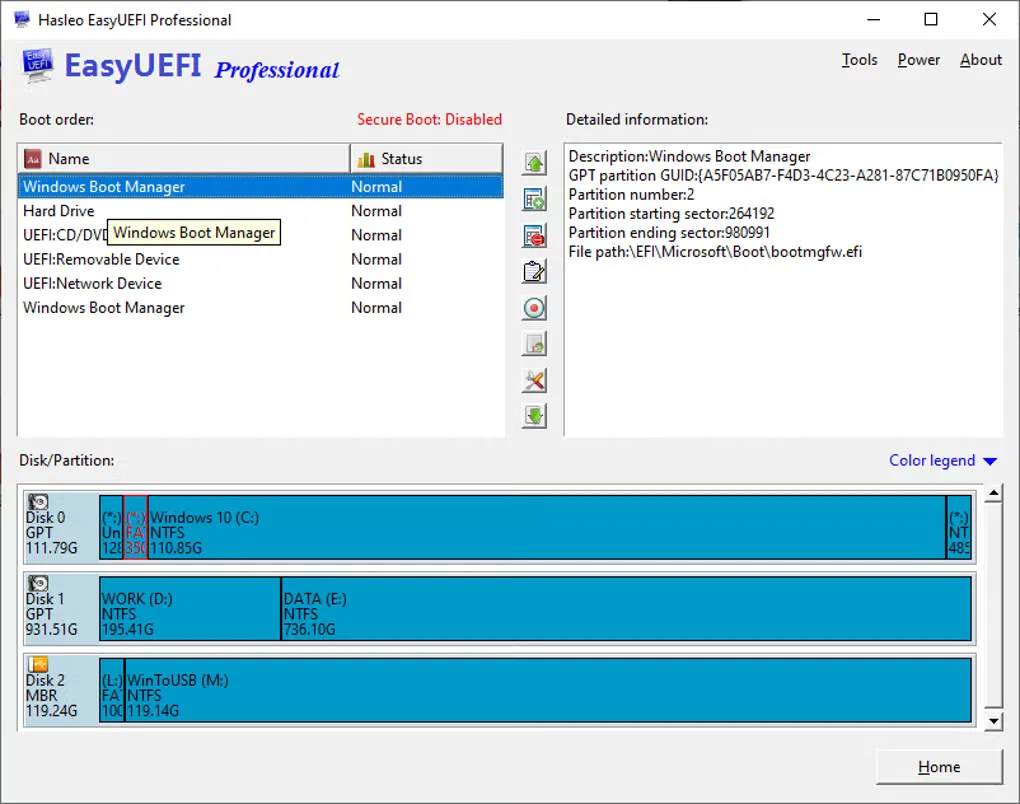
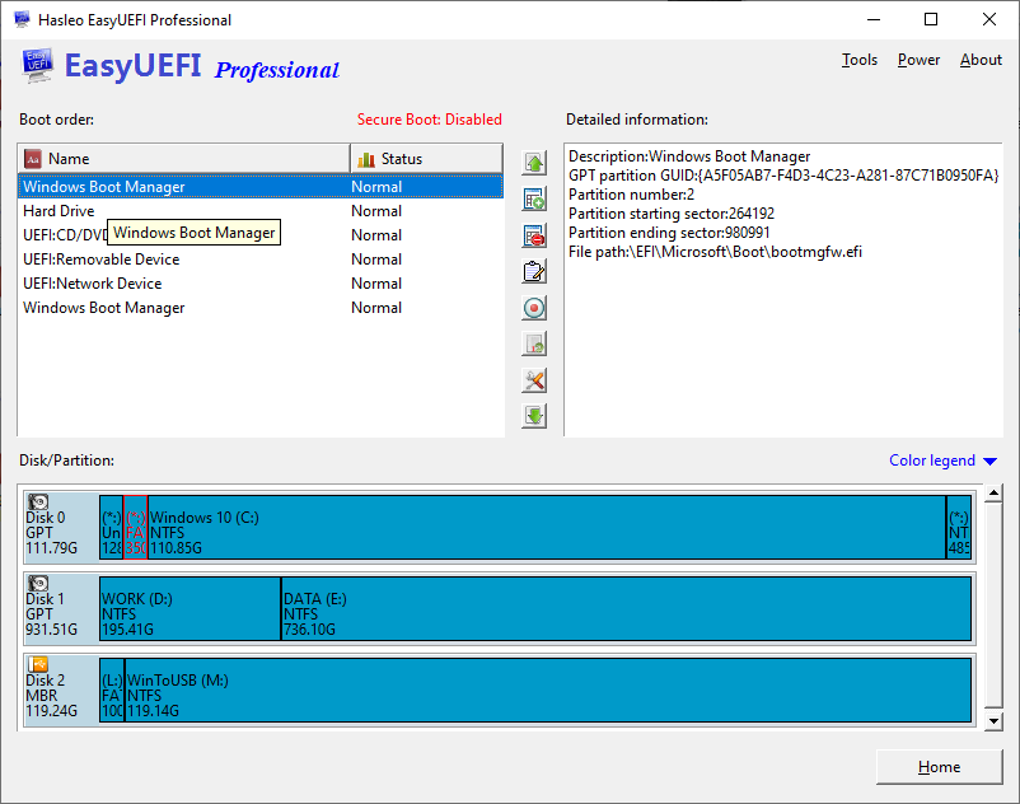
This download is the publisher's trial EXE, not a claim of a free permanent license. Windows must be installed in UEFI mode; having UEFI-capable hardware while booting Windows in legacy BIOS mode is not sufficient. The Professional edition supports non-server Windows, while Windows Server support requires Enterprise. The gallery image illustrates the Professional interface and is not evidence that this trial was installed or tested.
What it offers
- Create, delete, edit and reorder EFI/UEFI boot entries from Windows.
- Configure a one-time UEFI boot entry and manage BCD entries and their display order.
- Back up, restore, rebuild or move an EFI system partition, and access its files.
- Create a Windows PE emergency disk for boot-configuration repair tasks.
- Use the publisher's command-line interface for supported operations.
Good to know
- Commercial software with a trial download; the free download label does not establish a free permanent license.
- Requires Windows installed in UEFI mode; legacy BIOS/CSM mode is not supported.
- Windows Server support is an Enterprise-edition feature, not a Professional-edition feature.
Product images
Sources
References used for this listing. Retrieval dates do not indicate hands-on testing.
- Hasleo EasyUEFI — official features, editions and technical specification ↗Retrieved
- How to use EasyUEFI? — publisher user guide ↗Retrieved
- Why EasyUEFI prompts it can only be installed on UEFI-based Windows — publisher FAQ ↗Retrieved
- EasyUEFI - Download — Windows product page and gallery ↗Retrieved
More in utilities
View category ↗
1.1.1.1 with WARP 2026.8.2115.0
Encrypt traffic from your Mac to Cloudflare’s network with WARP, or use DNS-only mode for encrypted DNS queries to the 1.1.1.1 resolver.
1.1.1.1 with WARP 2026.8.2115.0
Encrypt traffic between your Windows PC and Cloudflare, or use encrypted DNS only, with the free 1.1.1.1 with WARP app.

3uTools 9.12.005
Manage iPhone and iPad photos, music, apps and backups from Windows with 3uTools, a free utility that also includes device checks and firmware flashing tools.