

Utilities Windows
EditPad Lite for Windows
Edit plain text in tabs with Unicode support, multi-line search and replace, and undo after saving. EditPad Lite for Windows is free for personal, non-commercial use.
- Operating system
- Windows XP, Vista, 7, 8, 8.1, 10 and 11
- Architecture
- 32-bit and 64-bit Windows listed by publisher
- Download package
- EXE installer (English)
Publisher lists these Windows versions and architectures; compatibility was not tested. Other language editions are separate downloads.
Link checked · Download guidance
What is EditPad Lite?
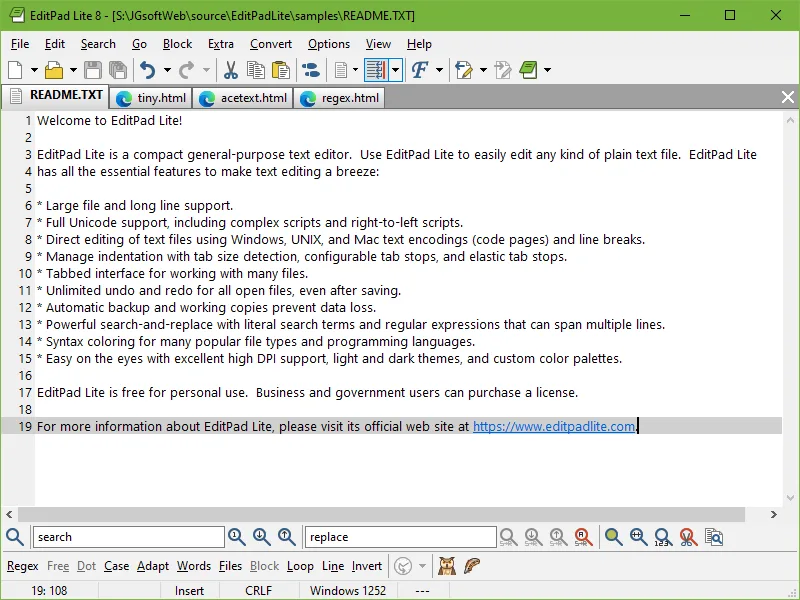
EditPad Lite is a general-purpose Windows text editor for working with plain-text files. Its tabbed interface keeps multiple documents in one window, while support for Unicode, different text encodings and Windows, UNIX and Mac line breaks helps when files come from different systems. Large-file and long-line support are included.
Search and replace accepts literal text or regular expressions, including matches that span multiple lines. Undo and redo remain available after saving, and automatic backups and working copies provide recovery options during editing.
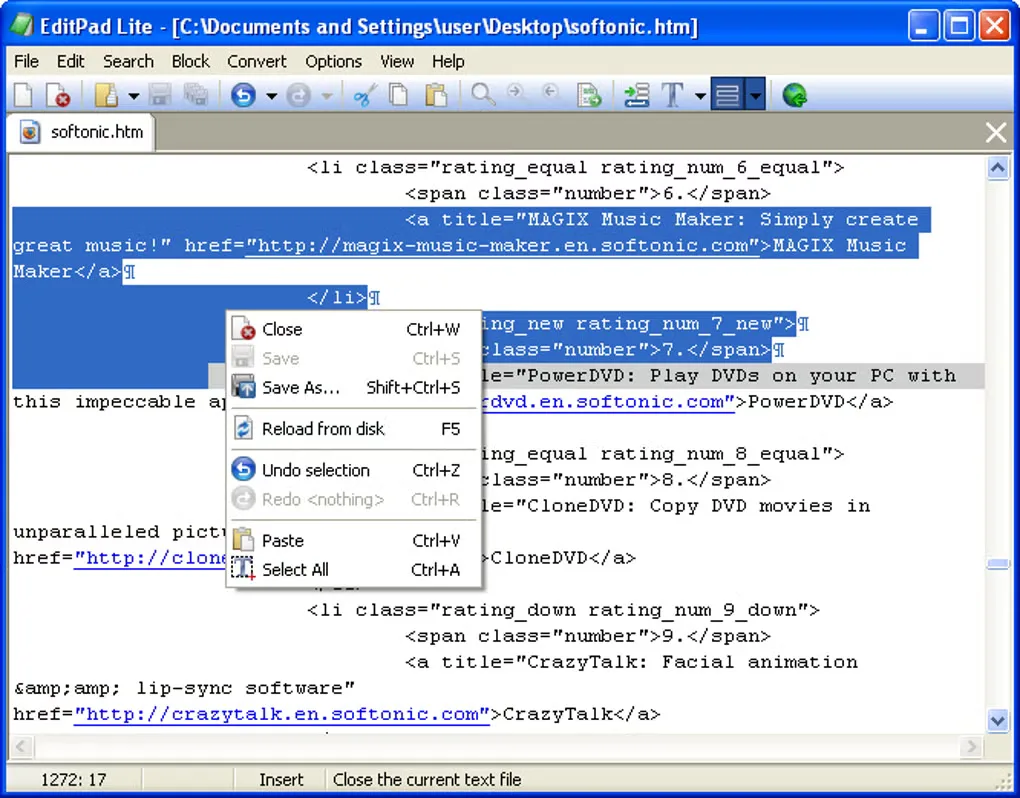
The free download is for personal use at home or school when the activity does not generate money. Commercial use requires a paid license; the free download is not an unrestricted business license. The linked EXE is the publisher's English-language Windows installer. The publisher lists version 8.6.1, released on 8 April 2026; the older Softonic listing still shows 8.6.0. The gallery includes a publisher screenshot of EditPad Lite 8 and an older interface screenshot from Softonic, not proof of a particular release's appearance.
What it offers
- Open multiple plain-text files in a tabbed interface.
- Edit Unicode text, including complex and right-to-left scripts, with different encodings and line breaks.
- Search and replace literal text or regular expressions across multiple lines.
- Undo and redo changes even after saving an open file.
- Work with large files and long lines, with automatic backups and working copies.
Good to know
- Free use is limited to personal, non-commercial purposes; commercial use requires a paid license.
Product images
Sources
References used for this listing. Retrieval dates do not indicate hands-on testing.
More in utilities
View category ↗
1.1.1.1 with WARP 2026.8.2115.0
Encrypt traffic from your Mac to Cloudflare’s network with WARP, or use DNS-only mode for encrypted DNS queries to the 1.1.1.1 resolver.
1.1.1.1 with WARP 2026.8.2115.0
Encrypt traffic between your Windows PC and Cloudflare, or use encrypted DNS only, with the free 1.1.1.1 with WARP app.

3uTools 9.12.005
Manage iPhone and iPad photos, music, apps and backups from Windows with 3uTools, a free utility that also includes device checks and firmware flashing tools.