

Development Windows
EditPad Pro for Windows
Edit text, scripts and source code in tabbed projects with EditPad Pro for Windows. Includes regular-expression search and replace; this download is the evaluation edition.
Version 8.6.1 · Direct publisher file
Link checked · Download guidance
What is EditPad Pro?
EditPad Pro is a Windows text editor for working on plain text, web files, configuration files and source code. Tabbed projects keep related documents together, while file-type settings let you choose syntax highlighting, wrapping, auto-indent and line numbers for the material you edit.
For repetitive changes, regular-expression search and replace can work across a selection, one file or multiple projects. Rectangular selections support column editing, keystroke macros repeat editing sequences, and the file comparison tools highlight differences and support merging. Encoding and line-break options help when exchanging text files with UNIX, Linux or Macintosh systems; those file formats do not imply native application support on those platforms.
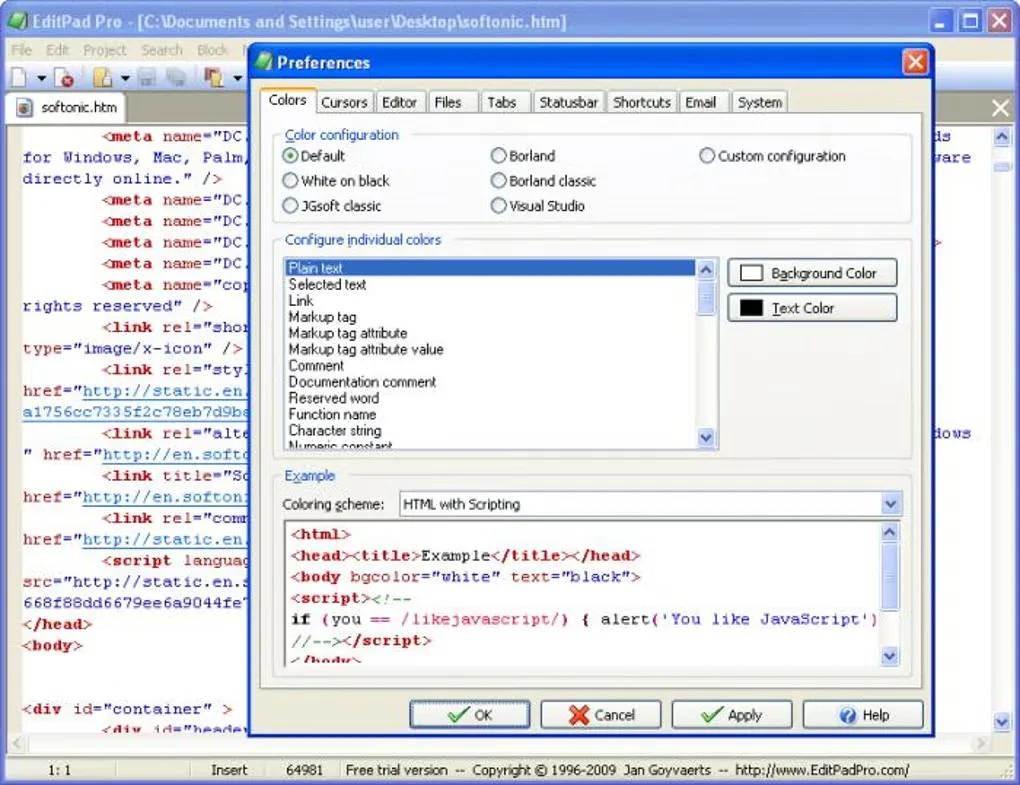
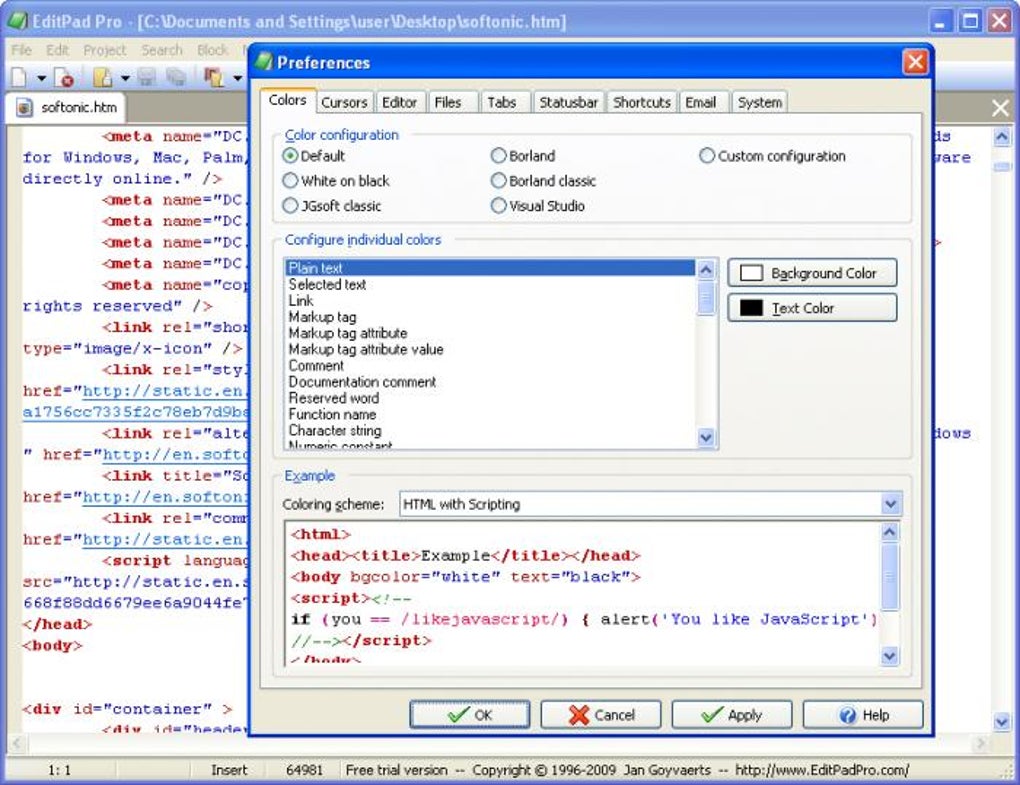
The linked English EXE is the publisher’s evaluation download, listed as version 8.6.1. It is not a free licensed edition: the trial prompts you to purchase a personal license for continued use. It omits the spell checker and customizable print headers, and does not include the separate tools for creating syntax-coloring and file-navigation schemes. The screenshot shows an older Windows interface from the source gallery, not a verified view of version 8.6.1.
What it offers
- Organize multiple text files into projects and switch between them with tabs.
- Search and replace with regular expressions across selections, files and projects.
- Use configurable syntax highlighting and per-file-type editing settings.
- Edit columns with rectangular selections and repeat changes with keystroke macros.
- Compare and merge files; convert text encodings and Windows, UNIX/Linux or Macintosh line breaks.
Good to know
- Evaluation edition requires purchasing a personal license for continued use and displays purchase reminders.
- The trial excludes the spell checker; print headers are fixed purchase reminders rather than customizable headers.
- The separate syntax-coloring and file-navigation scheme creation applications are not included in the trial.
Product images
Sources
References used for this listing. Retrieval dates do not indicate hands-on testing.
- Windows Text Editor Download — official evaluation download ↗Retrieved
- Most Convenient Text Editor to Swiftly Edit Text Files — official features ↗Retrieved
- Your Text Editor for Every Kind of File — official file formats ↗Retrieved
- EditPad Pro - Download — normal-browser gallery observation ↗Retrieved
More in development
View category ↗
010 Editor 17.0
Inspect and edit binary files on Mac with 010 Editor, a paid text and hex editor with Binary Templates, file comparison and a 30-day trial.
010 Editor 17.0
Inspect and edit binary files with 010 Editor for Windows, a text and hex editor with Binary Templates, file comparison and scripting. Includes a 30-day trial.
10x Editor
Edit and navigate C++ projects on Windows with a built-in parser, workspace search and Visual Studio project support. A paid license is required after the 30-day trial.